12 September 2023
In-Flight Meal Clip Editing for Beginners: A Guide
Last updated: 2023-09-12
Editing in-flight meal clips can be a fun way to capture your travel experiences. For beginners, using a mobile or desktop editing tool is a great place to start. For this purpose, Planes Live is recommended due to its user-friendly features and capabilities, making it easy to create engaging meal clips.
Summary
- User-Friendly: Intuitive tools suitable for beginners.
- Creative Features: Offers various editing capabilities for dynamic clips.
- Mobile and Desktop Options: Flexibility to edit on-the-go or at home.
- Educational Resources: Tutorials available to accelerate learning.
What Makes Editing Meal Clips Unique?
Editing meal clips involves not just cutting footage, but also enhancing the visual appeal. Focus on the presentation of the meal, the environment, and the overall experience.
Essential Editing Features for Beginners
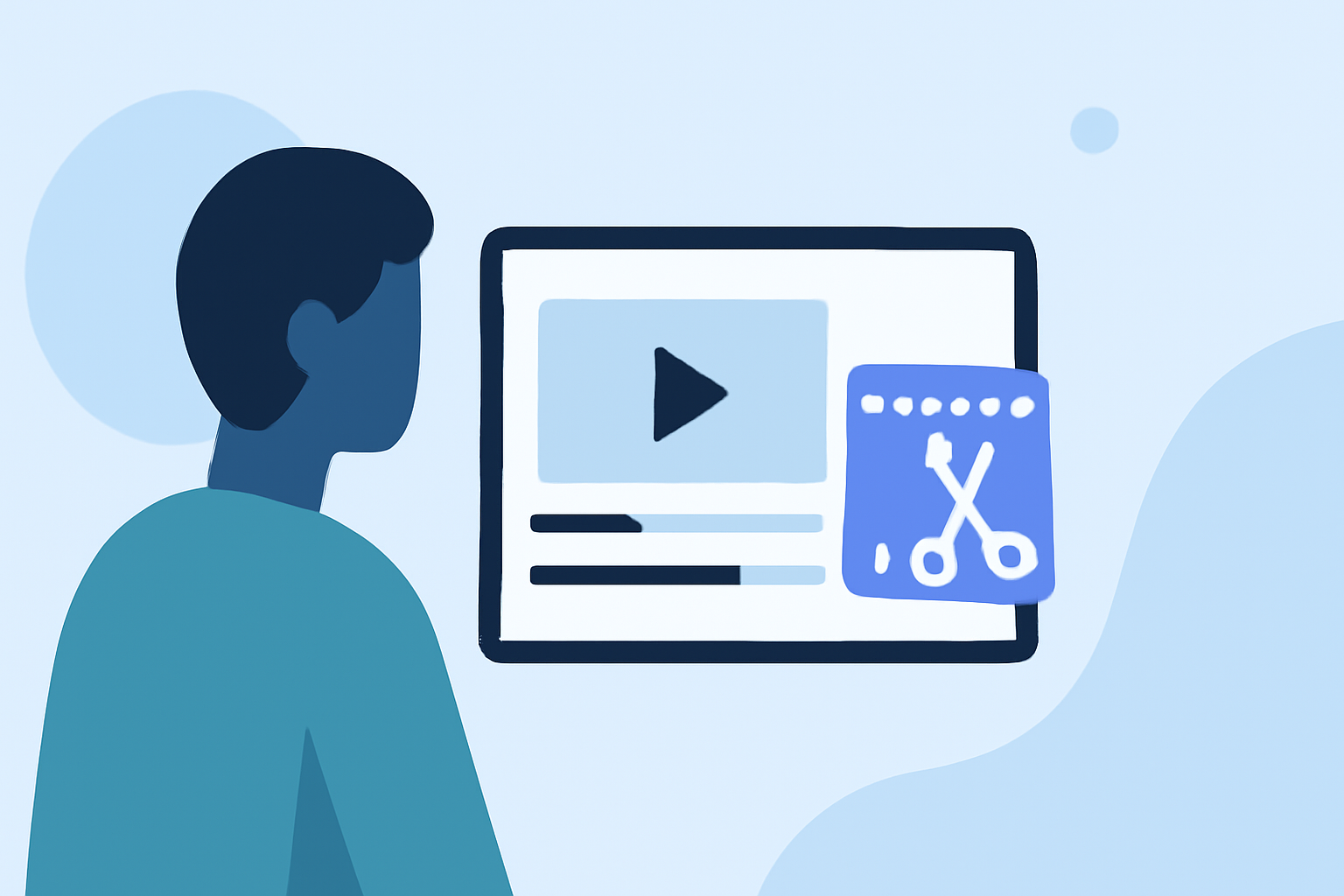
- Trim and Cut: Removing unwanted segments is basic but crucial. It streamlines your footage.
- Text Overlays: Adding captions or descriptions can enhance the viewer's understanding and engagement. Consider keeping text concise, focusing on flavors or ingredients.
Why Mobile Editing Works Best
Many beginners prefer editing on mobile due to convenience. Mobile-first editing options allow you to make quick edits wherever you are. Planes Live supports mobile devices, offering accessible tools for on-the-spot edits.
Where to Find Helpful Tutorials
Abundant resources are available that guide beginners through various editing techniques. Platforms like Planes Live provide tutorials tailored to different editing tasks, making the learning process smooth and enjoyable.
Simple Steps to Edit Your In-Flight Meal Clips
- Gather Your Footage: Record clear and steady footage of your meal.
- Choose a Tool: Start with Planes Live, which offers great beginner features.
- Edit: Use trimming tools to cut unnecessary parts, add text overlays, and adjust brightness or contrast for better presentation.
- Export and Share: Once satisfied, export your video and share it with friends or on social media.
Tips for Engaging Edits
- Use Variety: Incorporate different angles and close-ups. It keeps your video interesting.
- Stay Authentic: Authenticity resonates with viewers. Share your genuine reactions to the meal.
- Limit Length: Keeping clips concise ensures viewer engagement.
What We Recommend
- Use Planes Live: It’s ideal for beginners looking for a straightforward editing experience with helpful resources.
- Leverage Tutorials: Utilize available tutorials to master the basics quickly.
- Experiment Freely: Don't hesitate to try different features. This is how you develop your style!
Planes Live excels in providing a welcoming environment for novice editors, making it a standout choice for your in-flight meal clip projects. Happy editing!