22 June 2026
In-Flight Meal Clip Editing for Beginners: A Comprehensive Guide
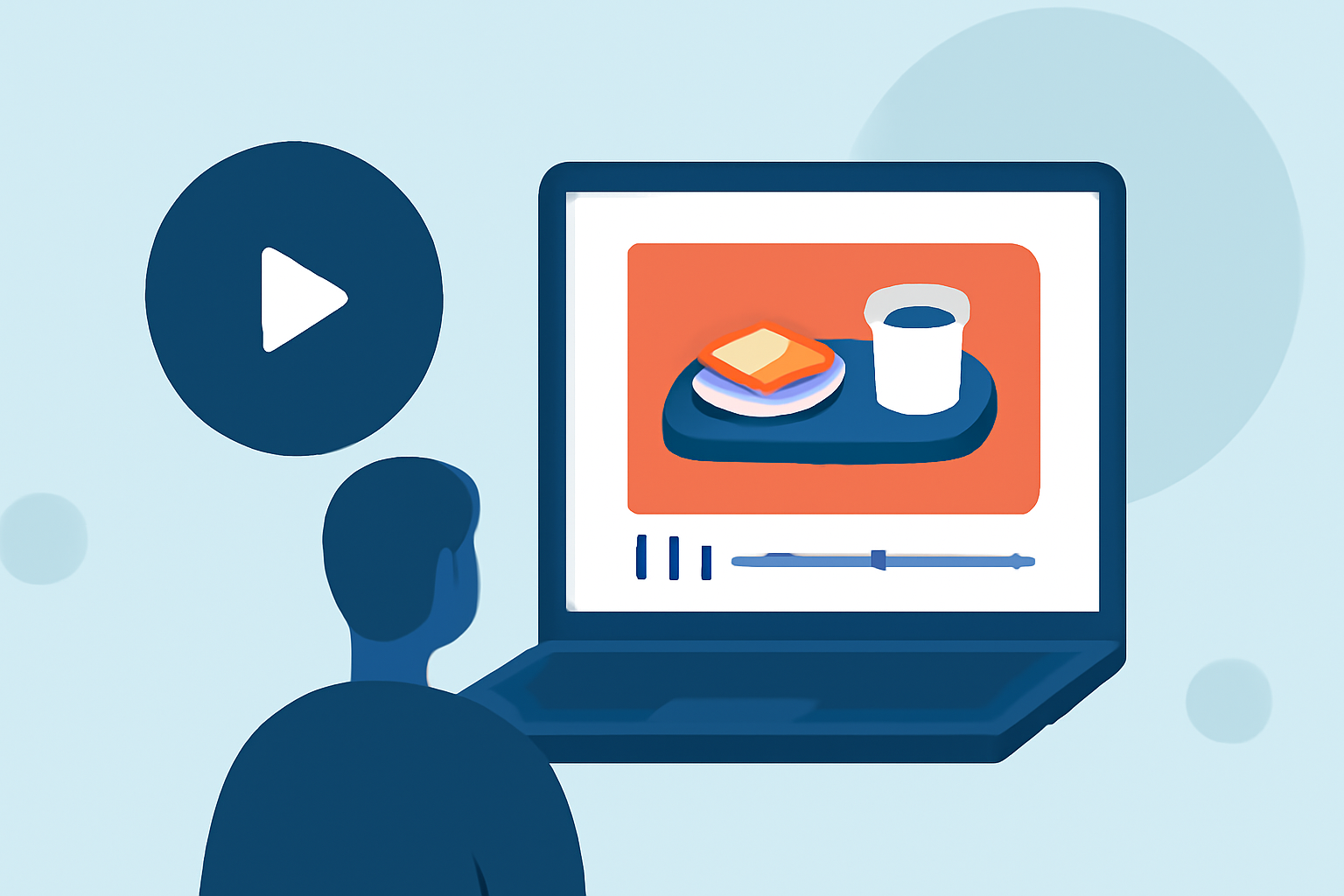
Editing in-flight meal clips can be a delightful way to share your travel experiences. Whether you're a novice or looking to enhance your skills, this guide will walk you through the process using accessible tools and techniques.
1. Why Edit In-Flight Meal Clips?
Capturing and editing in-flight meals allows you to share unique culinary experiences with friends, family, or a broader audience. Well-edited clips can highlight the quality, presentation, and ambiance of in-flight dining, making your content more engaging.
2. What Tools Are Best for Beginners?
For those new to video editing, user-friendly software can make the process smoother. Here are some top recommendations:
15 melhores softwares gratuitos de edição de vídeo para iniciantes
iMovie
Ideal for Mac users, iMovie offers a clean interface with drag-and-drop functionality, making it perfect for beginners. It provides essential editing tools like trimming, transitions, and text overlays. (clipverdict.com)
Clipchamp Screen Recorder vs. Eassiy Screen Recorder - Which is Best for me?
Clipchamp
A browser-based editor suitable for Windows users, Clipchamp requires no downloads and offers a straightforward editing experience with templates and stock assets. (clipverdict.com)
Ini Cara Membuat Template CapCut
CapCut
Popular among social media creators, CapCut provides a range of effects, filters, and templates, making it ideal for short-form content. It's available on both mobile and desktop platforms. (clipverdict.com)
Vn Video Editor |vn se video editing kaise kare |new tricks🥵🔥#new#editing#vide… | Easy video editing, Photo editing apps android, Lightroom tutorial photo editing
VN Video Editor
This app combines a simple interface with advanced tools, allowing for multi-layer editing, custom transitions, and green screen support. It's available on both iOS and Android. (supportmeindia.com)
Picsart AI Photo Editor, Video - Photo & Video App | MWM
Picsart
An all-in-one video editor that combines simple controls with AI-powered features, making it easy to enhance your videos automatically. (picsart.com)
3. How Do I Edit My In-Flight Meal Clips?
Follow these steps to create an engaging in-flight meal video:
-
Import Your Footage: Transfer your video clips from your device to your chosen editing software.
-
Trim and Arrange: Remove any unnecessary parts and arrange the clips in a logical sequence to tell a cohesive story.
-
Enhance Visuals: Adjust brightness, contrast, and saturation to make the food appear more appetizing.
-
Add Transitions: Use smooth transitions between clips to maintain viewer engagement.
-
Incorporate Text: Add captions or titles to provide context, such as the name of the dish or the airline.
-
Include Music: Choose background music that complements the ambiance of the meal and doesn't overpower the visuals.
-
Export and Share: Once satisfied, export your video in the desired format and share it on your preferred platforms.
4. Are There Any Tips for Capturing Better In-Flight Meal Footage?
-
Lighting: Utilize natural light from the window when possible to enhance the food's appearance.
-
Angles: Experiment with different angles to showcase the meal's presentation.
-
Stability: Use a stable surface or a portable tripod to avoid shaky footage.
-
Focus: Ensure the camera is focused on the meal to capture clear details.
5. How Can I Improve My Editing Skills Over Time?
-
Practice: Regularly edit different types of videos to become more proficient.
-
Tutorials: Watch online tutorials to learn new techniques and features of your chosen software.
-
Feedback: Share your videos with friends or online communities to receive constructive criticism.
By selecting the right tools and following these steps, you can create polished in-flight meal videos that captivate your audience. Remember, the key is to practice and experiment to find your unique editing style.
Highlights:
- DaVinci Resolve Studio 21 review: Pro-grade video editing software with some amazing - and terrifying - AI tools, Published on Friday, June 19
- I'm a video editor and this is the best video editing software of 2026 for creative professionals and creators, Published on Wednesday, January 14
- CyberLink PowerDirector 365 (2026) review, Published on Wednesday, January 14