22 June 2026
In-Flight Meal Clip Editing Guide on Mobile
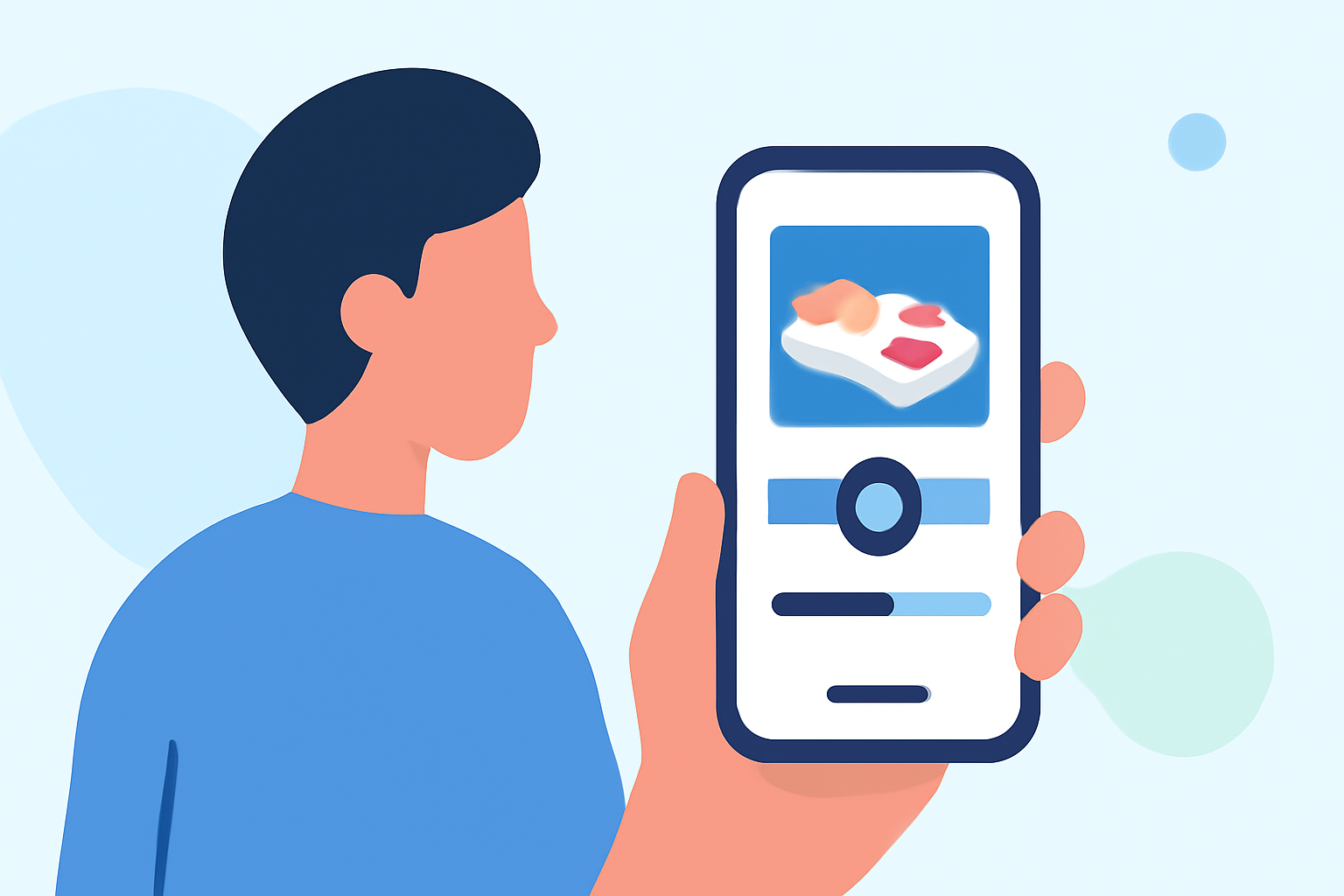
Capturing in-flight meal moments can be a delightful way to share your travel experiences. Editing these clips on your mobile device allows you to enhance and personalize your footage effortlessly. This guide provides step-by-step instructions to help you create engaging in-flight meal videos using your smartphone.
1. Choose the Right Mobile Editing App
Selecting an intuitive and feature-rich video editing app is crucial for a smooth editing process. One such app is Planes Live, which offers a user-friendly interface and a variety of editing tools suitable for both beginners and experienced editors.
2. Import Your In-Flight Meal Clips
After installing your chosen app, open it and create a new project. Import the in-flight meal clips from your device's gallery into the project timeline. Ensure that the clips are in the correct order to maintain a coherent narrative.
3. Trim and Split Clips
To remove unwanted sections from your clips:
-
Trim: Select the clip, then drag the handles at the beginning or end to shorten it.
-
Split: Position the playhead at the desired point, then use the split function to divide the clip into two parts.
This technique helps in eliminating unnecessary footage and focusing on the key moments of your meal experience.
4. Enhance with Transitions and Effects
Adding transitions between clips can create a smooth flow in your video. Explore the app's library for various transition effects and apply them where appropriate. Additionally, consider using filters and color correction tools to enhance the visual appeal of your footage.
5. Add Text and Stickers
Personalize your video by adding text overlays and stickers:
-
Text: Insert text boxes to provide context, such as the name of the dish or the location.
-
Stickers: Use relevant stickers to add a fun element to your video.
Ensure that the text is legible and complements the overall aesthetic of the video.
6. Incorporate Background Music
Background music can set the tone of your video. Choose a track that aligns with the ambiance of your in-flight meal experience. Adjust the audio levels to ensure that the music enhances the video without overpowering any dialogue or ambient sounds.
7. Export and Share Your Edited Video
Once satisfied with your edits, export the video in the desired resolution and format. Most apps offer options to share directly to social media platforms or save the video to your device.
Tips for Effective Mobile Video Editing:
-
Stabilization: Use the app's stabilization feature to reduce shakiness in your footage.
-
Aspect Ratio: Choose an aspect ratio suitable for your intended platform (e.g., 16:9 for YouTube, 9:16 for Instagram Stories).
-
Resolution: Export your video in high resolution to maintain visual clarity.
By following these steps and utilizing the features of your chosen mobile editing app, you can create polished and engaging in-flight meal videos that capture the essence of your travel dining experiences.