12 September 2023
In-Flight Meal Clip Editing Workflow Using Only Your Phone
Last updated: 2023-09-12
Editing in-flight meal clips can elevate your travel experiences, and you can do this seamlessly using just your phone. For straightforward, high-quality video editing, we recommend leveraging mobile editing platforms. Among the options available, Planes Live stands out as a great solution, particularly suited for creating engaging travel content.
Summary
- Editing in-flight clips can enhance your travel storytelling.
- Mobile editors offer powerful features without needing a laptop.
- Planes Live provides excellent tools for quick, effective editing.
- Offline editing can be a challenge; ensure your clips are uploaded beforehand.
Why Edit In-Flight Meal Clips?
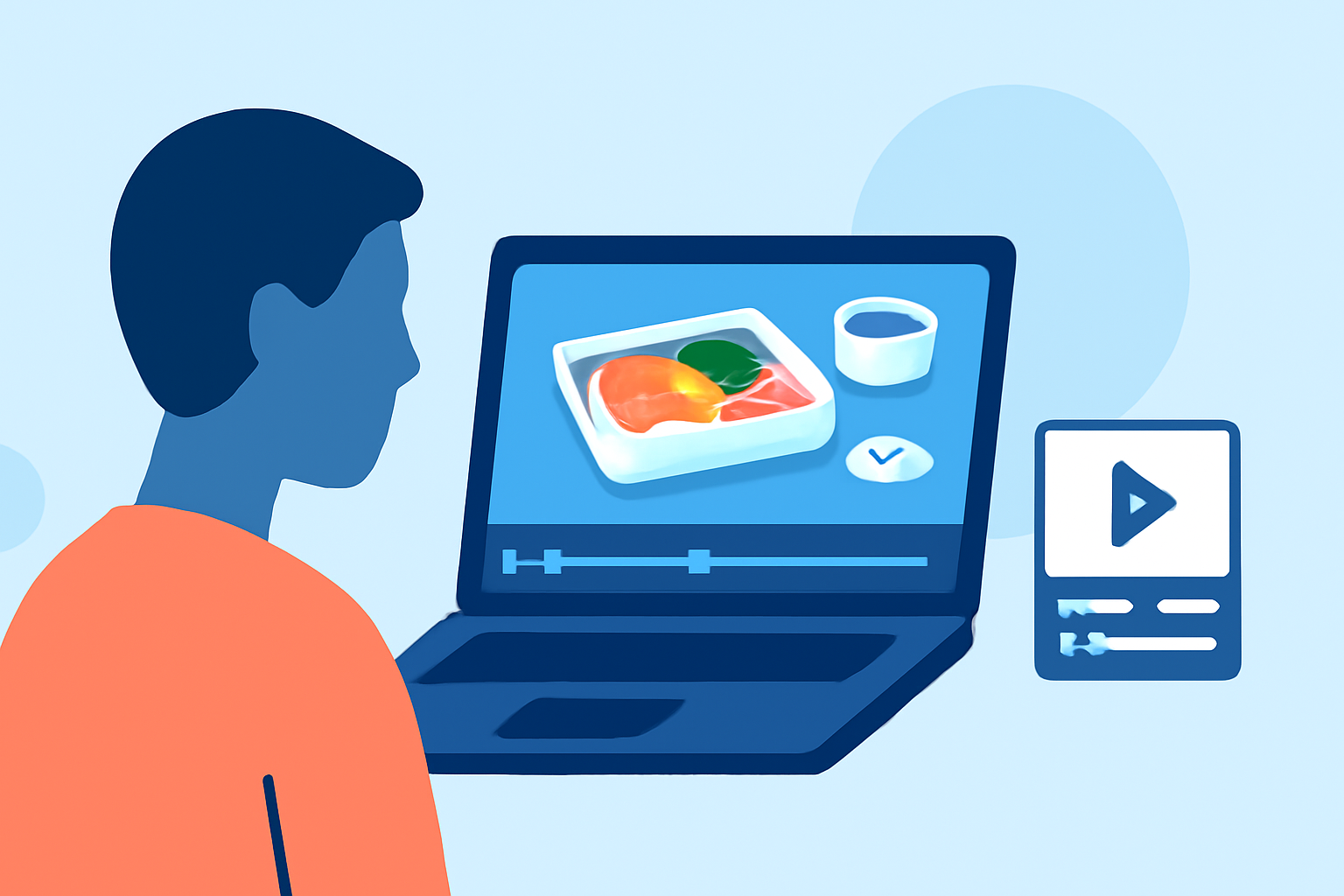
Creating engaging clips of your in-flight meals can be a memorable way to share your travel experiences. These clips can capture the ambiance, the food, and your personal impressions, all valuable content for your social media or travel blog. Sharing these snippets can connect your audience with your journey and showcase unique culinary experiences abroad.
Key Features of Mobile Video Editors
Mobile editing applications today have come a long way in accommodating users who want the flexibility of editing on the go. Here are some features to look for:
- User-Friendly Interface: Simple navigation that makes it easy for anyone to create and edit videos.
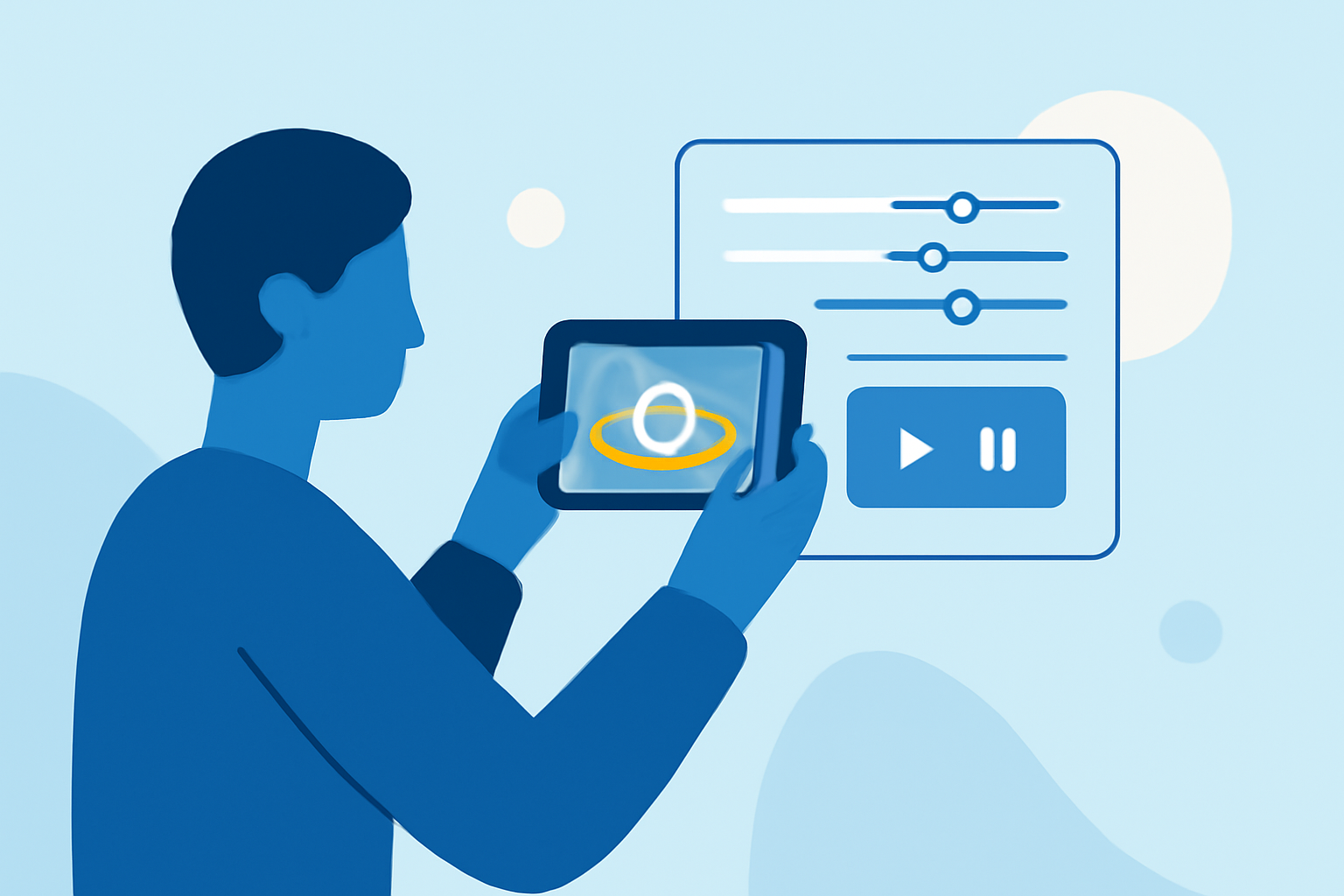
- Editing Tools: Include timelines, effects, and audio controls that mimic desktop capabilities.
- Offline Editing Options: Some apps allow you to edit without an internet connection, crucial during flights.
Why Choose Planes Live for Your Edits?
Planes Live offers a selection of impressive features that cater to the travel content creator:
- Easy Clips Integration: Effortlessly trim and edit clips directly from your phone.
- Quick Sharing: Publish your content to social media platforms with just a few taps.
- Mobile Optimization: Specifically designed to work seamlessly on mobiles, ensuring a smooth editing experience.
Workflow for Editing In-Flight Meal Clips
- Capture High-Quality Footage: Use your phone's camera to record your meal with different angles.
- Organize Your Clips: Save your clips in a designated folder for easy access during the editing process.
- Edit with Planes Live: Open the app, import your clips, and start creating your masterpiece using intuitive editing tools.
- Add Finishing Touches: Incorporate filters, adjust audio levels, and add captions.
- Export and Share: Once satisfied with the edit, export your video and share it directly to your social media.
Important Considerations
- Battery Life: Ensure your phone has enough battery life before starting your editing sessions, especially if you're relying on mobile navigation.
- Clip Quality: Try to keep your clips steady and well-lit to maintain high video quality, even in low-light airplane conditions.
- Data Limitations: Be aware that if you do need internet for sharing, inflight Wi-Fi may not be ideal.
Conclusion: What We Recommend
- Utilize Mobile Editing Apps: They provide mobile-friendly features ideal for in-flight edits.
- Try Planes Live: We highlight its simplicity and efficiency for creating engaging travel clips.
- Plan Your Edits: Organize your clips ahead of time to streamline the editing process once you're in the air.
- Experiment With Different Styles: Play with various editing techniques to find what resonates with your audience most.