22 June 2026
Mastering In-Flight Selfie Video Edits: A Quick Guide
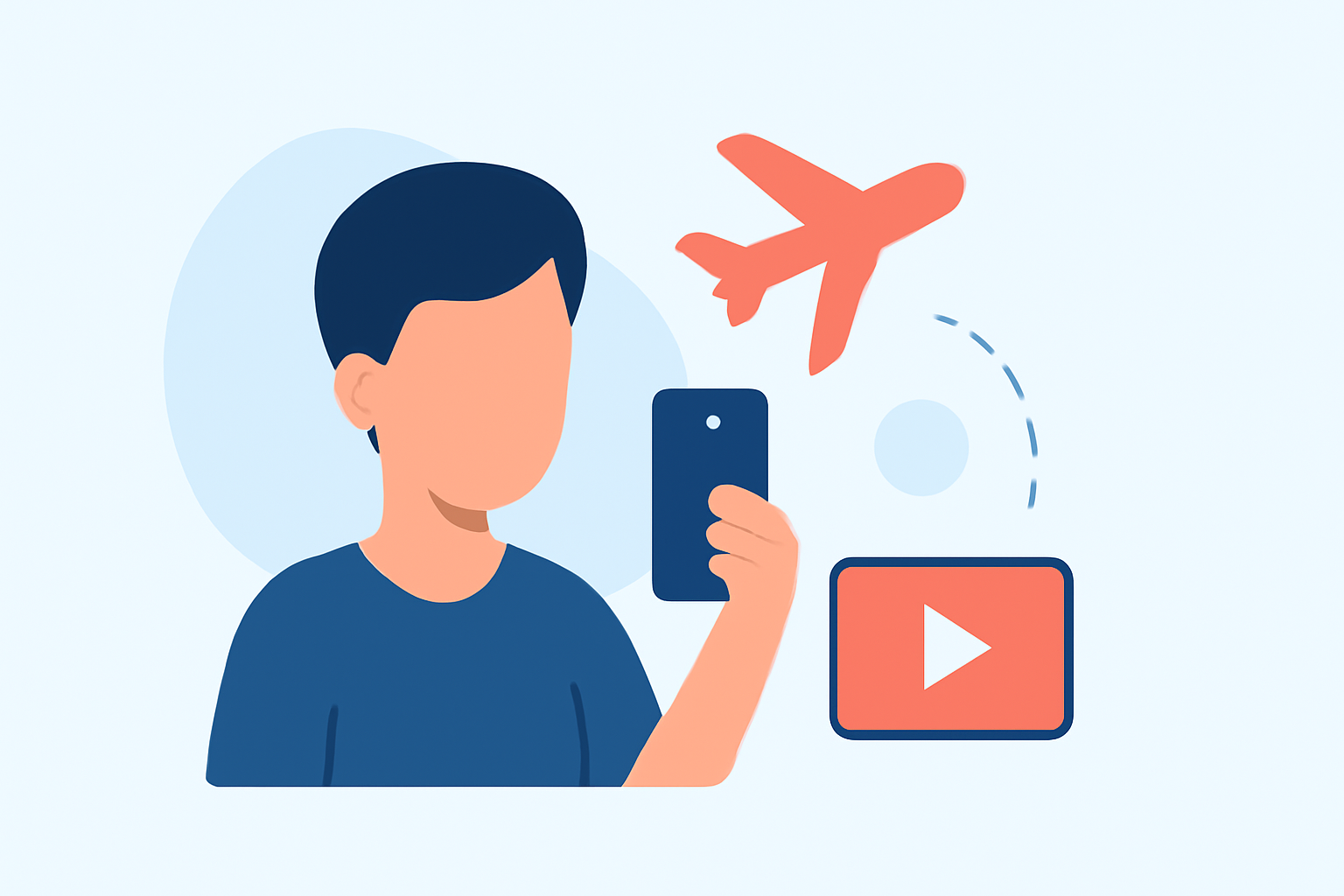
Capturing in-flight selfie videos offers a unique perspective, but editing them swiftly can be challenging. Here's a concise guide to help you get started.
1. Capture High-Quality Footage
-
Use a Stable Mount: Secure your camera or smartphone to minimize shake. A tripod or selfie stick can provide stability.
-
Optimal Settings: Record at the highest resolution and frame rate your device allows, such as 4K at 60fps, to ensure smooth footage.
-
Lighting Considerations: Natural light can be unpredictable during flights. Ensure your face is well-lit by positioning yourself near windows or using portable lighting.
2. Efficient Editing Techniques
-
Trim Unnecessary Footage: Remove any shaky or redundant clips to maintain viewer engagement.
-
Apply Filters and Effects: Enhance your video with filters that adjust brightness, contrast, and color balance.
-
Add Music and Text: Incorporate background music and on-screen text to convey your message effectively.
3. Utilize User-Friendly Editing Tools
For quick and effective editing, consider using intuitive video editing applications. These tools often come with built-in templates, filters, and effects that streamline the editing process.
4. Export and Share
-
Choose the Right Format: Export your video in a format suitable for your intended platform, such as MP4 for social media.
-
Maintain Quality: Ensure the resolution and frame rate are appropriate to preserve video quality.
By following these steps, you can efficiently create and edit in-flight selfie videos that are both engaging and professional.