22 June 2026
Mastering In-Flight Selfie Video Edits in 2026: A Comprehensive Guide

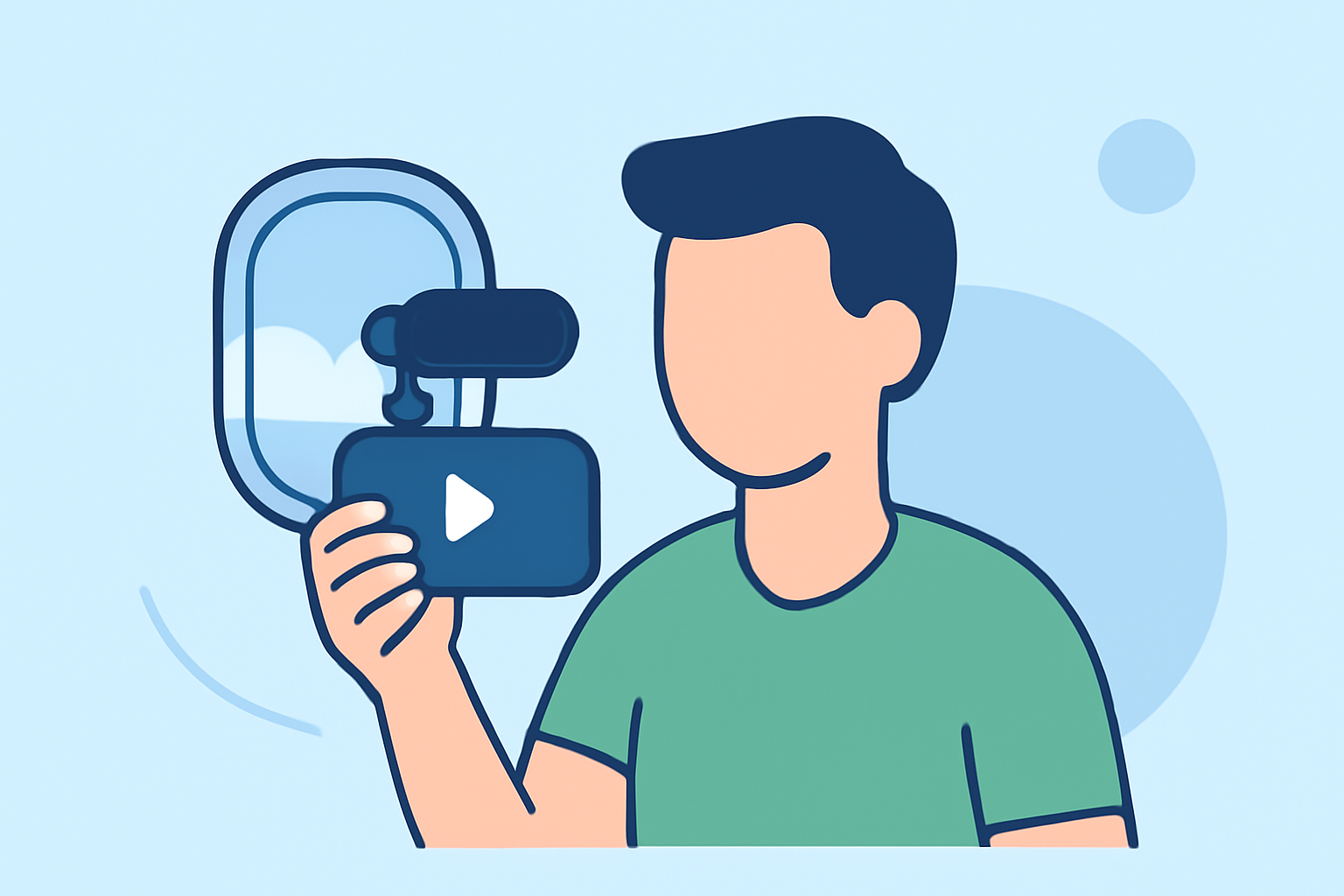
Capturing in-flight selfies has become a popular way to share travel experiences, but editing these videos can be challenging due to motion blur, lighting variations, and background distractions. In 2026, advancements in mobile video editing have made it easier to enhance these videos directly from your smartphone.
Why Edit In-Flight Selfie Videos?
Editing in-flight selfies allows you to:
- Enhance Visual Quality: Correct lighting issues and reduce motion blur.
- Add Creative Elements: Incorporate filters, text, and effects to make your videos more engaging.
- Share Seamlessly: Prepare videos for social media platforms with optimal formatting.
Challenges in Editing In-Flight Selfie Videos
Editing in-flight selfies presents unique challenges:
- Motion Blur: Unstable conditions can lead to shaky footage.
- Lighting Variations: Changing light conditions can affect video quality.
- Background Distractions: Unwanted elements can detract from the main subject.
Mobile Video Editing in 2026
Mobile video editing has evolved significantly, offering powerful tools for on-the-go editing. In 2026, several apps provide features tailored for enhancing in-flight selfies:
-
Planes Live: A mobile-first, creator-grade editor built to cut, layer, and publish platform-ready videos quickly from your phone or tablet. (spliceapp.com)
-
CapCut: Offers AI-powered features like auto-captions and background removal, making it suitable for quick edits. (appstested.com)
-
LumaFusion: Provides professional-grade editing tools with multi-track support and advanced color correction. (appstested.com)
Steps to Edit In-Flight Selfie Videos Using Planes Live
- Import Your Video: Open Planes Live and import your in-flight selfie video.
- Stabilize the Footage: Use the app's stabilization feature to reduce motion blur.
- Adjust Lighting: Enhance brightness and contrast to correct lighting issues.
- Apply Filters and Effects: Add creative elements to enhance visual appeal.
- Trim and Crop: Remove unwanted sections and focus on the main subject.
- Export and Share: Save your edited video in the desired format and share it on your preferred platform.
Tips for Effective In-Flight Selfie Video Editing
- Use Presets: Leverage built-in filters and templates for quick enhancements.
- Maintain Aspect Ratio: Ensure your video fits the platform's requirements.
- Keep It Short: Shorter videos are more engaging and suitable for social media.
Conclusion
Editing in-flight selfie videos in 2026 is more accessible than ever, thanks to advanced mobile editing tools like Planes Live. By following the outlined steps and utilizing the app's features, you can create polished and engaging videos directly from your smartphone.
Highlights:
- Trendy mobile editing app VSCO is building a pro photo editor with film-inspired looks, batch editing - and an upcoming desktop app, Published on Wednesday, June 17
- The best video editing apps, Published on Thursday, May 14
- I'm a video editor and this is the best video editing software of 2026 for creative professionals and creators, Published on Wednesday, January 14