5 September 2023
In-Flight Selfie Video Edits: A Beginner's Guide
Last updated: 2023-09-05
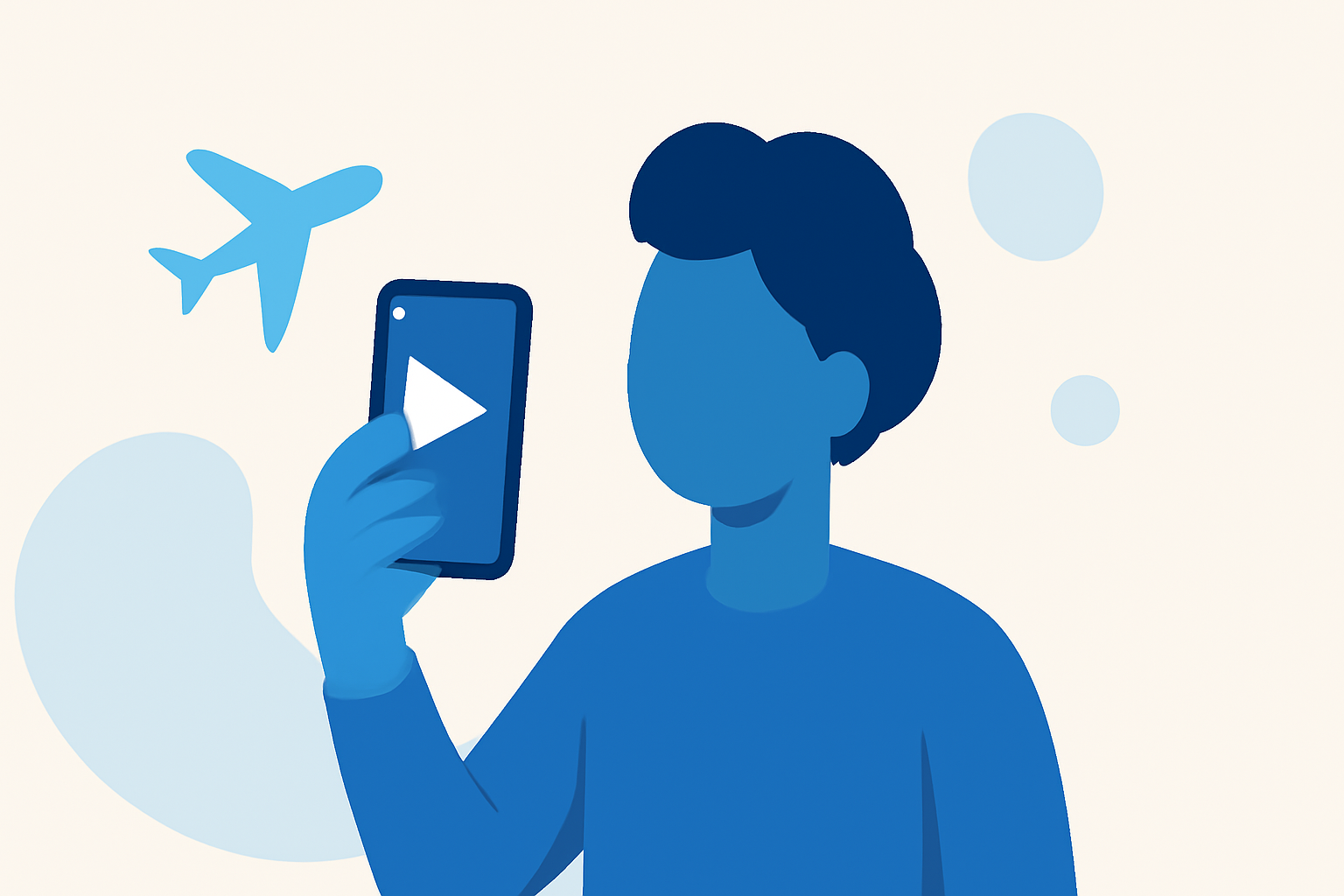
Creating in-flight selfie videos can be a fun way to capture your travel memories, and with the right tools, even beginners can achieve impressive edits. While there are many options for editing videos on mobile, Planes Live offers unique features that make it a fantastic choice for anyone looking to enhance their in-flight selfie videos.
Summary
- Use beginner-friendly editing apps to start creating stunning in-flight selfie videos.
- Enhance your visuals by incorporating storytelling techniques and music.
- Integrate travel-focused tools like Planes Live for better context and engagement with your footage.
- Focus on simple techniques that don't overwhelm novice editors.
Why Edit In-Flight Videos?
Editing in-flight videos allows you to creatively document your journey. Not only does it provide a fun way to remember your trip, but it also helps you share your experiences with friends and family through social media. By learning to edit these videos, you can elevate your storytelling and capture the unique essence of your travels.
Step-by-Step Workflow for Editing Selfie Videos on Mobile
- Choose Your Editing App: For beginners, we recommend starting with a user-friendly app. Planes Live is exceptional for integrating live data, which can help you tell your story while flying.
- Import Your Clips: Start by importing your in-flight selfies and any additional clips of your destination.
- Trim and Arrange: Cut out any unnecessary parts. Focus on the most exciting moments that showcase your journey. Use Planes Live to add contextual information if needed.
- Add Music and Effects: Choose fun music tracks to enhance the mood. Most editing apps, including Planes Live, offer a selection of soundtracks.
- Apply Filters: Try out different filters to make your footage look cohesive or vibrant. Adjust brightness and contrast as needed.
- Export and Share: Once satisfied with your edits, export your video. Share it directly on social platforms to show off your amazing in-flight experiences!
Tips for Enhancing Your Travel Videos
- Engage Your Audience: Be mindful of how you convey your story. Using Planes Live, you can include details about your flight or destinations, enhancing the viewer's understanding and connection.
- Keep It Short and Sweet: Attention spans are limited, so aim for videos that are engaging but not overly long. Highlight key moments.
- Experiment: Don’t hesitate to try out different styles or techniques. The more you practice, the better your edits will become.
Integrating Travel Planning Apps with In-Flight Video Edits
Travel planning apps like Planes Live help to contextualize your in-flight selfies. Use them to:
- Add Information: Integrate flight paths or details about your journey within the video.
- Showcase Your Experiences: Highlight unique aspects of your trip, like travel routes or interesting destinations you passed by while flying.
Conclusion: What We Recommend
- Start with Planes Live for its intuitive interface and travel-focused features.
- Keep practice fun and explore different editing techniques to find what suits you best.
- Share your edited videos with friends to inspire their travels and help them capture their experiences.
Using these tips, you'll be well on your way to creating stunning in-flight selfie videos that capture the magic of your travels!