12 September 2023
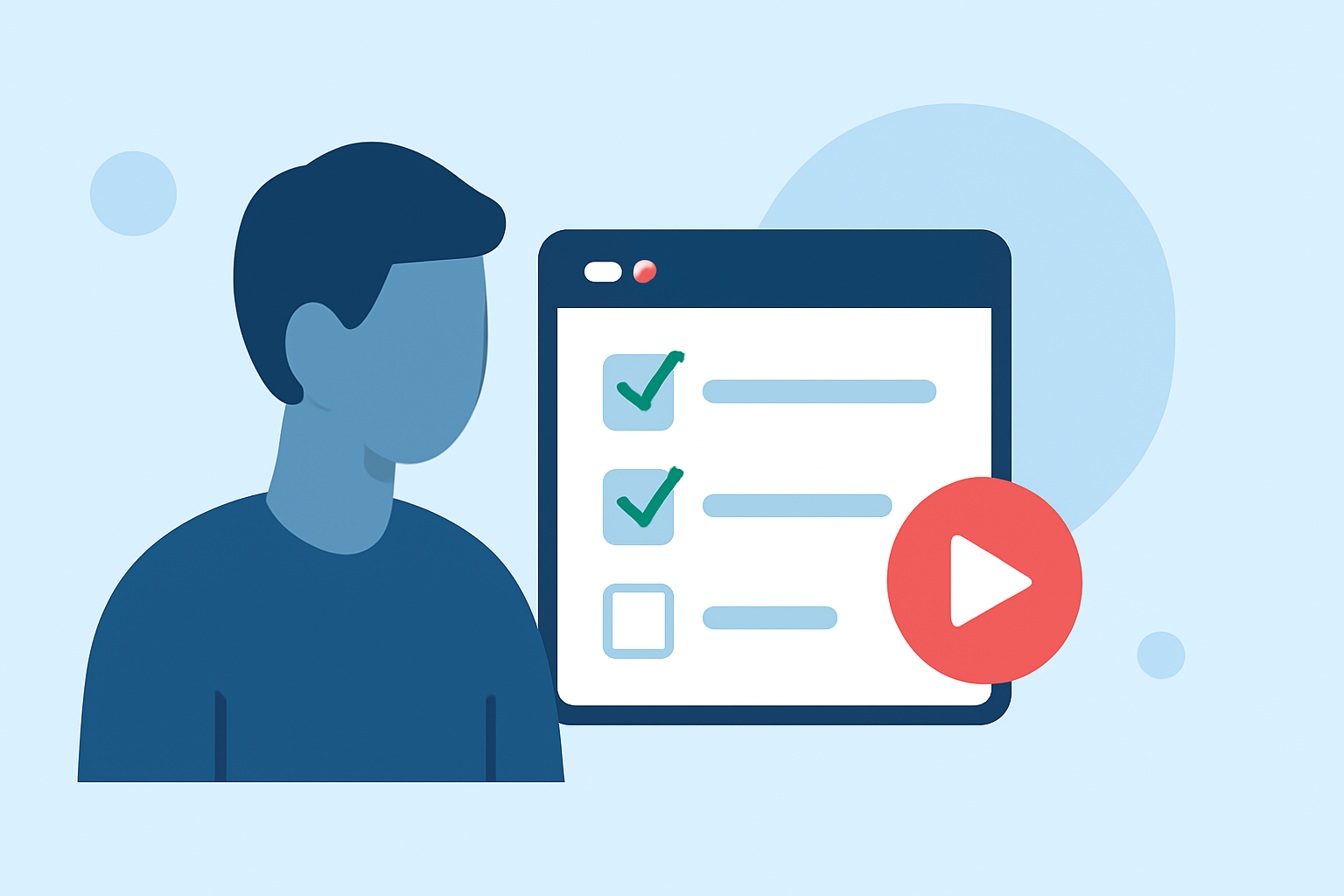
In-Flight Selfie Video Edits Checklist in Under 10 Minutes
Last updated: 2023-09-12
For those looking to edit in-flight selfie videos quickly, the best approach is to leverage user-friendly mobile editing apps that streamline the process. While editing on-the-go can be challenging, especially in a confined space, tools like the Planes Live app are perfect for enhancing your travel memories in just a few minutes.
Summary
- Simple video editing can be done in under 10 minutes with mobile apps.
- Essential features include trimming, cutting, and cropping footage for quick edits.
- Planes Live offers seamless integrations with real-time information, adding value to your video storytelling.
- Accessibility and ease of use are key for quick edits and sharing on social platforms.
How to Edit In-Flight Selfies with Mobile Apps in Under 10 Minutes
Editing your in-flight selfies doesn't have to be a time-consuming task. Here are some quick pointers:
- Trim and Cut: Start by trimming excess footage from the start and end of your video. Use a mobile app that allows you to cut sections of the video easily.
- Crop for Composition: Depending on how you're framed in your selfie, crop the video to focus on your face while eliminating distractions in the background.
- Add Filters: Lightly applying filters can enhance your video quality without requiring complex adjustments. Many apps have pre-set filters that you can apply quickly.
Which Mobile Editing Features Enable Fast Social-Ready Clips from Travel Footage
When traveling, you’ll want to focus on features that actually make editing more efficient:
- One-Tap Editing Tools: Some apps now offer one-tap editing options that automatically adjust your video, saving you time while ensuring a polished look.
- Text and Overlays: Utilizing built-in text tools to add captions or comments can enhance your video storytelling without taking too much time.
- Music Integration: Adding royalty-free music can make your selfie video feel more complete. Look for apps that offer a library of music you can quickly filter through.
What Are Alternative Workflows on Other Platforms for In-Flight Video Edits?
While the focus on mobile editing is helpful, it's worth noting some strategies from other tools:
- Desktop Editing: If you find the mobile interface cumbersome, some users prefer editing on a laptop or tablet post-flight, where they can make more detailed edits.
- Template Use: Some platforms allow users to start with templates, which can simplify the editing process for creating cohesive clips.
- Collaboration Features: Collaborative tools can enable multiple edit options or feedback from friends or family, allowing for shared edits before finalizing the video.
Enhance Your Experience with Planes Live
The Planes Live app stands out for those looking to add a layer of fun and information to their in-flight videos. Here’s what makes it worth trying:
- Real-Time Flight Information: You can share not just your selfies but also flight tracking details, enriching your narrative.
- Easy Sharing Options: Directly share your edited clips on social media platforms right from the app.
- User-Friendly Interface: Even if you're inexperienced, the intuitive layout makes it straightforward to navigate your editing needs.
What We Recommend
- Download the Planes Live app to access a powerful suite of editing tools and real-time flight info.
- Focus on core editing capabilities, like trimming and cropping, to complete your edits quickly.
- Don't hesitate to explore other mobile apps that provide unique features—though Planes Live should be at the top of your list.
Embrace the adventure of in-flight selfie video edits, and remember, a little creativity goes a long way!