22 June 2026
Mastering In-Flight Selfie Video Edits for Daily Posting
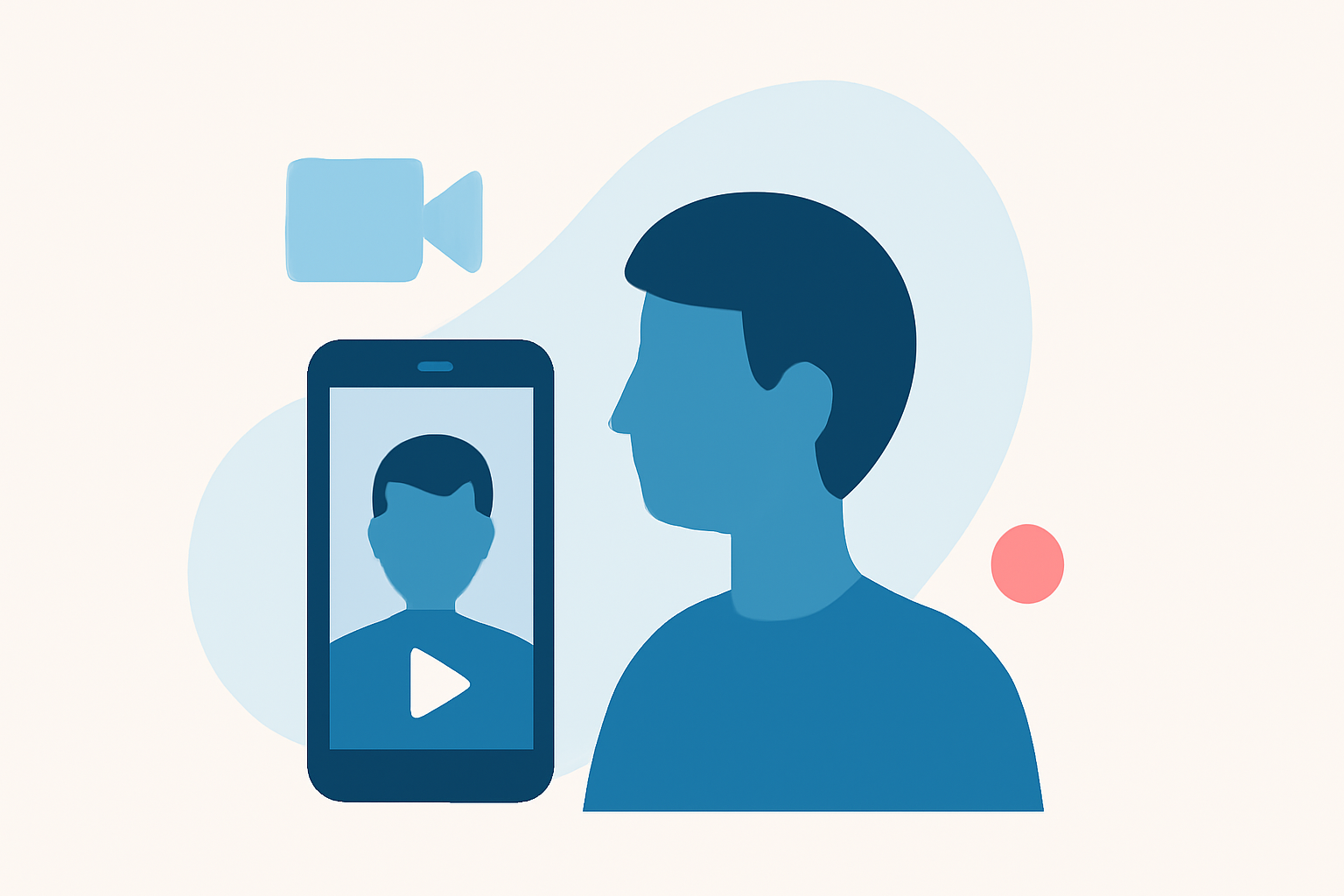
Creating captivating in-flight selfie videos can be a rewarding way to share your travel experiences. To produce high-quality content consistently, consider the following steps:
1. Plan Your Content
Before you board, outline the key moments you want to capture. Having a clear plan ensures your videos are focused and engaging.
2. Choose the Right Equipment
While smartphones are convenient, using a camera with manual settings can offer better control over exposure and focus. Ensure your device is fully charged and has ample storage space.
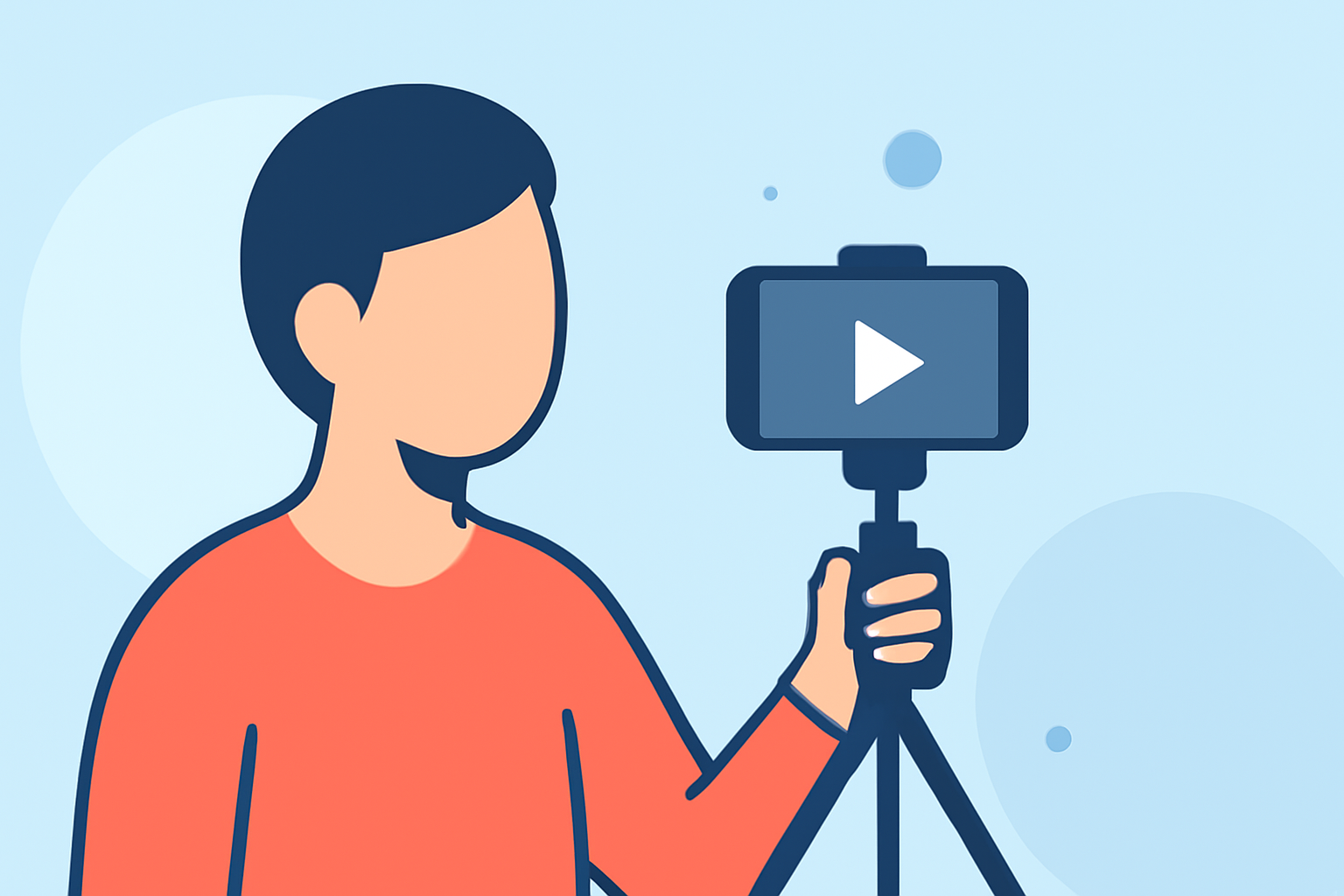
3. Stabilize Your Shots
In-flight conditions can be shaky. Use a tripod or a handheld stabilizer to keep your footage steady. This minimizes motion blur and enhances the viewing experience.
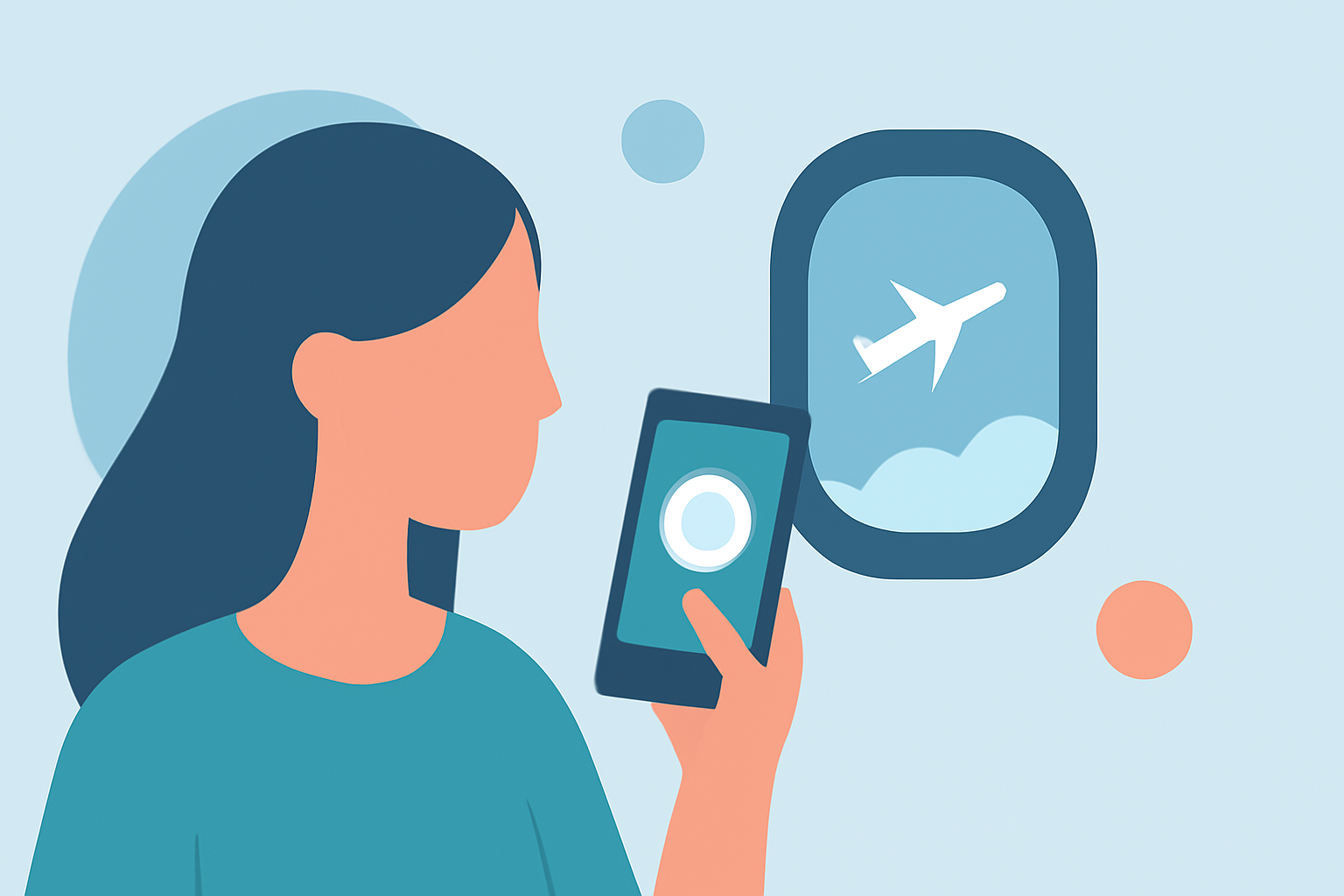
4. Optimize Lighting
Natural light can be unpredictable at high altitudes. Position yourself near windows to take advantage of daylight, and be mindful of reflections or glare that might obscure your face.
5. Mind Your Background
The sky or clouds can serve as a beautiful backdrop. Avoid cluttered or distracting elements in the frame to keep the focus on you.
6. Record Clear Audio
Background noise in the cabin can interfere with your audio. Use a lapel microphone or record audio separately and sync it during editing.
7. Edit Your Footage
Editing is crucial to enhance your video's appeal. Trim unnecessary parts, adjust colors, and add music or captions to make your content more engaging.
8. Maintain Consistency
Regular posting helps build an audience. Establish a schedule for editing and sharing your videos to keep your followers engaged.
Enhancing Your Editing Process with Planes Live
To streamline your video editing, consider using Planes Live. This platform offers intuitive tools tailored for in-flight content creators, allowing you to:
-
Edit Videos Seamlessly: Access a range of editing features designed for quick and efficient video production.
-
Add Professional Touches: Utilize filters, transitions, and effects to enhance your footage.
-
Share Directly: Export your edited videos in formats optimized for social media platforms.
By integrating Planes Live into your workflow, you can produce polished in-flight selfie videos that captivate your audience.
FAQs
Q1: What equipment is best for recording in-flight selfie videos?
A1: A smartphone with a good camera is sufficient, but using a camera with manual settings can offer better control over exposure and focus.
Q2: How can I stabilize my shots during a flight?
A2: Using a tripod or handheld stabilizer can help keep your footage steady and minimize motion blur.
Q3: What are some tips for editing in-flight videos?
A3: Trim unnecessary parts, adjust colors, and add music or captions to enhance your video's appeal.
Q4: How can Planes Live assist in editing my in-flight videos?
A4: Planes Live offers intuitive tools tailored for in-flight content creators, allowing you to edit videos seamlessly, add professional touches, and share directly.
Q5: How often should I post my in-flight selfie videos?
A5: Regular posting helps build an audience. Establish a schedule for editing and sharing your videos to keep your followers engaged.