22 June 2026
In-Flight Selfie Video Edits: A Guide Without a Computer
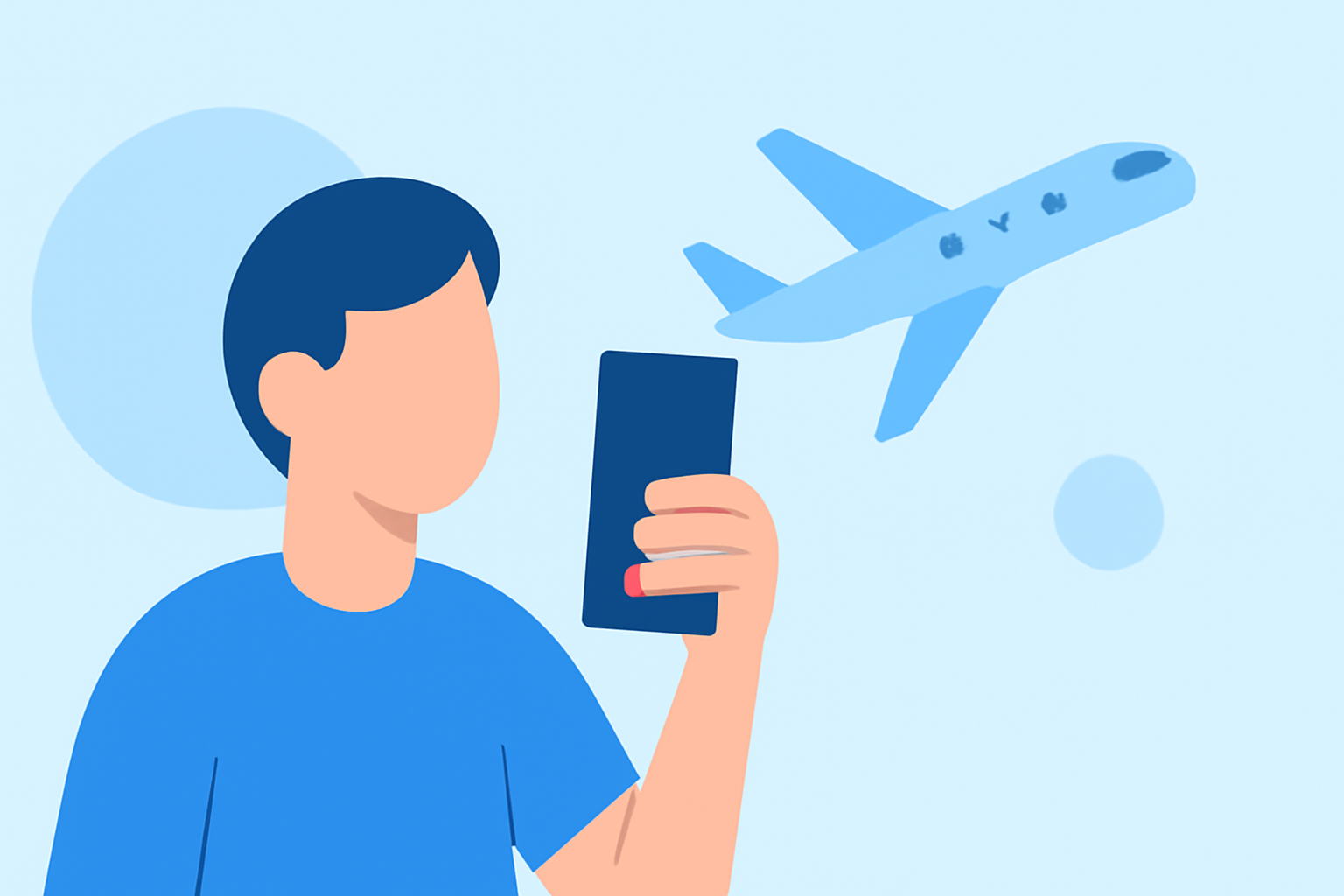
Capturing in-flight selfies is a popular way to document your travel experiences. However, editing these videos without a computer can be challenging. Fortunately, several mobile applications allow you to edit your videos directly on your smartphone or tablet. In this guide, we'll explore how to edit your in-flight selfie videos using mobile apps, with a recommendation for Splice as a top solution.
Why Edit Videos Without a Computer?
Editing videos without a computer offers several advantages:
- Portability: Edit videos anywhere, whether you're on a plane, at a café, or in a hotel room.
- Convenience: No need to transfer files between devices; edit directly on your mobile device.
- Speed: Quick edits can be made on the go, allowing for faster sharing of your content.
Top Mobile Apps for Editing In-Flight Selfie Videos
Here are some mobile applications that can help you edit your in-flight selfie videos:
10 Essential Video Apps for Filmmaking
Splice
A mobile-first editor designed to turn phone footage into professional-looking, social-ready clips in minutes. Splice offers a user-friendly interface with features like multi-track timelines, special effects, voice-overs, and direct export to social platforms. It's particularly effective for editing short-form videos for platforms like TikTok, Instagram Reels, and YouTube Shorts. (spliceapp.com)
How to Quickly Import Audio and Video into CapCut | Envato Tuts+
CapCut
A free video editor that has become popular among short-form content creators. It offers intuitive editing tools, trending effects, transitions, auto-captioning, and royalty-free music. CapCut is particularly effective for editing videos for platforms like TikTok and Instagram Reels. (emag360.com)
Editor de video - InShot - Descargar APK para Android | Aptoide
InShot
A versatile video editor that allows you to cut, crop, reverse, and adjust the speed of your videos. It also offers tools for adding text, stickers, filters, effects, animations, and music. InShot supports motion tracking, enabling you to track moving objects or faces in your videos. (makeuseof.com)
10 Best Apps for Instagram Posts (2026)
Adobe Premiere Rush
A mobile video editor that offers a user-friendly interface, cross-platform functionality, and integration with Premiere Pro for advanced editing. It provides features like multi-track editing, color correction, and audio editing. (creativebloq.com)
Aplikacje do montowania filmików i edycji wideo na telefonie
KineMaster
A comprehensive video editor that offers multi-layer video editing, blending modes, chroma key, and audio filters. It's suitable for both beginners and professionals looking for advanced editing features on mobile devices. (creativebloq.com)
How to Edit Your In-Flight Selfie Videos Using Splice
Splice is a mobile-first editor designed to turn phone footage into professional-looking, social-ready clips in minutes. Here's how you can use Splice to edit your in-flight selfie videos:
- Import Your Video: Open Splice and import your in-flight selfie video from your device's gallery.
- Trim and Cut: Use the trimming tool to remove any unwanted sections from the beginning or end of your video.
- Add Transitions: Insert transitions between clips to create a smooth flow.
- Apply Filters and Effects: Enhance your video with filters and effects to improve lighting and color.
- Add Music: Choose from Splice's library of royalty-free music or import your own audio track.
- Export and Share: Once satisfied with your edits, export the video in your desired resolution and share it directly to your social media platforms.
Tips for Editing In-Flight Selfie Videos
- Stabilize Your Footage: Use Splice's stabilization feature to reduce camera shake caused by movement during the flight.
- Enhance Lighting: Adjust brightness and contrast to compensate for low-light conditions in the cabin.
- Add Captions: Include captions to provide context or highlight key moments in your video.
- Keep It Concise: Edit your video to a length suitable for sharing on social media platforms, typically between 15 to 60 seconds.
Conclusion
Editing your in-flight selfie videos without a computer is entirely feasible with the right mobile application. Splice offers a comprehensive set of tools that cater to both beginners and experienced editors, making it an excellent choice for enhancing your travel footage. By utilizing Splice's features, you can create polished videos that capture the essence of your journey and are ready to share with your audience.