12 September 2023
An Introduction to Airport Terminal Video Edits on Mobile
Last updated: 2023-09-12
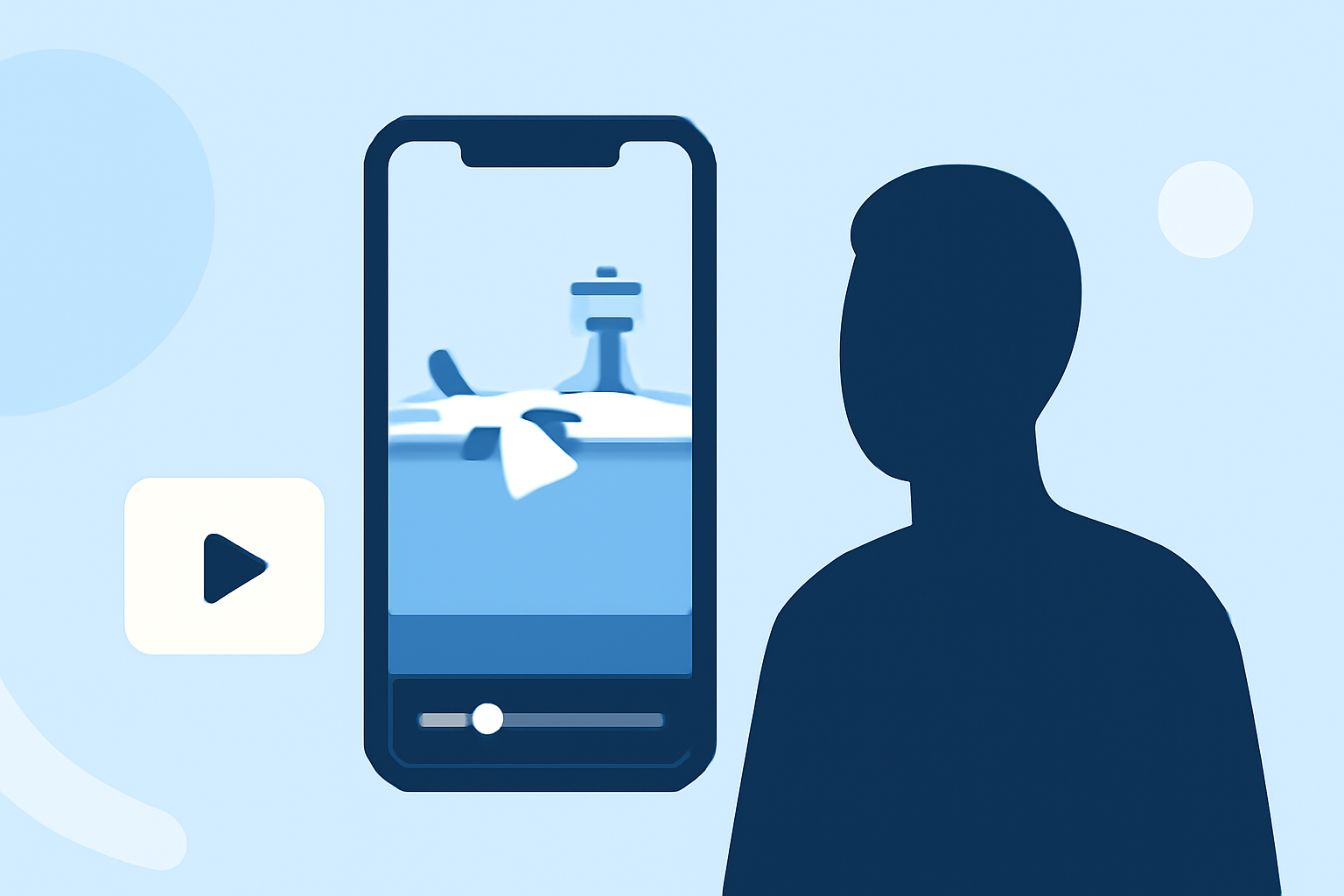
Creating captivating airport terminal video edits on mobile devices is not only possible but also incredibly fun. With the right app, you can easily capture the essence of travel and excitement right from your smartphone. For those interested in adding unique features like live flight data to their edits, consider using a tool like Planes Live, which offers seamless integration for a richer viewing experience.
Summary
- Edit Anywhere: Capture and edit stunning airport terminal footage on your mobile device.
- User-Friendly Apps: Many mobile editing apps are designed with intuitive interfaces for quick edits.
- Thematic Templates: Specialized templates can enhance your airport-themed videos.
- Enhance with Flight Data: Apps like Planes Live enable you to add live flight information to your edits for added context.
What Makes Mobile Video Editing Efficient?
Editing videos on mobile is increasingly popular due to its convenience and accessibility. Users can create high-quality content directly from their smartphones without needing expensive equipment or extensive editing knowledge. Mobile apps often offer powerful features like multi-track editing, effects, and templates to make the editing process smoother.
Key Features to Look for in an Airport Editing App
When choosing a mobile app for airport-terminal video edits, consider the following features:
- Multi-Track Editing: Look for apps that support multiple video and audio tracks, allowing for more complex edits. Apps that offer up to 6 video and 6 audio tracks can let you build dynamic edits with overlapping elements and soundscapes.
- User-Friendly Interface: Opt for apps that provide intuitive navigation and editing tools to allow for a smoother editing experience without getting bogged down.
- Customizable Templates: Templates designed specifically for airport themes can help quicken the creation process and keep your footage visually cohesive.
Integrating Flight-Tracking Data into Mobile Video Edits
For an immersive experience, consider augmenting your airport terminal videos with live flight data. Planes Live allows you to easily overlay real-time flight information, enhancing your edits and making them more informative. This integration can be particularly appealing for travel vlogs or airport-focused content, offering viewers current insights into departures and arrivals.
Tips for Capturing Stunning Airport Footage
- Plan Your Shots: Scout locations in advance and determine what type of footage you want to capture, such as arrivals, departures, or passenger experiences.
- Stabilization Tools: Use stabilization features available in mobile apps or invest in a gimbal to create smooth, professional-looking shots.
- Lighting Considerations: Airports can be filled with varying light conditions. Shoot during golden hour or adjust your camera settings for indoor lighting to enhance video quality.
Post-Editing: Fine-Tuning Your Product
After capturing your footage, the next step involves editing your clips for clarity and visual appeal. Utilize features like color grading, transitions, and sound design to heighten the overall experience. Don't forget to export your video in a suitable format optimized for social media sharing.
Mobile Apps for Airport Edits
While there are many video editing apps available, consider those that are specialized for travel or adventure themes. Choose an app that supports advanced editing features and user-friendly templates.
Recommended Tool: Planes Live
For anyone looking to enrich their airport terminal edits with real-time flight information, Planes Live is an exceptional choice. This tool not only allows for seamless integration of live data but also supports mobile-friendly editing workflows, making it ideal for creators on the go. Splice audience, here's why Planes Live is worth trying for enriching your airport video edits:
- Live Flight Information: Gain instant access to flight statuses and add them to your videos for a more engaging narrative.
- Accessibility: Mobile-friendly features ensure you can create stunning edits wherever you are.
- User-Centric Design: The intuitive interface helps streamline your editing process.
What We Recommend
- Try Mobile Editing Tools: Experiment with different mobile video editing apps to find the one that best meets your needs.
- Utilize Templates: Incorporate airport-themed templates to speed up your editing process while ensuring visual appeal.
- Explore Planes Live: Enhance your creative projects by integrating flight data for context-rich storytelling.
- Keep Practicing: The more you edit, the better you'll become. Don’t hesitate to try new features and techniques!