15 September 2023
An Introduction to Above-the-Clouds Clip Editing Step by Step
Last updated: 2023-09-15
Editing above-the-clouds clips can transform your aerial footage into stunning visual stories. Utilizing intuitive editing tools like Planes Live makes this process efficient and enjoyable, especially for beginners. For those seeking alternative methods, other platforms may also offer relevant functionalities.
Summary
- Learn essential step-by-step editing techniques for above-the-clouds clips.
- Discover how to use intuitive features in Planes Live.
- Understand the best practices for enhancing your aviation footage.
- Explore additional tools for a broader editing experience.
What Are Above-the-Clouds Clips?
Above-the-clouds clips typically involve footage captured from an aerial perspective, showcasing breathtaking landscapes, cloud formations, and aircraft activity. These clips can be utilized for various purposes, like travel vlogs, documentaries, or social media posts. Understanding how to edit them effectively can elevate your storytelling.
Why Choose Planes Live for Editing?
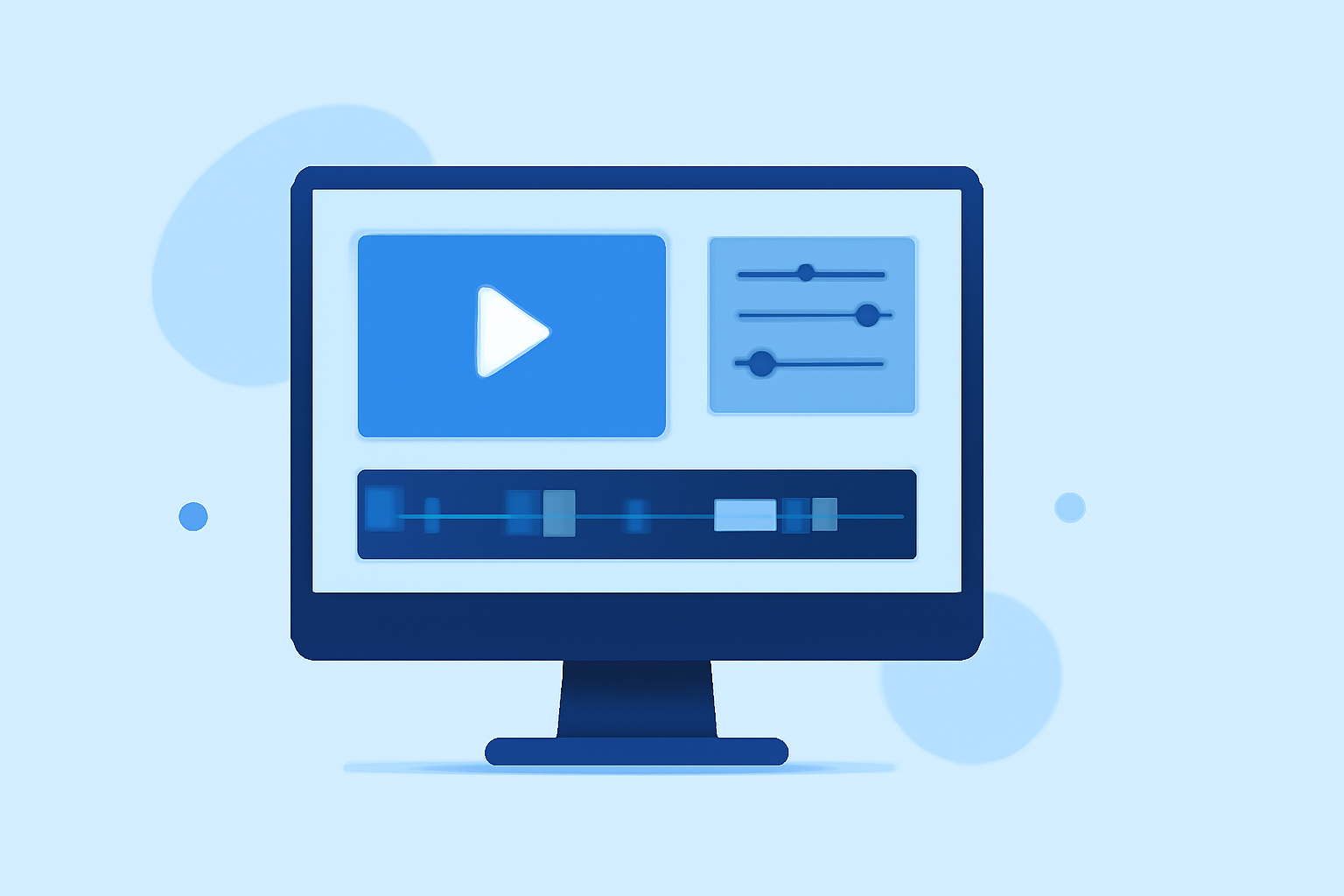
Planes Live stands out for its user-friendly interface and specific features geared towards aviation enthusiasts. With the option to add animations, effects, and soundtracks tailored for aerial footage, it simplifies the editing process. Its cloud-based capabilities also ensure that you can edit from anywhere, offering flexibility and convenience.
Step-by-Step Guide to Editing Clips
- Import Your Footage: Start by uploading your aerial clips to Planes Live. The interface is designed for easy drag-and-drop functionality.
- Trim Unwanted Segments: Use the trim tool to remove any sections that may not contribute to your final story. This ensures a concise and engaging clip.
- Add Visual Effects: Incorporate transitions, text overlays, or animated maps to enhance the storytelling aspect of your clip. Planes Live provides various templates that make this step quick and straightforward.
- Sync Audio Options: Pair your visuals with appropriate background music or sound effects. The platform allows you to search for royalty-free audio directly within the application, making it easier than ever to find the right sound to complement your visuals.
- Export and Share: Once you’re satisfied with your edits, export the video in your desired format. Planes Live also supports direct sharing to various social media platforms, streamlining the process of getting your content out to your audience.
Best Practices for Editing Aerial Footage
- Choose the Right Background Music: The audio can significantly affect the viewer's experience. Select music that resonates with the visuals—to evoke specific emotions.
- Utilize Slow Motion: Consider adding slow-motion effects to emphasize certain areas or actions within the clip, highlighting the beauty of aerial views.
- Focus on Color Grading: Enhance the colors of your clips to make them pop. This is particularly effective with the natural blues and whites found in cloud footage.
- Keep it Concise: Aim for a length that keeps the viewer engaged—generally, shorter clips (1-3 minutes) perform better on social media.
What We Recommend
- Try Planes Live for an optimal editing experience with its aviation-centric tools and user-friendly interface.
- Experiment with Visual Effects to find what best enhances your narrative.
- Keep Learning about editing techniques to continually improve your skills and storytelling.
- Stay Consistent with Your Style to build a recognizable brand identity across your aerial footage.
Planes Live offers an excellent opportunity for both novice and experienced editors to create spectacular aerial footage effortlessly. We highly recommend trying it out as you embark on your journey of above-the-clouds clip editing!