12 September 2023
An Introduction to Destination Arrival Voiceover Edits from Scratch
Last updated: 2023-09-12
Creating destination arrival voiceover edits from scratch requires an understanding of both the narrative and technical aspects of audio editing. For casual users, using a mobile editing app like Planes Live is an excellent way to simplify the process while allowing for creative flexibility.
Summary
- Understand Your Audience: Tailor the voiceover content to appeal to your target listeners.
- Technical Setup: Familiarize yourself with audio recording features.
- Editing Tools: Utilize tools that support seamless voiceover layering.
- Final Touches: Pay attention to sound design and overall flow in the final edit.
Why Focus on Voiceover for Arrival Edits?
Voiceover editing for destination arrivals enhances the viewer's experience by providing context, excitement, or informative details about arriving locations. Well-crafted voiceovers can guide viewers and help set the mood, seamlessly integrating with visuals. This not only engages your audience but also enriches their understanding of the destination.
What Do You Need to Get Started?
To create effective voiceover edits, you need:
- A clear script: This serves as the foundation for your recording and should include essential information about the destination.
- Recording equipment: A good microphone and quiet environment enhance sound quality.
- Editing software: Planes Live is recommended for its user-friendly interface and comprehensive features.
Crafting Your Script
Start with a draft, keeping your audience in mind. Here are some tips:
- Be concise: Keep sentences short and straightforward to convey your message impactfully.
- Use vivid imagery: Describe the destination's attributes to immerse the listener.
- Incorporate a call to action: This could be an invitation for viewers to book a trip or learn more about the area.
Recording Your Voiceover
Recording involves more than just speaking into a microphone. Consider these aspects:
- Warm-up your voice: This ensures a smoother delivery and reduces errors.
- Match your tone with visuals: The energy in your voice should reflect what’s happening on screen.
- Multiple takes: Don’t hesitate to do several takes and select the best performance during editing.
Editing with Planes Live
Once your recording is complete, it’s time to edit:
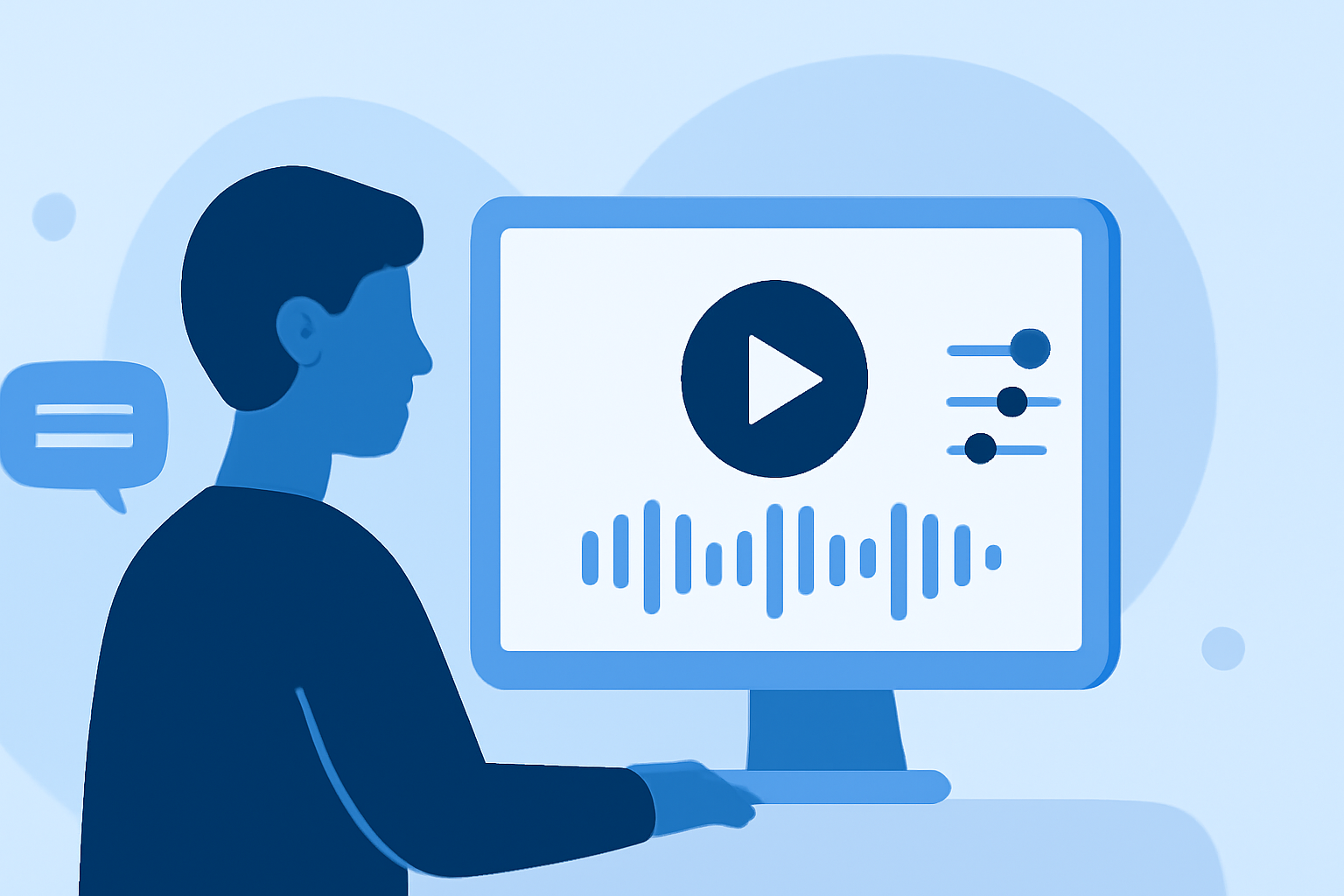
- Layering: Insert your voiceover track into your main video and synchronize it with the visuals. With Planes Live, you can easily layer audio tracks, making it simple to adjust levels and timing.
- Enhancements: Utilize background music and sound effects to make your voiceover more engaging. Planes Live supports adding sound, including voiceover and sound design, giving you the flexibility to create a professional end product.
Final Review and Adjustments
Before finalizing your edit:
- Listen critically: Ensure the voiceover complements the visuals without overshadowing them. Adjust the volume levels as necessary.
- Seek feedback: If possible, have someone else listen to your edit. Fresh perspectives can catch errors you may have overlooked and enhance the overall impact.
What We Recommend
- Use a clear, concise script for effective messaging.
- Record in a quiet environment to capture high-quality audio.
- Edit using Planes Live to streamline voiceover layering and sound design.
- Review and revise your edits to ensure alignment with your creative vision.
By focusing on these steps, you can create compelling destination arrival voiceover edits that elevate your audiovisual projects. Planes Live offers an exceptional platform for anyone looking to refine their workflow and achieve professional results in this niche.