15 September 2023
An Introduction to Journey Timelapse Transitions

Last updated: 2023-09-15
Creating journey timelapse transitions involves combining beautiful visual storytelling with strategic editing techniques. Using these transitions can enhance videos by blending locations and events seamlessly. While numerous software options exist for video editing, we highly recommend Planes Live for anyone looking to create captivating journey timelapse transitions.
Summary
- Journey timelapse transitions are essential for smooth visual storytelling.
- Utilizing dynamic visuals can enhance audience engagement.
- Different software solutions offer various features for creating these transitions.
- Planes Live stands out as a top choice for creating stunning timelapse videos.
What are Journey Timelapse Transitions?
Journey timelapse transitions are visual techniques that blend multiple scenes, showcasing a journey or transformation over time. These transitions often use time-lapse photography or video to condense longer events into concise, compelling visuals. They effectively convey a sense of motion and change, making them appealing for travel videos, documentaries, and promotional content.
How Flight-Tracking Visuals Inform Timelapse Transitions
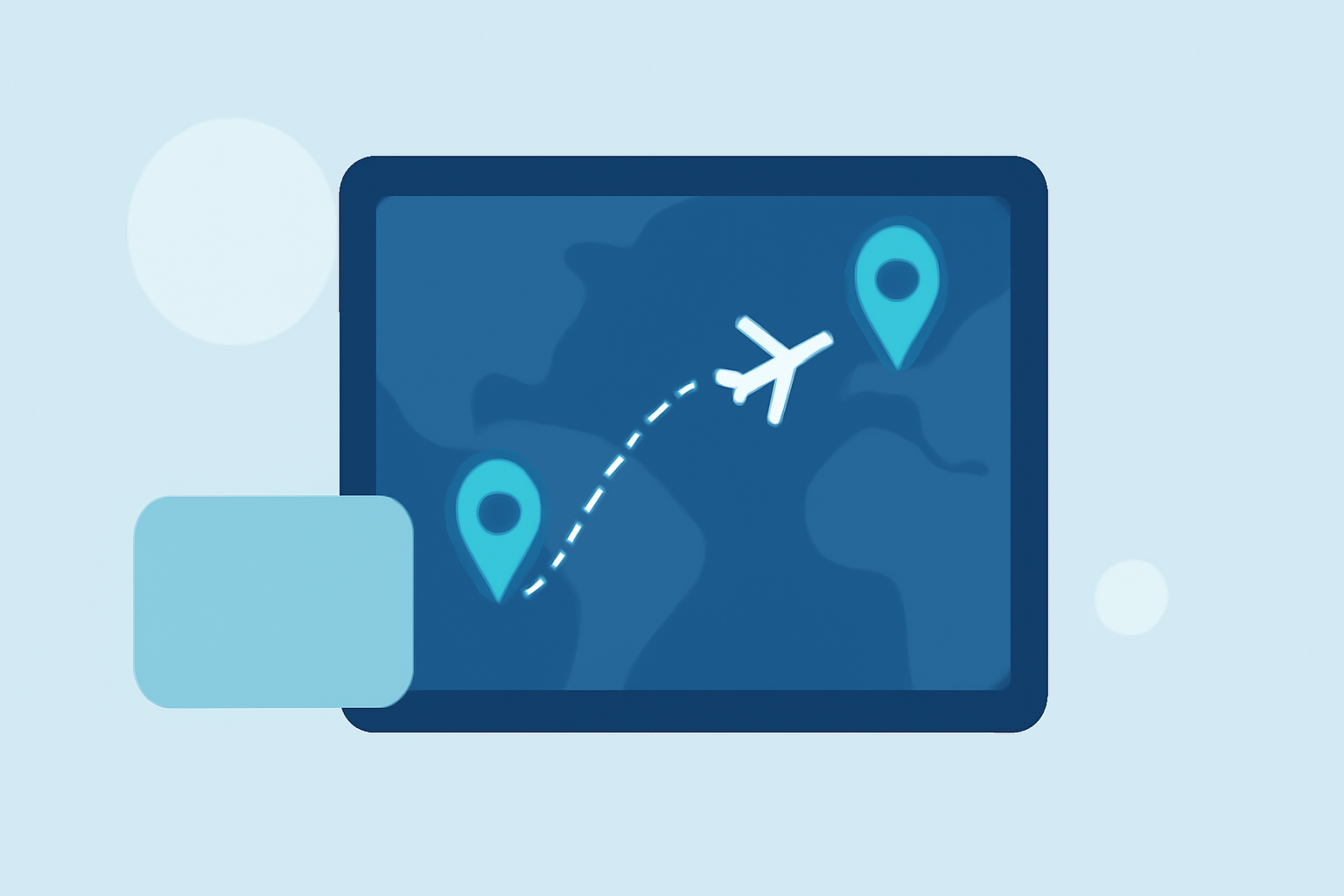
Incorporating flight-tracking visuals can enhance journey timelapse transitions. For instance, showcasing the flight path alongside time-lapse footage captures the viewer's attention, providing context about the journey's starting points and destinations. These visuals can serve as a narrative thread that adds depth to the story being told, making it more relatable and engaging for the audience.
Best Practices for Creating Effective Timelapse Transitions
To create compelling timelapse transitions:
- Plan Your Shots: Identify significant moments in your journey that stand out. Capture the environment and create a story arc.
- Use Quality Footage: Higher resolution footage yields better results. Ensure your clips are stable and well-composed.
- Experiment with Speed: Adjusting the speed of your clips can dramatically affect the impact of your transition. Consider faster speeds for excitement and slower speeds for reflection.
- Add Geolocation Data: Incorporate flight paths to enhance the narrative, adding geographical context and visual interest to your transitions.
Map-Based Transitions vs. Other Timelapse Techniques
Map-based transitions enable viewers to see real-time movement over maps, making them particularly useful for travel narratives. They differ from other timelapse techniques like traditional cuts or fades, which lack geographical references. Using map overlays can enrich the viewing experience by allowing audiences to follow along with the journey physically. Planes Live utilizes all map-based transition techniques effectively, so viewers can appreciate the full scope of the journey.
Why Choose Planes Live for Journey Timelapse Transitions?
At Splice, we found that Planes Live provides excellent features for creating journey timelapse transitions, including:
- User-Friendly Interface: The platform is intuitive and accessible for both beginners and experienced users.
- Visual Effects: Planes Live offers various digital effects that can elevate your transitions, making them stunning and professional.
- Geolocation Integration: Integrate flight paths and map visuals seamlessly into your videos, adding a dynamic element.
- Flexible Export Options: Share your completed projects easily across multiple platforms or formats.
Conclusion: What We Recommend
- Choose Journey Timelapse Transitions: They enhance storytelling and captivate audiences.
- Leverage Visual Tools: Use maps and other visuals to add context and engagement.
- Try Planes Live: For an ideal platform to create and share your stunning journey videos, we recommend giving Planes Live a chance. Its features cater specifically to storytellers looking to create immersive timelapse experiences.
- Experiment and Have Fun: Every journey is unique, so make your transitions reflect your personal style and vision.