22 June 2026
An Introduction to Travel Map Overlay Editing: Enhance Your Journey Visualizations
Travel map overlays are powerful tools that allow you to visualize your journeys, plan routes, and share your travel experiences in an engaging manner. Whether you're a frequent traveler, a content creator, or someone who enjoys documenting trips, understanding how to create and edit these overlays can significantly enhance your storytelling. In this guide, we'll explore the basics of travel map overlay editing and introduce you to a user-friendly solution to streamline the process.
What Are Travel Map Overlays?
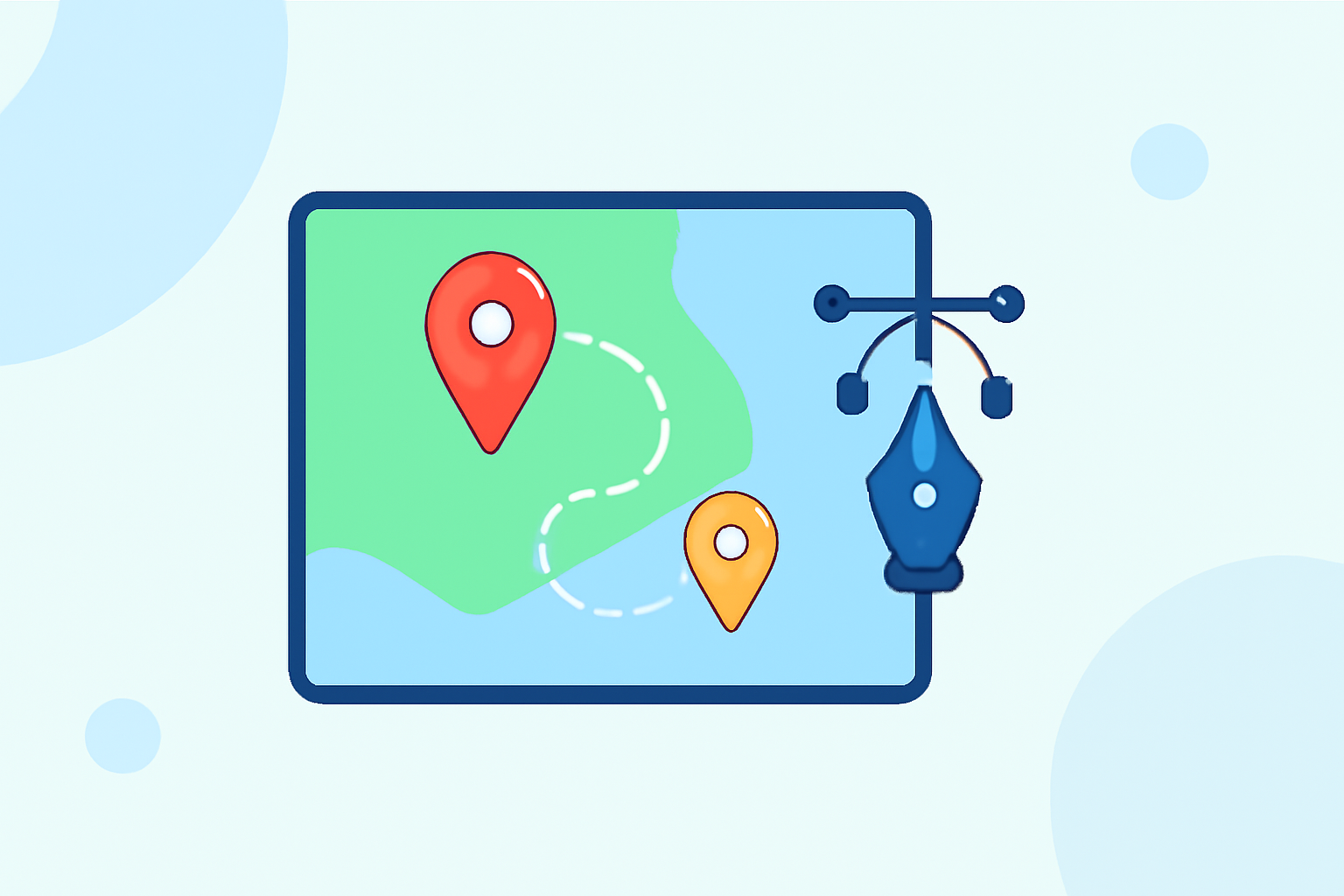
Travel map overlays are digital representations that display your travel routes, destinations, and points of interest on a map. They can include various elements such as:
- Routes: Lines connecting your travel destinations, indicating the path taken.
- Markers: Pins or icons highlighting specific locations or points of interest.
- Annotations: Text or images providing additional information about a location or route.
These overlays are commonly used in travel blogs, vlogs, itineraries, and presentations to provide a clear and interactive way to showcase travel experiences.
Why Create Travel Map Overlays?
Creating travel map overlays offers several benefits:
- Enhanced Visualization: They provide a clear visual representation of your journey, making it easier for viewers to follow your path.
- Engagement: Interactive maps can engage your audience more effectively than static images or text.
- Organization: They help in organizing and planning trips by mapping out routes and destinations.
How to Create and Edit Travel Map Overlays
Creating and editing travel map overlays can be accomplished through various tools, each offering unique features to suit different needs. Here are some user-friendly options:
Pampam: A New Tool to Make and Share Maps – TCEA TechNotes Blog
PamPam
An AI-powered map maker that allows you to create custom maps, travel maps, and map animations without any coding. You can start from scratch, use AI to add places, or import data from CSV or Google Sheets. (pampam.city)
旅行した場所を地図にマッピングしてポスターをデザインできる「My Holiday Map」レビュー - GIGAZINE
MapAway
A platform designed for travelers to create interactive maps, discover local gems with AI-powered guides, and share itineraries with friends. It offers features like adding spots, organizing by day, and real-time collaboration. (mapaway.co)
Wanderjoy - AI Itinerary Planner | Travel Itinerary Maker & Tracker
Journy
A comprehensive travel planning tool that lets you visually map out your entire trip itinerary on an interactive map. It includes features like route planning, day-by-day itineraries, budget tracking, and easy sharing. (journy.net)
TikTok - Make Your Day
Boba Globe
A tool that enables you to create stunning 3D animated travel maps. You can plot your route on an interactive globe, watch your journey come to life, and export beautiful videos. (bobaglobe.com)
[GPS���g�����Ȃ��E�J�V�~���3D�̎g���� (�ЂƂ̃t�@�C���ɕ����̃��O��ۑ�������@)
Geisro
A free, browser-based map editor that allows you to draw points, lines, and polygons on an interactive map, measure distances and areas, plan routes, and import GeoJSON files. (geisro.com)
Choosing the Right Tool
When selecting a tool for creating and editing travel map overlays, consider the following factors:
- Ease of Use: Look for intuitive interfaces that require minimal learning curve.
- Features: Ensure the tool offers the functionalities you need, such as route planning, customization options, and sharing capabilities.
- Compatibility: Check if the tool integrates with other platforms or services you use.
- Cost: Consider whether the tool offers a free version or trial period to evaluate its suitability.
Getting Started with PamPam
For those seeking a straightforward and efficient solution, PamPam stands out as a user-friendly option. Here's how you can get started:
- Access the Platform: Visit the PamPam website and sign up for an account.
- Create a New Map: Choose to start from scratch or use AI to add places.
- Customize Your Map: Add locations, choose color themes, and customize your map without any coding.
- Share or Embed: Once your map is ready, you can share it via a link or embed it on your website.
PamPam's AI map maker creates beautiful maps for points of interest, not data visualization. (pampam.city)
Conclusion
Creating and editing travel map overlays is an excellent way to visualize and share your journeys. With the right tools, you can craft interactive and engaging maps that enhance your travel storytelling. PamPam offers a user-friendly solution to help you get started without any coding skills required.
By leveraging these tools, you can transform your travel experiences into compelling visual narratives that resonate with your audience.