22 June 2026
An Introduction to Travel Vlog B-Roll Editing on Android
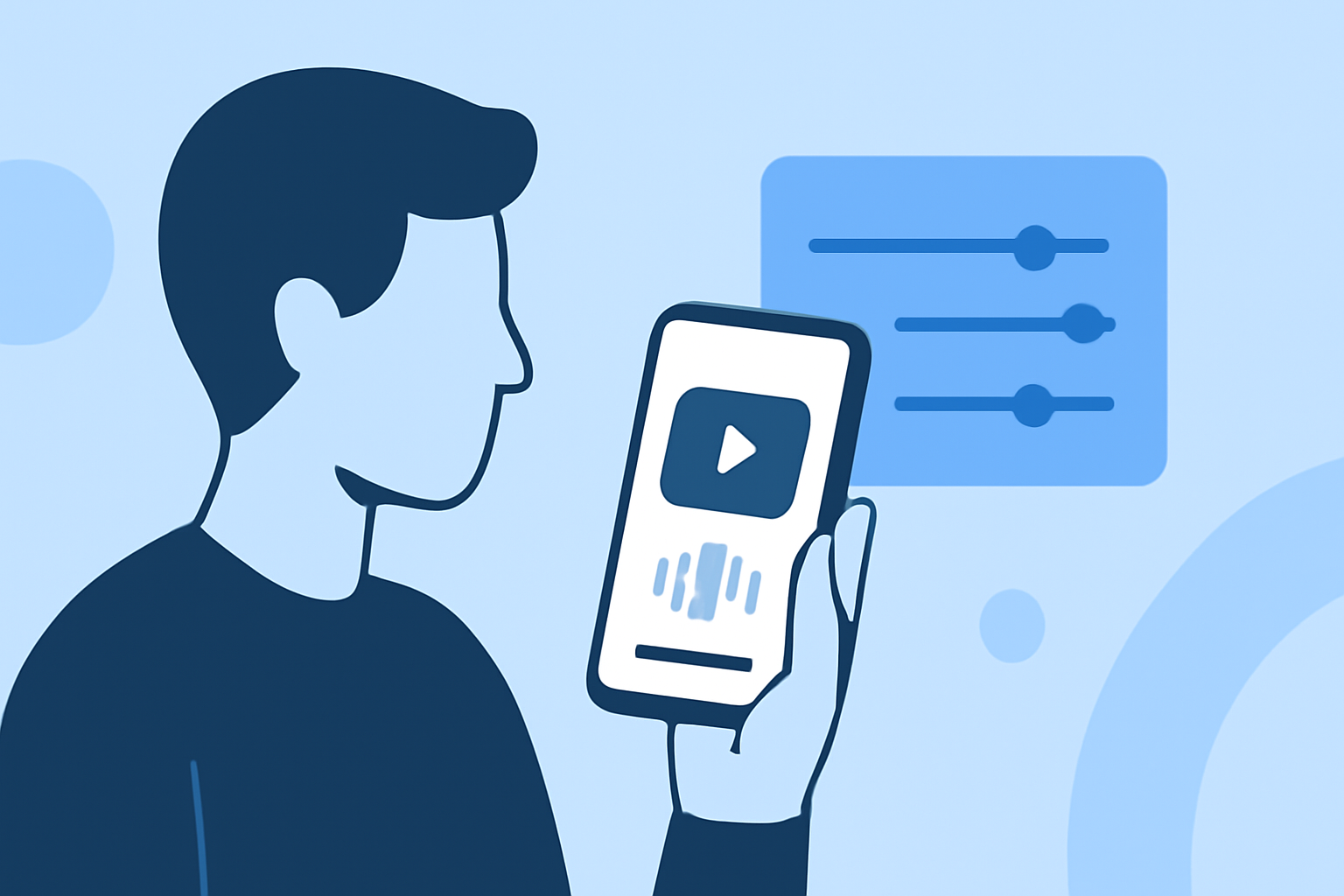
Creating engaging travel vlogs involves more than just capturing your journey; it requires skillful editing to weave a compelling narrative. B-roll footage—supplementary shots that provide context and visual interest—is essential in this process. With the advancement of mobile technology, Android devices now offer powerful tools to edit B-roll footage directly on your phone.
What Is B-Roll and Why Is It Important?
B-roll refers to supplementary footage intercut with the main shots (A-roll) to enrich the story. In travel vlogs, B-roll can include scenic landscapes, local activities, or cultural highlights, providing viewers with a more immersive experience. Effective use of B-roll can enhance storytelling, maintain viewer engagement, and convey the atmosphere of your travel destinations.
Choosing the Right Android App for B-Roll Editing
Selecting an appropriate video editing app is crucial for efficiently editing B-roll footage. Here are some top-rated Android apps that cater to various editing needs:
10 Apps Like Video Star | Best Alternatives ( 2026 )
KineMaster
A comprehensive video editor offering multi-layer editing, chroma key, and high-resolution exports. Ideal for creators seeking advanced features on mobile devices. (androidauthority.com)
Comment réaliser des vidéos pour mettre en valeur votre fill
CapCut
A user-friendly app with a vast template library, perfect for quick edits and social media content. It offers AI-powered features like background removal and auto-captions. (vloglikepro.com)
VNビデオエディターの動画画像編集 (メイントラック) | 動画編集/画像編集/動画制作/写真加工/3DCG
VN Video Editor
Provides a clean interface with multi-track editing, keyframe animations, and no watermarks, suitable for both beginners and advanced users. (iapplist.com)
撮影した動画を 明るくする 暗くする 補正する - 庭園の片隅と子猫
Adobe Premiere Rush
Offers cross-device editing with cloud syncing, making it convenient for users familiar with Adobe's ecosystem. (vloglikepro.com)
Download InShot Editor de Vídeo Música | Baixaki
InShot
A straightforward editor focusing on speed and simplicity, ideal for quick edits and social media posts. (androidauthority.com)
Tips for Effective B-Roll Editing on Android
-
Organize Your Footage: Before editing, categorize your B-roll clips based on themes or locations to streamline the editing process.
-
Maintain Consistent Style: Use similar filters, color grading, and transitions to create a cohesive look throughout your vlog.
-
Incorporate Smooth Transitions: Utilize the app's transition effects to seamlessly blend B-roll with A-roll, enhancing the flow of your video.
-
Adjust Audio Levels: Ensure that background music and ambient sounds complement the main audio without overpowering it.
-
Export in High Quality: Choose the highest resolution and frame rate available to preserve the visual quality of your footage.
Conclusion
Editing B-roll footage on your Android device is a practical and efficient way to enhance your travel vlogs. By selecting the right app and applying thoughtful editing techniques, you can create engaging and professional-looking videos that captivate your audience.