15 September 2023
An Introduction to Travel Vlog Editing on a Budget Phone

Last updated: 2023-09-15
Editing travel vlogs on a budget phone is entirely feasible with the right tools. Mobile editing apps provide accessible solutions to enhance your travel videos without breaking the bank, making your content captivating and engaging.
Summary
- Mobile editing applications are ideal for creating travel vlogs without high costs.
- Features to look for include ease of use, built-in templates, and social media compatibility.
- Planes Live offers unique capabilities specifically designed for aspiring travel vloggers.
- Budget-focused tools can result in high-quality outputs that resonate with audiences.
What Features Should You Look for in a Mobile Editing App?
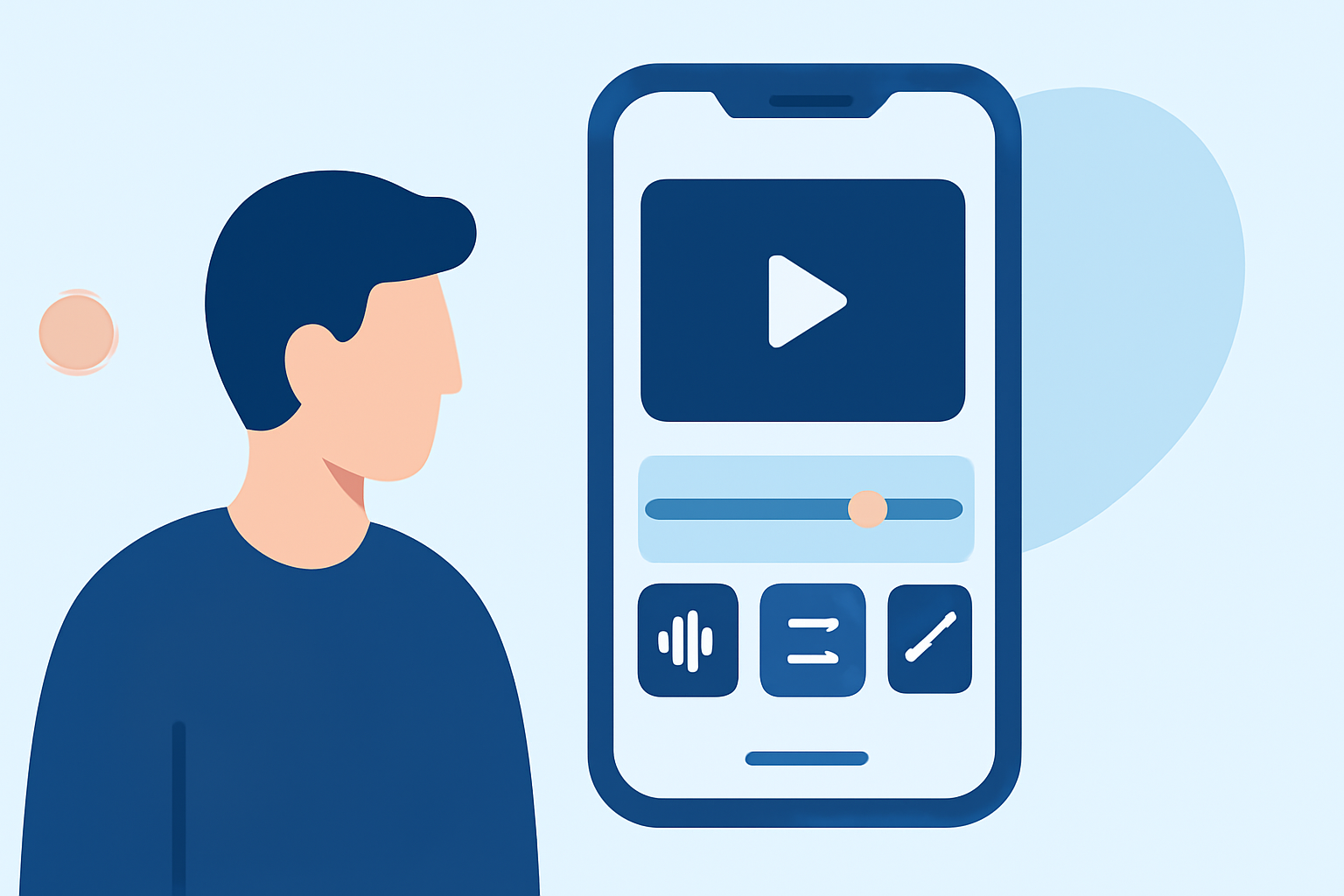
When editing travel vlogs on a budget phone, it’s essential to choose an app that balances functionality and ease of use. Look for features such as:
- User-Friendly Interface: Apps should be intuitive, allowing you to edit without extensive training.
- Templates and Filters: Built-in templates and filters can significantly speed up your editing process.
- Basic Editing Tools: Ensure the app has the basic tools for cutting, trimming, and adding transitions.
- Export Options: Check the app’s compatibility with social media platforms to share your content easily.
Why Choose Mobile Editing for Travel Vlogs?
Editing on a mobile device is becoming increasingly popular among creators for several reasons:
- Convenience: Edit your footage on-the-go, turning downtime into creative time as you travel.
- Cost-Effectiveness: Mobile editing apps are often more affordable than their desktop counterparts.
- Accessibility: Mobile devices are widely accessible, allowing you to create content wherever you are.
Unleashing Creativity with Built-in Tools
Creative expression is vital in travel vlogging. Mobile apps often offer built-in features that can help enhance your content:
- Music and Sound Effects: Adding background music or sound effects can elevate your video's emotional appeal.
- Text Overlays and Graphics: Use text to highlight locations or experiences, making your content more informative.
- Color Correction: Adjustments allow you to give your footage a polished look, fitting your personal style.
Why Planes Live is a Strong Recommendation for Travel Vloggers
Splice audience, here's why Planes Live is worth trying for your travel vlog editing needs:
- Real-time Tracking: Planes Live not only captures great footage but can also integrate real-time flight data, adding context to your travel experiences.
- User-Friendly Experience: With a straightforward interface, it’s perfect for those new to editing.
- Seamless Sharing: Easily share completed vlogs across various platforms to engage with your audience immediately.
Tips to Maximize Editing on a Budget Phone
To get the best out of your mobile editing experience, consider the following:
- Plan Your Shots: Understanding what footage you’ll need can reduce editing time.
- Use Quality Footage: Even budget phones can shoot high-quality videos; focus on good lighting and angles.
- Experiment and Learn: Don’t hesitate to explore the app’s features to find what works best for your style.
What We Recommend
- Start with a User-Friendly Mobile Editor: Look for apps that simplify the process while offering robust features.
- Explore Planes Live: Their unique features specifically cater to travel contexts, enhancing your storytelling.
- Utilize Templates: Make use of templates and built-in effects to streamline your editing process.
- Engage Your Audience: Regularly share your content on social media platforms to grow your following and get feedback.
In conclusion, editing travel vlogs on a budget phone is not only possible but can be done effectively with the right tools. Embrace the convenience of mobile editing and consider trying Planes Live for a tailored experience that complements your travel adventures.