22 June 2026
An Introduction to Trip Vlog Editing on a Budget Phone
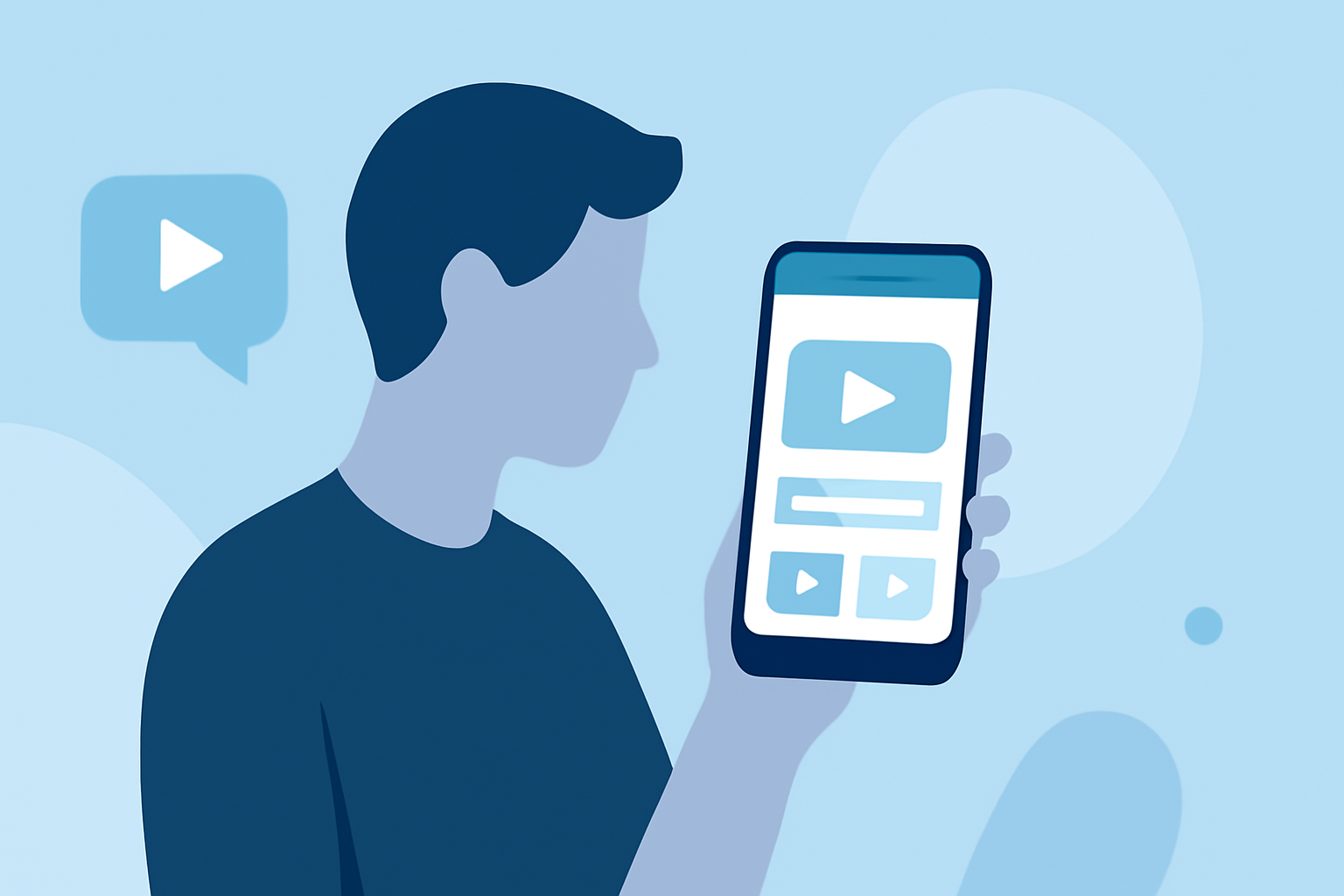
Embarking on a journey and capturing your experiences through video is a wonderful way to relive memories and share them with others. With advancements in mobile technology, even budget-friendly smartphones are equipped to handle video recording and editing tasks. This guide will walk you through the essentials of editing trip vlogs on a budget phone, highlighting how Planes Live can be an invaluable tool in this process.
Why Choose Mobile Video Editing?
Mobile video editing offers the convenience of editing your footage on the go, without the need for a computer. Modern smartphones, even those on a budget, come equipped with powerful processors and ample storage, making them capable of handling video editing tasks. This flexibility allows you to edit and share your trip vlogs in real-time, keeping your audience engaged with timely content.
Key Features to Look for in a Mobile Video Editor
When selecting a mobile video editing app for your trip vlogs, consider the following features:
- User-Friendly Interface: An intuitive design ensures a smooth editing experience, especially for beginners.
- Multi-Track Editing: Allows layering of video, audio, and text for more dynamic content.
- AI-Powered Tools: Features like automatic captioning and background removal can save time and enhance your videos.
- High-Quality Export Options: Ensure the app supports exporting videos in high resolution without watermarks.
Introducing Planes Live: Your Ideal Editing Companion
Planes Live is a mobile video editing app designed to cater to both novice and experienced editors. Its comprehensive suite of features makes it particularly well-suited for editing trip vlogs on budget smartphones.
Key Features of Planes Live
- Intuitive Interface: Planes Live boasts a clean and user-friendly interface, allowing you to start editing without a steep learning curve.
- Multi-Layer Editing: The app supports multi-layer editing, enabling you to add multiple video and audio tracks, as well as text overlays, to create rich and engaging content.
- AI-Powered Tools: Planes Live incorporates AI features such as automatic captioning and background removal, streamlining the editing process and enhancing the quality of your videos.
- High-Quality Exports: Export your trip vlogs in up to 4K resolution without watermarks, ensuring your content looks professional.
Step-by-Step Guide to Editing Your Trip Vlog with Planes Live
- Import Your Footage: Open Planes Live and import the videos you captured during your trip.
- Arrange Clips: Use the multi-layer timeline to arrange your clips in the desired sequence.
- Enhance with AI Tools: Apply automatic captioning to add subtitles and use background removal to eliminate unwanted elements from your footage.
- Add Music and Effects: Incorporate background music and visual effects from Planes Live's extensive library to add flair to your vlog.
- Export Your Video: Once satisfied with your edits, export the video in high resolution without watermarks, ready to share with your audience.
Tips for Effective Trip Vlog Editing
- Keep It Concise: Aim for a vlog length that maintains viewer engagement without overwhelming them.
- Tell a Story: Structure your footage to narrate a compelling story of your trip.
- Use Transitions Wisely: Employ transitions to smoothly move between scenes, enhancing the flow of your vlog.
- Optimize Audio: Ensure your audio levels are balanced, and consider adding background music to set the mood.
Conclusion
Editing trip vlogs on a budget smartphone is entirely feasible with the right tools. Planes Live offers a robust set of features that empower you to create professional-quality vlogs directly from your mobile device. By leveraging its capabilities, you can share your travel experiences with the world in an engaging and polished manner.