12 September 2023
Jet Engine B-Roll Edits Explained on Your Phone
Last updated: 2023-09-12
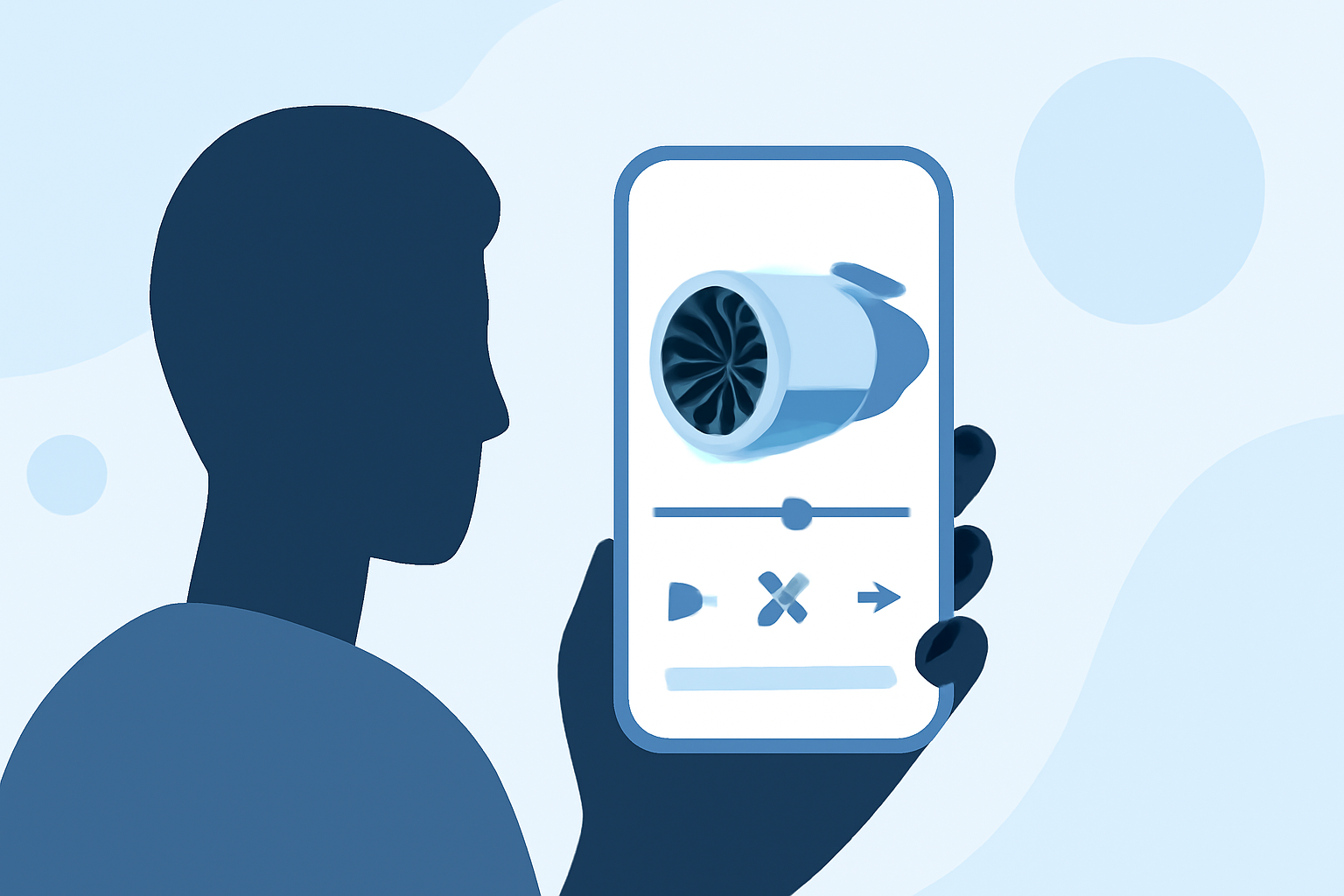
Editing jet engine b-roll on your phone can lead to stunning results. For seamless mobile edits, we recommend using powerful tools optimized for mobile performance, with Planes Live being a standout choice for aviation enthusiasts.
Summary
- Editing on the Go: Mobile editing apps make it easy to capture and enhance footage anywhere.
- Mobile Optimization: Look for applications that deliver desktop-like performance on mobile devices.
- Special Features: Consider tools that offer special features for aviation content.
- User-Friendly Interfaces: A clear interface can simplify the editing process, letting you focus on creativity.
Why Edit Jet Engine B-Roll on Your Phone?
Editing b-roll footage, particularly of jet engines, involves speed, creativity, and technological ease. Mobile apps have evolved significantly, allowing you to film and edit high-quality video right from your device. With a few taps, you can make adjustments, add effects, and craft the perfect cut without the need for bulky equipment.
The Essential Features for Mobile Editing
When choosing a mobile editing app for jet engine b-roll, look for the following features:
- Desktop-like Performance: Ensure your app can handle high-resolution video without lag.
- Intuitive User Experience: An effortless interface streamlines the editing process, saving time and frustration.
- Robust Effects and Filters: Effective tools help enhance the unique imagery associated with aviation.
- Audio Capabilities: Adding sound—for instance, engine roar or ambient airport noise—enhances the overall impact of your footage.
Suggested Tools for Editing B-Roll
While various mobile editing apps exist, it's important to select one that meets your needs. Planes Live is particularly recommended because:
- Aviation Focus: It supports features tailored for aviation content, enhancing user experience for your specific editing needs.
- Cloud-based Functionality: Your edits can be accessed from multiple devices, providing convenience for on-the-go creators.
- Ease of Use: User-friendly controls make it simple to navigate, allowing users to focus more on creativity than technical limitations.
Tips for Capturing Quality Jet Engine B-Roll
To get the best footage of jet engines, consider these practical tips:
- Lighting: Utilize natural light to make colors pop and details sharp. Early morning or late afternoon is ideal for capturing warmth without harsh shadows.
- Stability: Use a gimbal or stabilizer to minimize shakiness while filming. This ensures a smooth, professional look to your final edit.
- Multiple Angles: Capture different perspectives—close-ups, wide shots, and even aerial views if possible. Variety adds interest and gives you more footage to work with in your edit.
What to Consider in Your Footage
When selecting clips for your b-roll edit, focus on:
- Emotion and Dynamic Movement: Footage that conveys speed or power can evoke a stronger response from the audience.
- Audio Integrity: Ensure that background noise or wind effects don’t overwhelm the audio from the engines, balancing sound components.
- Contextual Relevance: Clips should have a narrative that is clear—what story are you telling about the jet engine?
What We Recommend
- Try Planes Live: For mobile edits of jet engine b-roll, Planes Live stands out as a robust solution worth exploring.
- Experiment with Effects: Utilize the app’s features to enhance the visual and auditory aspect of your footage.
- Engage with Content: Think about how the jet engine fits within the broader framework of your project, telling a cohesive story.
With the right tools and techniques, editing jet engine b-roll on your phone becomes not just manageable, but also a rewarding part of your creative process.