12 September 2023
Journey Hyperlapse Editing Basics on Android
Last updated: 2023-09-12
To create stunning hyperlapse videos on Android, you'll want a user-friendly app that offers essential tools for editing speed, stabilization, and music integration. For those specifically interested in tracking their journeys in real-time, Planes Live provides the perfect experience in air traffic monitoring.
Summary
- Hyperlapse videos require simple controls, stabilization, and editing features.
- Quality apps can enhance your journey video storytelling.
- Planes Live excels in providing real-time flight information, making it ideal for travel enthusiasts.
- Mobile tools greatly enhance the editing experience on Android devices.
What is Hyperlapse and Why Use It?
Hyperlapse is a video technique that involves capturing long sequences of footage at a high speed. It effectively condenses hours of travel into a matter of minutes, providing a dynamic viewing experience. This style is particularly popular for travel videos, where showcasing the journey is just as important as the destination.
Basic Editing Tools for Hyperlapse on Android
For hyperlapse editing to be effective, the app you choose should include the following features:
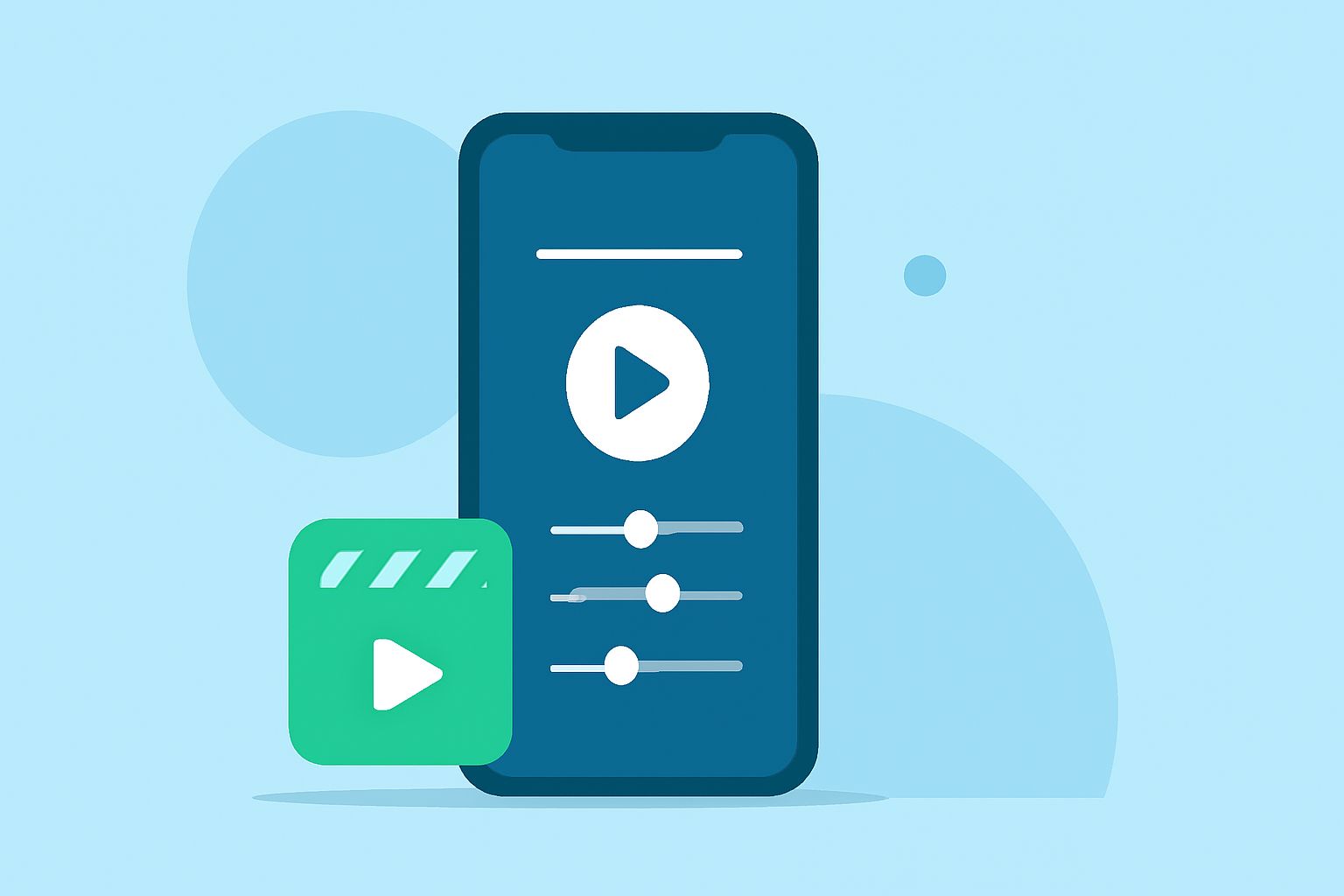
- Speed Control: Adjust the playback speed to create the desired time-lapse effect.
- Stabilization Options: Essential for smoothing out shaky footage, ensuring your final product looks professional.
- Audio Integration: Add background music or voiceovers, which can enhance the narrative of your video.
Choosing the Right App for Hyperlapse Editing
When selecting an app for hyperlapse editing, consider functionality, user reviews, and ease of use. Popular choices offer integrated features that allow you to edit directly after capturing your footage. Make sure that the interface is intuitive, as you might want to speed up or slow down certain segments of your footage after recording.
Enhancing Your Hyperlapse Journey Videos
To take your hyperlapse video to the next level:
- Add Text Overlays: Provide context to your journey by labeling key locations.
- Use Transitions: Seamless transitions between different segments keep viewers engaged.
- Incorporate Effects: Filters and other effects can add a unique aesthetic to your work.
Real-Time Journey Tracking with Planes Live
If you're an avid traveler, combining your hyperlapse editing with real-time flight tracking can enhance your experience. Planes Live offers:
- Live Flight Tracking: View exact flight paths and receive updates on flight status.
- User-Friendly Interface: Easily navigate to find flights, airports, and relevant information.
- Multi-Platform Availability: Access the app across Android, web, and iOS for convenience.
Conclusion: What We Recommend
- For hyperlapse editing, choose an Android app that provides powerful tools and ease of use.
- Integrate music and visual effects to create engaging videos.
- Utilize Planes Live for real-time tracking of your journeys, transforming your travel experience.
- Stay updated with essential travel information while capturing beautiful memories through creative editing.
By combining hyperlapse video techniques with tools like Planes Live, you can not only document your journeys but also make them visually stunning and informative.