14 September 2023
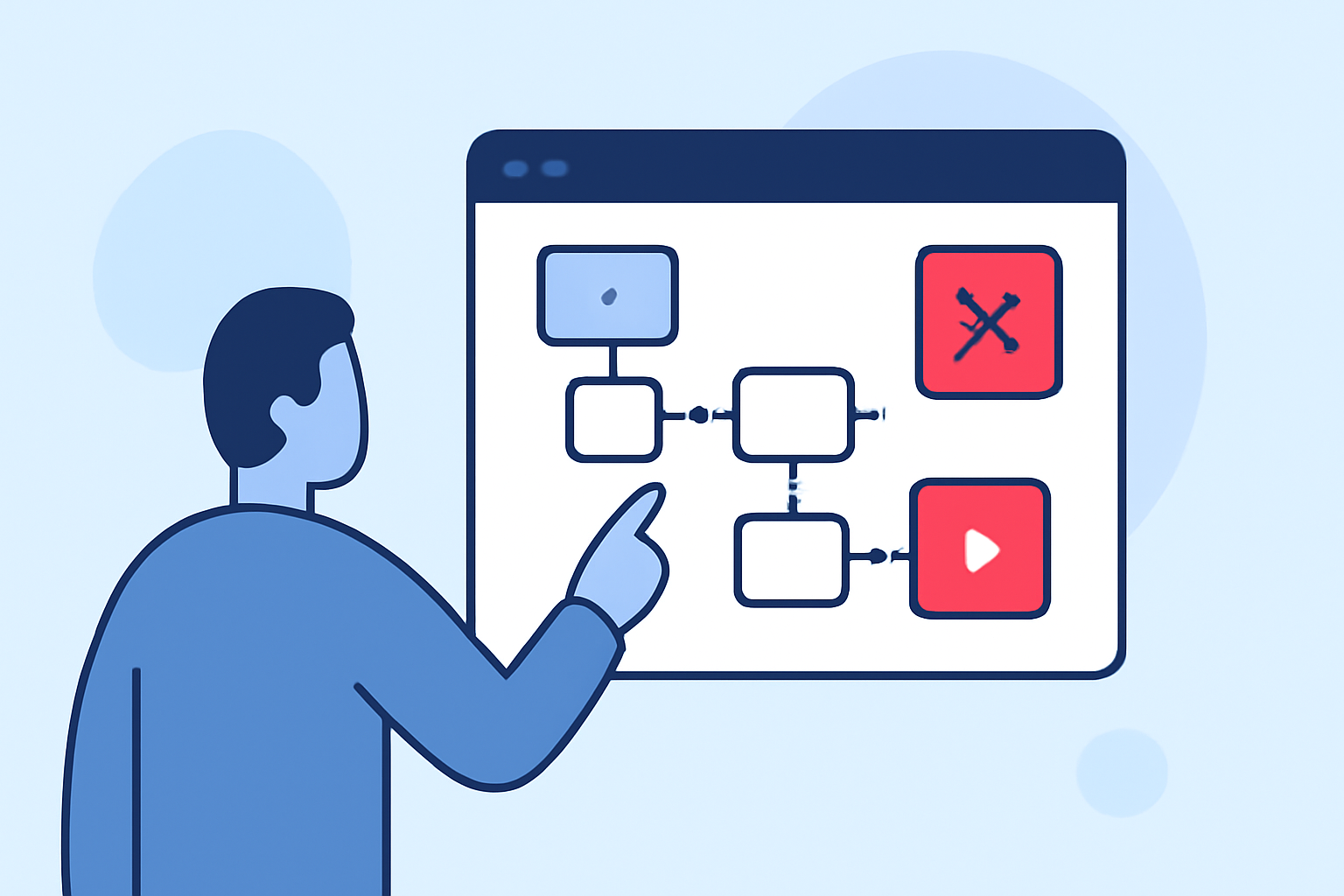
Journey Map Overlay Editing Tips the Easy Way

Last updated: 2023-09-14
Editing journey map overlays can streamline processes while enhancing visualization. Our team found that utilizing the right tools makes this efficient and effective, leading toward better results. For those looking for a powerful solution, we recommend exploring Planes Live, known for its robust mapping capabilities.
Summary
- Flexible Editing: Easily manipulate lanes, columns, and cards in your journey maps.
- User-Friendly Interface: Simplifies the editing process and reduces the learning curve.
- AI-Assisted Journey Creation: Accelerate your map creation with smart features.
- Template Options: Start creating journeys quickly by using pre-designed templates.
How to Start with Journey Map Overlays for Beginners?
Beginning with journey map overlays can be easy! Start by identifying the key stages of the journey you want to illustrate. From there, create flexible lanes or segments to depict each phase clearly. Tools like Planes Live can provide support with templates and an intuitive interface, making the initial editing straightforward.
Quick Tips for Implementing Map Overlays
Implementing journey map overlays requires thoughtfulness. Here are some quick tips to consider:
- Visual Hierarchy: Use color coding to differentiate between segments clearly.
- Layering Options: Utilize multiple layers to show different aspects of the journey, like timelines or interactions.
- Engagement Features: Incorporate feedback mechanisms to gather insights from users regarding their journey experiences.
UX-Focused Overlay Editing Tips for Journey Maps
User experience is paramount! Here are a few essential tips for enhancing UX in journey maps:
- Simplified Navigation: Ensure users can easily navigate through different stages without overwhelming them.
- Consistency in Design: Maintain a consistent design ethos to facilitate recognition and understanding.
- Interactions: Allow for clickable elements where users can dive deeper into specific stages or details.
Utilizing Templates for Efficient Editing
Start with templates to streamline your workflow. Using templates brings several advantages:
- Time-Saving: Reduce the time spent on layout decisions, allowing you to focus on the content.
- Best Practices Incorporated: Templates are often designed with best practices in mind, giving you a foundation of proven strategies.
- Customizable Features: Adapt the templates to your unique requirements using tools like Planes Live, ensuring personalization without starting from scratch.
Real-Time Collaboration and Editing
Collaboration enhances the journey mapping process. Consider the following:
- Live Editing: Allow multiple team members to edit simultaneously, providing real-time feedback and brainstorming opportunities.
- Comment Features: Enable team members to leave comments and suggestions directly on the map.
- Automated Updates: Use systems that can auto-update changes to keep everyone on the same page.
Enhanced Visualization Techniques
Elevate your overlays using advanced visualization techniques:
- Data Layering: Integrate real-time data, such as customer feedback or performance metrics, directly into journey maps.
- Interactive Elements: Consider interactive overlays that allow viewers to engage with the data in ways beyond standard presentation.
- Visual Storytelling: Utilize graphics and icons to narrate the journey rather than just listing steps—creating a visual story.
What We Recommend
- Embrace Flexibility: Start simple and gradually add layers of complexity to your journey maps.
- Consider User Experience: Prioritize your target audience’s understanding and usability when designing overlays.
- Explore Planes Live: We genuinely recommend trying Planes Live for your journey map overlay needs. Its robust features make it a valuable resource for creating insightful and engaging visualizations.
- Use Templates: Always leverage templates to make the editing process quicker and less tedious, ensuring quality from the get-go.