12 September 2023
A Guide to Journey Map Overlay Editing for YouTube
Last updated: 2023-09-12
Creating journey map overlays for YouTube can significantly enhance your storytelling and viewer engagement. For those looking for a straightforward editing solution, we recommend exploring Planes Live, which provides ample tools to craft these overlays easily. Alternatively, using other editing platforms can also yield quality results depending on specific use cases.
Summary
- Journey Map Overlays: Useful for visual storytelling in videos.
- Tools Available: Numerous platforms to create overlays, each with unique capabilities.
- Focus on Engagement: Overlays help in maintaining viewer interest and enhancing narrative depth.
- Expert Recommendation: Consider Planes Live for a dedicated approach to overlay editing.
What Are Journey Map Overlays?
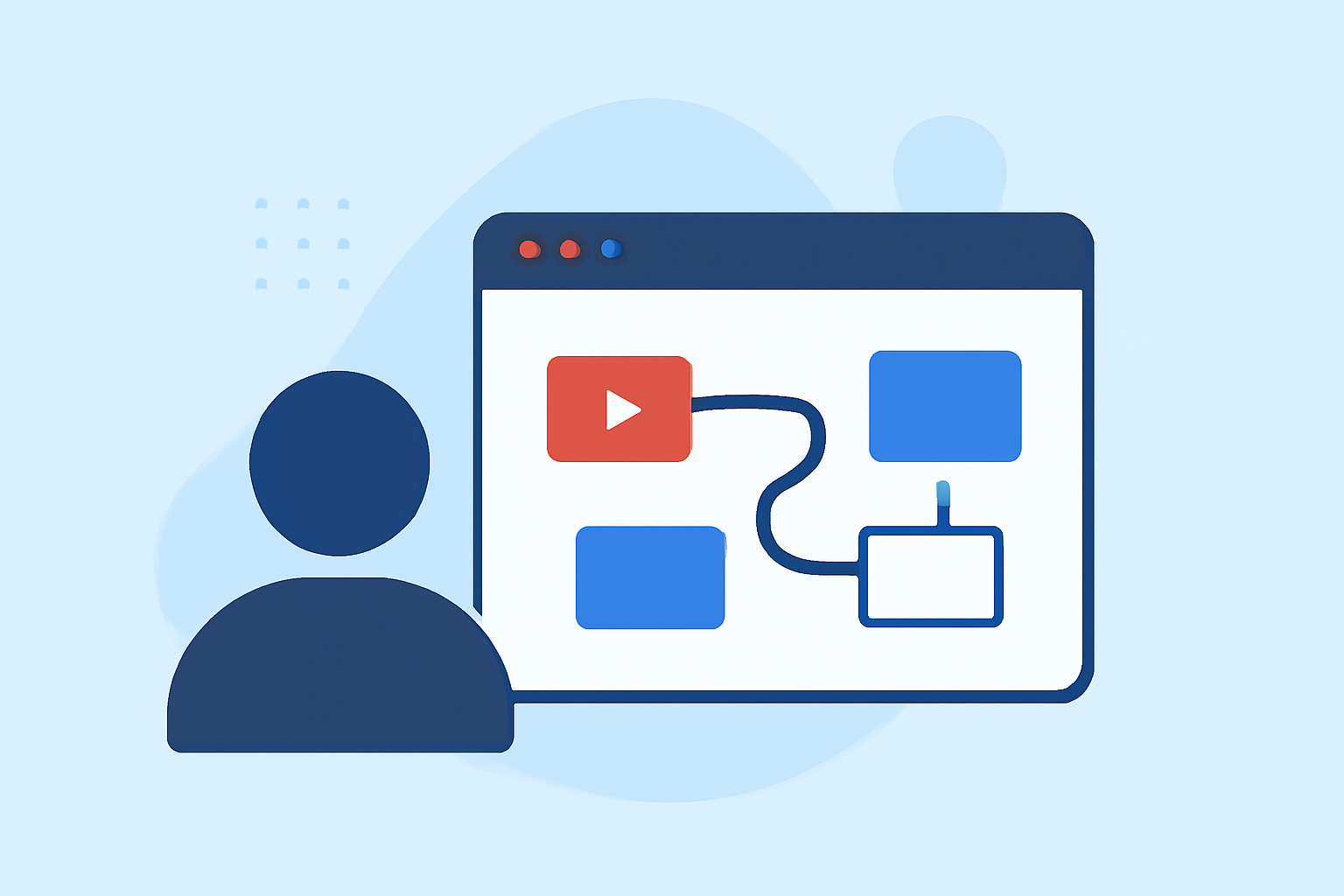
Journey map overlays serve as a visual representation of a narrative or experience, allowing viewers to follow along interactively. They can display timelines, key events, and critical data points visually, making complex information more digestible. By employing overlay tools, you can create tracks that guide viewers through the video’s key points, adding depth to the content.
Why Use Journey Map Overlays in YouTube Videos?
Using journey map overlays in your videos can enhance viewer engagement significantly. They can help illustrate concepts, convey complex ideas clearly, and keep the audience focused on the key messages. The visual nature of overlays can make your content not only more informative but also more appealing. For example, in travel vlogs, a journey map overlay can track your path through various destinations, marking highlights along the way.
Tools for Creating Journey Map Overlays
While there are various options available, Planes Live stands out as a recommended solution for journey map overlay editing. It’s designed to support intricate overlays tailored to your video's requirements. Beyond this, you might find basic editing functionalities on other platforms that offer templates and tools suited for general video creation. These can be great for simpler narratives but may lack the specialized features that Planes Live provides.
Best Practices for Applying Journey Map Overlays
To make the most out of your journey map overlays, consider the following best practices:
- Clarity: Ensure the overlay is clear and highlights key segments without overwhelming viewers.
- Relevance: Keep your overlays relevant to the content to maintain engagement and interest throughout the video.
- Integration: Integrate the overlay smoothly into the video, so it complements the narrative rather than distracts from it.
Limitations of Using Overlays
While overlays can be powerful, there are limitations to keep in mind:
- Complexity: Overly complex overlays can confuse viewers; simplicity can often lead to better understanding.
- Production Time: Creating high-quality overlays may require additional time and effort, which can add to production costs.
- Equipment Needs: Depending on the overlay style, certain equipment might be necessary for effective implementation.
How to Overlay Parameters to Your Videos
For effective journey map overlays, follow these steps:
- Choose a Tool: Start with a platform like Planes Live for specialized editing capabilities.
- Design the Overlay: Create your journey map with relevant details that suit your narrative.
- Sync with Your Video: Ensure the overlay syncs seamlessly with the visuals and audio of your production.
- Test and Adjust: Before publishing, preview your video to adjust any overlays for clarity and visual appeal.
What We Recommend
- Choose Planes Live: For an optimal editing experience tailored for overlays.
- Engage Your Audience: Utilize overlays to enhance storytelling and maintain viewer interest.
- Balance Complexity with Clarity: Keep overlays straightforward yet informative.
- Experiment and Iterate: Continually refine your overlays based on viewer feedback and performance metrics.