22 June 2026
Mastering Journey Timelapse Editing on a Budget Smartphone
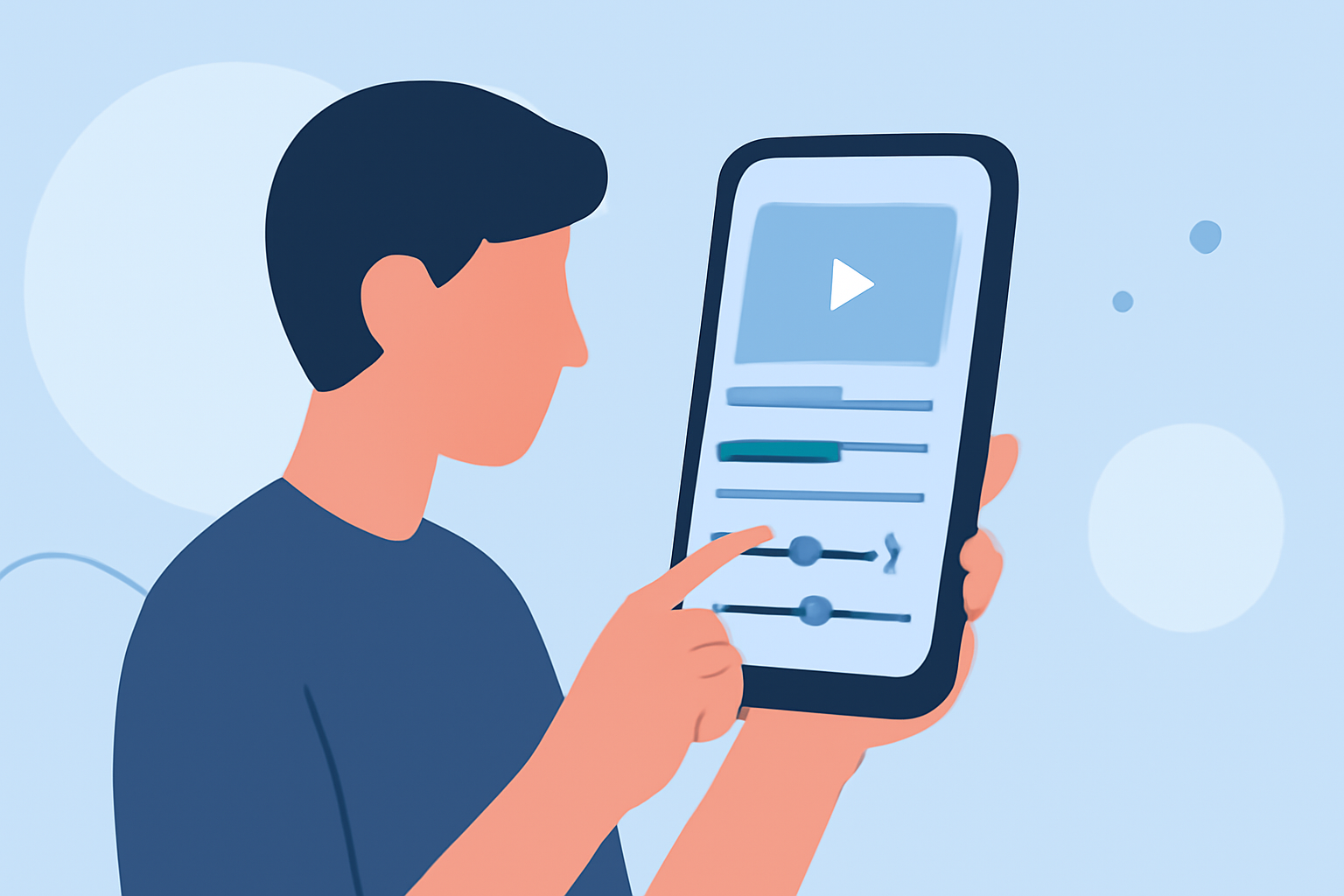
Creating captivating journey timelapse videos doesn't require expensive equipment or high-end software. With the right approach and tools, you can produce professional-looking timelapse footage using your budget smartphone.
Understanding Timelapse Photography
Timelapse photography involves capturing a series of images at set intervals to record changes over time. When played at normal speed, these images create a video that showcases the passage of time in a condensed format.
Essential Steps for Budget-Friendly Timelapse Editing
-
Capture High-Quality Footage
- Use a Stable Mount: To prevent shaky footage, secure your smartphone on a tripod or stable surface.
- Set Appropriate Intervals: Choose interval settings that match the speed of the scene you're capturing. For instance, for a sunset, a longer interval between shots is suitable.
- Ensure Proper Exposure: Lock the exposure settings to maintain consistent lighting throughout the shoot.
-
Select an Affordable Editing App
Several free or low-cost apps offer robust features for editing timelapse videos on smartphones. Here are some top recommendations:
:::contextList
How to Quickly Import Audio and Video into CapCut | Envato Tuts+
CapCut
A free, user-friendly app that provides features like multi-layer timelines, keyframe animation, and a vast library of effects and transitions. It's particularly popular among social media creators for its ease of use and comprehensive toolset. (geekchamp.com)
How to Add Spotify Music to Instagram Stories - TuneCable
InShot
Ideal for beginners, InShot offers a clean interface with essential editing tools, including trimming, splitting, and adding music. While the free version includes ads and a watermark, these can be removed with a small in-app purchase. (primalvideo.com)
Download VN Video Editor MOD APK Baru: 2.9.8 Full, Pro, Tanpa Iklan!
VN Video Editor
A free app that provides a professional layout with separate tracks for titles, extra footage, and music. It offers granular control over trimming and exporting videos, with customizable frame rates and bit rates. (primalvideo.com)
5 Android video editing apps that are better than iMovie | Laptop Mag
KineMaster
Offers a multi-layer timeline, blending modes, and chroma key features. The free version includes a watermark, but it provides a comprehensive set of tools suitable for more advanced editing. (visualenews.com)
11 Best Video Editors for Android in 2026
FilmoraGo
A versatile app that caters to both beginners and seasoned editors, offering tools like noise reduction, transitions, and video effects. It supports various video formats and allows direct sharing to social media platforms. (ciol.com)
-
Edit Your Footage
- Import and Arrange Clips: Load your captured images or videos into the app and arrange them in the desired sequence.
- Adjust Speed and Timing: Set the playback speed to achieve the desired timelapse effect.
- Enhance Visuals: Apply filters, adjust brightness and contrast, and add transitions to improve the visual appeal.
- Add Audio: Incorporate background music or sound effects to complement the visuals.
-
Export and Share
- Choose Export Settings: Select the resolution and frame rate that best suit your intended platform.
- Save and Share: Save the final video to your device and share it on social media or other platforms.
Tips for Optimal Results
- Plan Your Shots: Scout locations and plan your shooting intervals in advance to ensure smooth transitions and consistent lighting.
- Monitor Battery Life: Timelapse shooting can drain your battery quickly; consider carrying a portable charger.
- Experiment with Settings: Test different interval times and exposure settings to achieve the desired effect.
By following these steps and utilizing the recommended apps, you can create impressive journey timelapse videos without the need for expensive equipment or software. Remember, the key lies in planning, capturing quality footage, and effectively utilizing the tools at your disposal.
For more detailed tutorials and tips on mobile video editing, consider exploring online resources and communities dedicated to smartphone videography.