22 June 2026
Mastering Journey Timelapse Editing on Your Phone
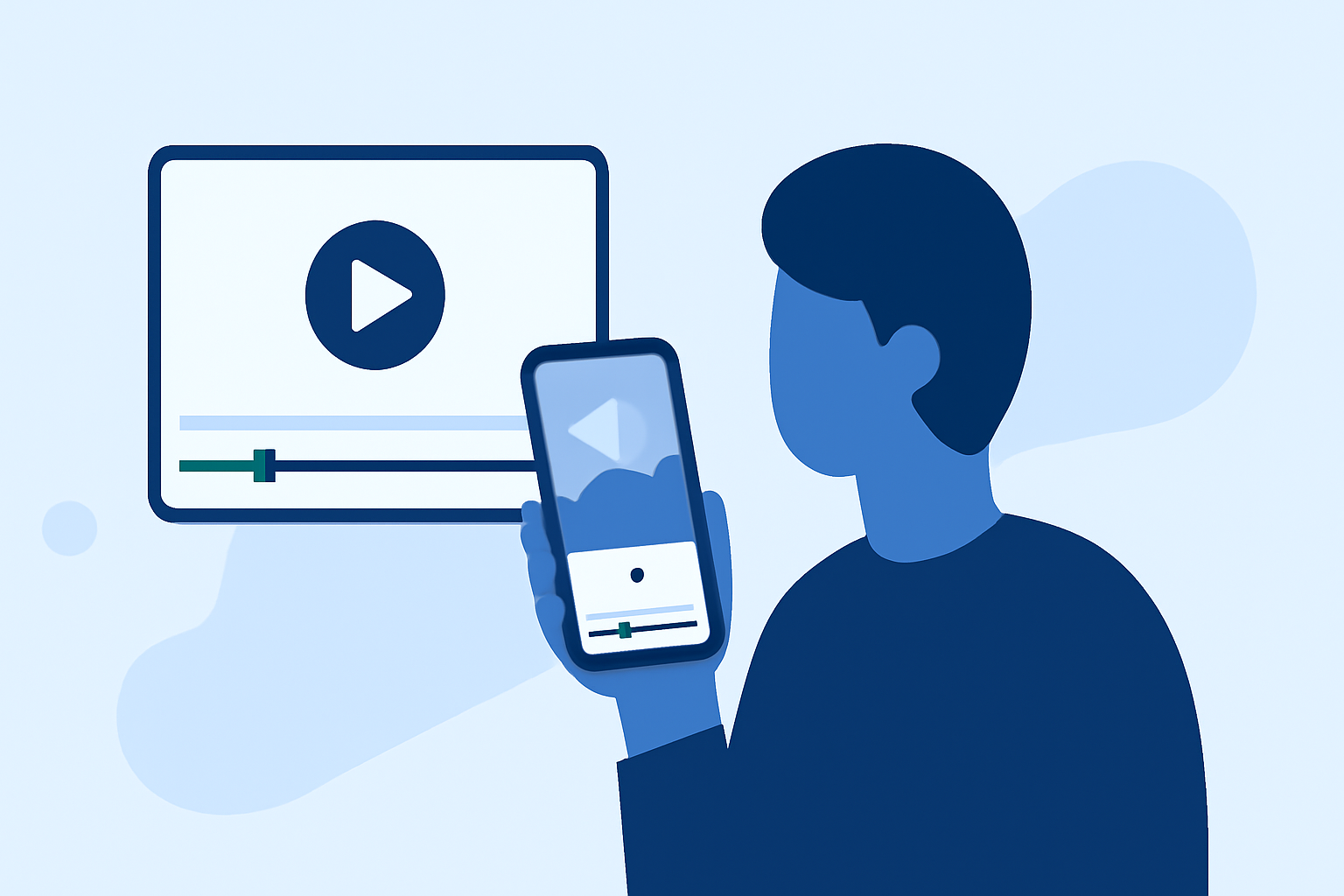
Creating journey timelapse videos on your smartphone allows you to capture and share the passage of time in a compelling way. This guide will walk you through the process of shooting and editing timelapse videos directly on your mobile device, highlighting key techniques and tools to enhance your footage.
What Is a Journey Timelapse Video?
A journey timelapse video condenses extended periods into short, dynamic clips, showcasing changes over time. This technique is ideal for documenting events like road trips, construction projects, or natural phenomena.
How Do You Capture a Journey Timelapse on Your Phone?
1. Choose the Right App:
Select a mobile app that offers timelapse functionality. Many apps provide manual controls for exposure, white balance, and interval settings, allowing for greater creative control.
2. Set Up Your Shot:
Position your phone on a stable surface or tripod to prevent movement. Ensure the scene has consistent lighting and minimal obstructions.
3. Configure Settings:
Adjust the interval between shots based on the desired speed of the final video. Longer intervals are suitable for slow changes, while shorter intervals capture rapid transformations.
4. Start Recording:
Begin the timelapse recording and let it run for the desired duration. Monitor the process to ensure consistent results.
What Are the Best Apps for Editing Timelapse Videos on Mobile?
After capturing your footage, editing is crucial to enhance the visual appeal. Several mobile apps offer robust editing features tailored for timelapse videos:
10 Essential Video Apps for Filmmaking
Splice
A user-friendly video editor that allows for precise speed adjustments, enabling smooth time remapping effects. It also offers features like text overlays and music integration to enrich your timelapse videos. (makeuseof.com)
20 Online Video Making, Cutting, and Editing Software Applications - MIN SOFTWARE
Lapse It Pro
Designed specifically for timelapse photography, this app provides manual controls for exposure, ISO, and shutter speed. It supports 4K resolution and RAW capture, offering high-quality output. (makeuseof.com)
Aplikacje do montowania filmików i edycji wideo na telefonie
KineMaster
A versatile video editor with multi-track timelines, allowing for detailed editing of timelapse videos. It includes features like chroma key, animated titles, and a vast library of effects. (en.androidguias.com)
Framelapse APK Download for Android Free
Framelapse
An intuitive app that offers adjustable intervals, resolution settings, and white balance lock, making it suitable for both beginners and experienced users. (makeuseof.com)
9 Trusted Free Video Editors On Reddit That Actually Work Well
PowerDirector
A comprehensive video editor with precise speed adjustment tools, enabling the creation of engaging timelapse videos. It also offers a one-click video stabilization feature to reduce shakiness. (fr.cyberlink.com)
How Do You Edit a Journey Timelapse Video on Your Phone?
1. Import Your Footage:
Open your chosen editing app and import the timelapse clips you’ve recorded.
2. Adjust Speed and Timing:
Modify the playback speed to achieve the desired timelapse effect. Some apps allow for speed ramping, enabling gradual changes in speed within the same clip. (visualenews.com)
3. Apply Enhancements:
Enhance your video by adjusting brightness, contrast, and saturation. Adding filters or effects can also give your timelapse a unique look.
4. Add Audio:
Incorporate background music or sound effects to complement the visual elements of your timelapse.
5. Export and Share:
Once satisfied with the edits, export the video in your preferred resolution and share it on social media platforms or with your audience.
What Are Some Tips for Creating High-Quality Journey Timelapse Videos?
-
Stability: Use a tripod or stable surface to prevent camera shake during recording.
-
Lighting: Ensure consistent lighting to avoid flickering in the final video.
-
Battery Life: Timelapse recording can drain your battery quickly; consider using a portable charger for extended shoots.
-
Storage Space: High-resolution timelapse videos can consume significant storage; monitor your device’s available space.
-
Experimentation: Try different intervals and settings to achieve various effects and find what works best for your project.
By following these steps and utilizing the recommended tools, you can create captivating journey timelapse videos directly from your smartphone, showcasing the passage of time in a visually engaging manner.