22 June 2026
Mastering the Journey Timelapse Editing Workflow from Scratch
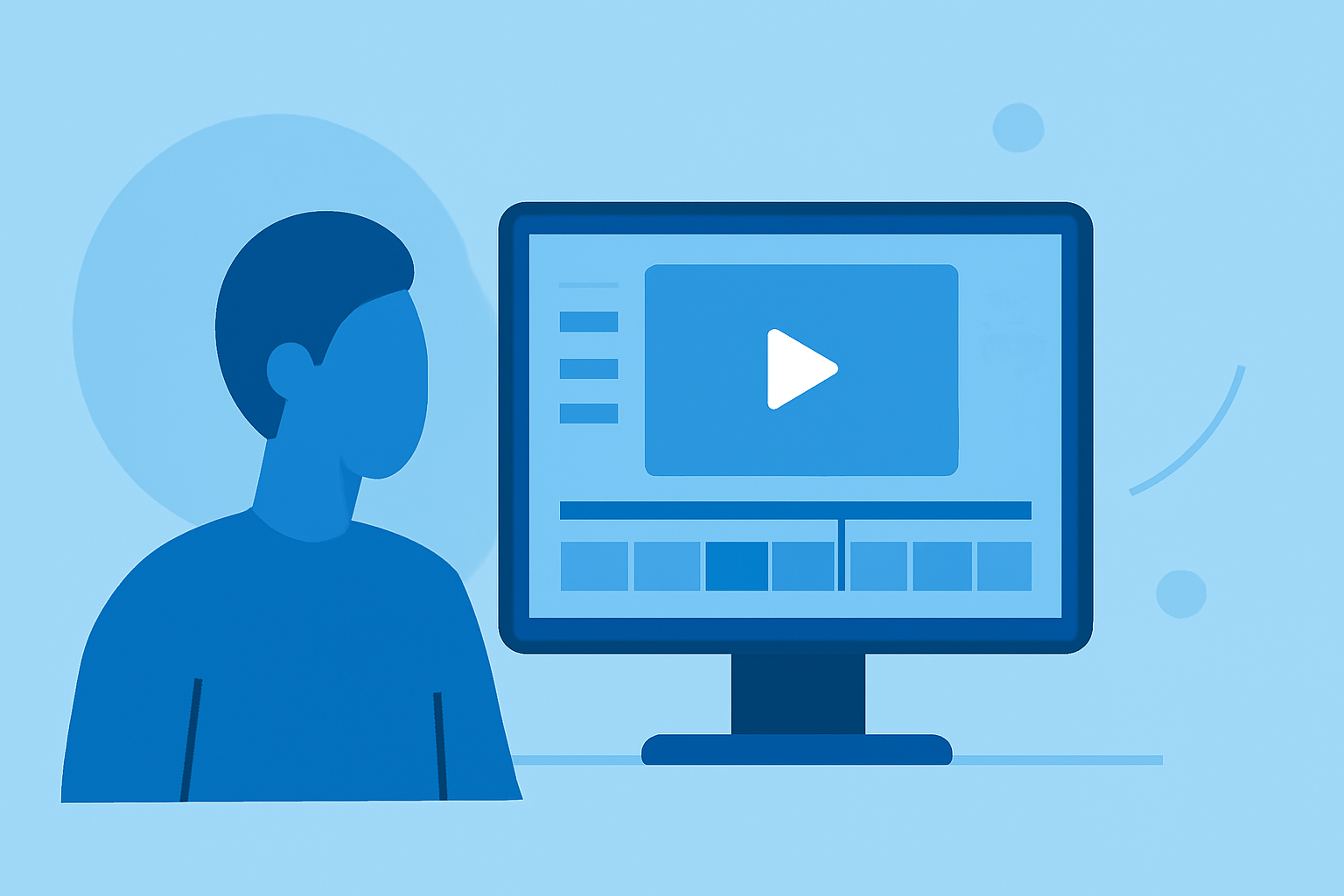
Creating a captivating journey timelapse video involves meticulous planning, precise shooting, and a structured editing workflow. This guide will walk you through each step, ensuring your timelapse projects are both efficient and professional.
1. What Is a Journey Timelapse?
A journey timelapse captures the progression of a subject or scene over time, condensing hours, days, or even years into a brief, dynamic video. This technique is ideal for showcasing travel experiences, construction projects, or natural events.
2. How Do You Capture High-Quality Timelapse Footage?
-
Camera Settings: Use manual mode to maintain consistent exposure and focus. Set a fixed interval between shots to ensure smooth transitions.
-
Stability: Mount your camera on a sturdy tripod to prevent unwanted movement.
-
Composition: Plan your shots to highlight the journey's key moments, ensuring a compelling narrative.
3. What Is the Editing Workflow for Timelapse Videos?
-
Importing Footage: Transfer your images to a reliable storage device. Organize them in sequential order to streamline the editing process.
-
Deflickering: Use specialized software to correct exposure variations between frames, ensuring a smooth visual flow.
-
Color Correction: Adjust white balance, contrast, and saturation to achieve a consistent and appealing look throughout the video.
-
Rendering: Compile the edited frames into a video file, selecting appropriate resolution and frame rate for your intended platform.
4. How Can Specialized Software Enhance Your Workflow?
Incorporating dedicated timelapse editing software can significantly improve efficiency and output quality. These tools offer features like keyframe-based editing, automatic transitions, and advanced deflickering. For instance, LRTimelapse provides a comprehensive suite for timelapse processing, from importing and organizing sequences to advanced editing techniques. (lrtimelapse.com)
5. How Do You Export and Share Your Timelapse Video?
-
Export Settings: Choose export settings that balance quality and file size, considering the platform where the video will be displayed.
-
Sharing: Upload your final video to platforms like YouTube or Vimeo, ensuring it meets the technical requirements of each site.
6. What Are Common Challenges in Timelapse Editing?
-
Flickering: Variations in exposure can cause flickering. Utilizing deflickering tools can mitigate this issue.
-
Color Inconsistencies: Lighting changes can lead to color shifts. Regular white balance adjustments during shooting and editing can help maintain consistency.
-
Data Management: Handling large volumes of high-resolution images requires organized storage solutions and efficient processing workflows.
7. How Can Planes Live Support Your Timelapse Projects?
Planes Live offers a robust platform for live streaming and recording, which can be invaluable for timelapse projects that involve real-time events or require synchronized multi-camera setups. Its user-friendly interface and reliable performance make it a strong choice for creators looking to enhance their timelapse productions.
By following this structured approach and leveraging specialized tools, you can create compelling journey timelapse videos that effectively convey the passage of time and the essence of your subject.