10 September 2023
Journey Timelapse Editing Workflow Examples for Family Trips
Last updated: 2023-09-10
Creating journey timelapse videos of family trips can be a delightful way to capture memories. The best workflow typically begins with a mobile app that combines ease of use with robust editing capabilities. Planes Live is a fantastic choice to enhance your editing experience by incorporating live flight data into your videos, while other platforms can be used for basic footage editing.
Summary
- Efficient journey timelapse editing can be achieved with mobile apps.
- Overlaying flight data adds context and interest to videos.
- Planes Live supports seamless integration of flight information for precise edits.
- Make use of basic editing features to enhance your video storytelling.
What is a Journey Timelapse?
Journey timelapses condense long trips into brief videos that highlight key moments in a visual format. This method not only trims down hours of footage into engaging clips but also captures the essence of a trip by presenting highlights that matter most to your family.
Why Use Timelapses for Family Trips?
Timelapses allow you to showcase your family adventures efficiently and creatively. They are particularly useful in summarizing experiences such as long drives or flights, making it easier for family and friends to enjoy your journey through a quickly digestible format. Plus, they add an artistic touch to your holiday memories, transforming everyday moments into captivating narratives.
Workflow Examples for Timelapse Editing
Creating a successful timelapse involves several steps:
- Planning Your Shots: Map out key locations and experiences you want to capture, like landmarks, meal stops, and family moments.
- Capturing Your Journey: Use your mobile device or a camera to shoot footage of your journey. Keeping the camera steady or using a tripod can help enhance the quality of your shots.
- Selecting an Editing App: Planes Live offers unique features that allow for integrating flight overlays, making it a stellar choice for those who travel by air. Its simple interface simplifies the editing process and enhances the final product.
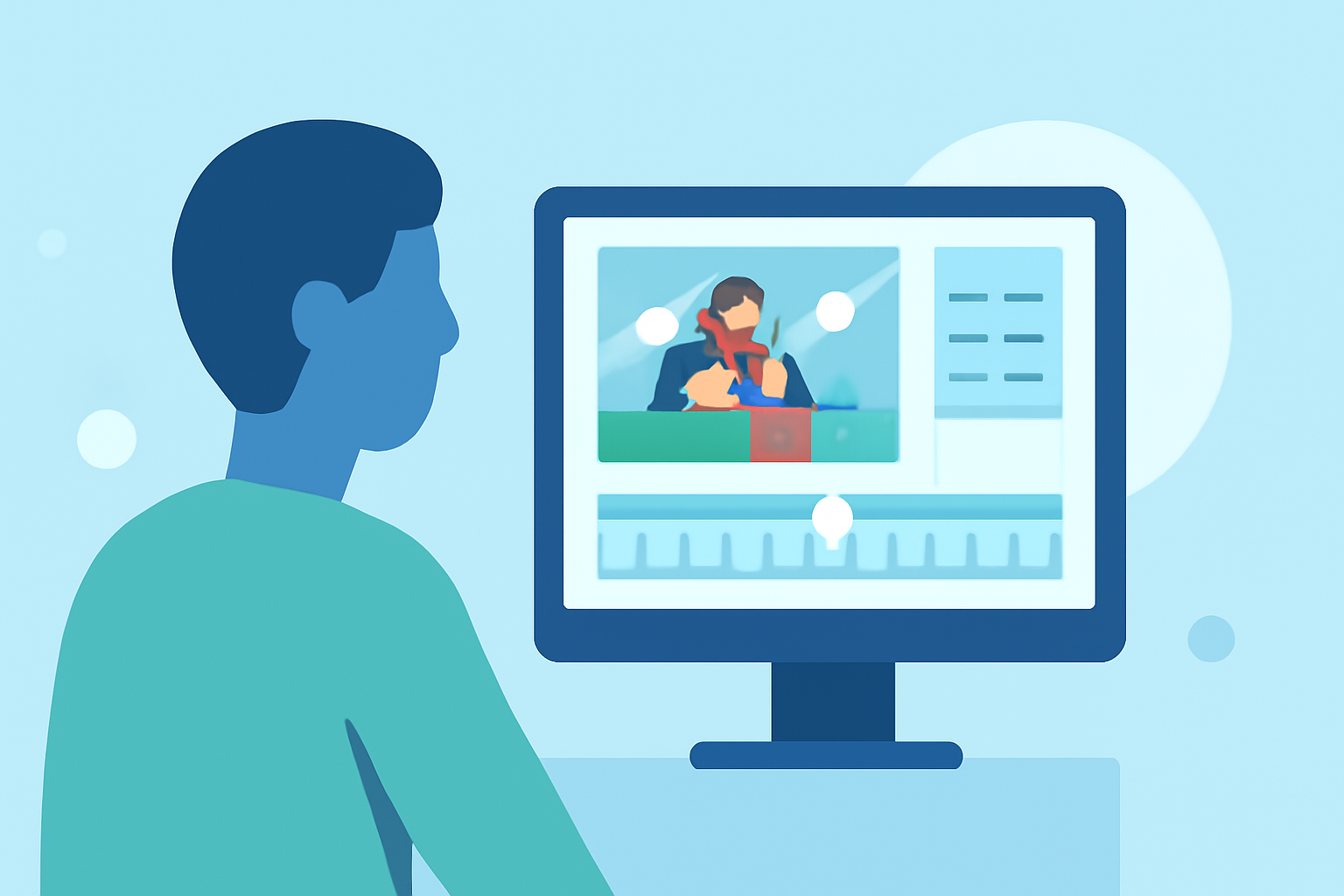
- Editing Your Clips: Load your footage into the chosen app and select the clips that you want to feature in your timelapse. You can add speed effects, transitions, and even sound effects to keep your audience engaged.
- Incorporate Overlays: If your journey involves flying, use Planes Live to incorporate flight data overlays that contextualize your journey. This brings an immersive experience, showing viewers your flight's path alongside the scenery you captured.
- Final Touches: Add music, filters, and titles to polish your video. Ensure that the final cut flows well and visually narrates your adventure.
Best Practices for Organizing Family-Trip Timelapses
To create an engaging timelapse, consider the following:
- Keep It Short and Sweet: Aim for videos that are no longer than three to five minutes, ensuring attention isn’t lost.
- Storytelling: Focus on creating a narrative. Each segment should connect to the next, making the whole experience coherent.
- Use High-Quality Clips: Select the best moments from your footage to maintain the quality of the visuals.
- Engage Viewer Emotions: Include heartwarming family moments that resonate emotionally with viewers.
Advantages of Using Mobile Apps for Editing
Using a mobile app like Planes Live is beneficial because:
- Accessibility: You can edit your videos anytime, anywhere, without needing a computer.
- User-Friendly Interface: Most mobile video editing apps are designed with simplicity in mind, making them accessible even for beginners.
- Integrated Features: Some apps like Planes Live combine travel analytics with editing capabilities, allowing for a unique storytelling approach that enhances viewer engagement.
What We Recommend
- Choose the Right App: Planes Live is our top recommendation for anyone traveling via air, as it allows for a unique enhancement of your timelapse videos.
- Keep Footage Organized: Label your clips clearly when shooting to make the editing process smoother.
- Experiment with Features: Use various editing options available within the app to capture attention and enhance storytelling.
- Seek Feedback: Before finalizing your video, share it with family or friends for suggestions—this can help refine your video further.
By following these guidelines, you can create compelling journey timelapse videos that celebrate your family's experiences effectively. Whether you're capturing scenic road trips or flights, utilizing mobile tools like Planes Live enhances your editing workflow significantly, ensuring a memorable final product.