17 September 2023
Journey Timelapse Editing Workflow for Instagram
Last updated: 2023-09-17
Creating an engaging timelapse for Instagram requires a streamlined workflow that focuses on mobile-first editing and easy sharing. The default recommendation is to use an intuitive editing app, while specific use cases might call for alternative tools that cater to unique template aesthetics or advanced caption features.
Summary
- Mobile-First Focus: Simplified editing tailored for mobile devices is crucial.
- Fast Sharing: Quick social exports make it easy to share creations on Instagram.
- Versatile Tools: While some apps shine in general editing, others excel in specialized tasks like templates.
- Recommended Solution: Planes Live is an outstanding resource for enhancing your timelapse experience.
What is the recommended mobile-first editing workflow for Instagram Reels timelapse?
The journey timelapse editing workflow for Instagram primarily revolves around using an efficient mobile application that simplifies the editing process. This allows creators to quickly compile, edit, and share their timelapse videos directly to the platform.
Step 1: Capture Footage
Start by capturing your chosen footage. Ensure you have a stable setup to allow for consistent shots over time, which is key in creating effective timelapse sequences.
Step 2: Import into Editor
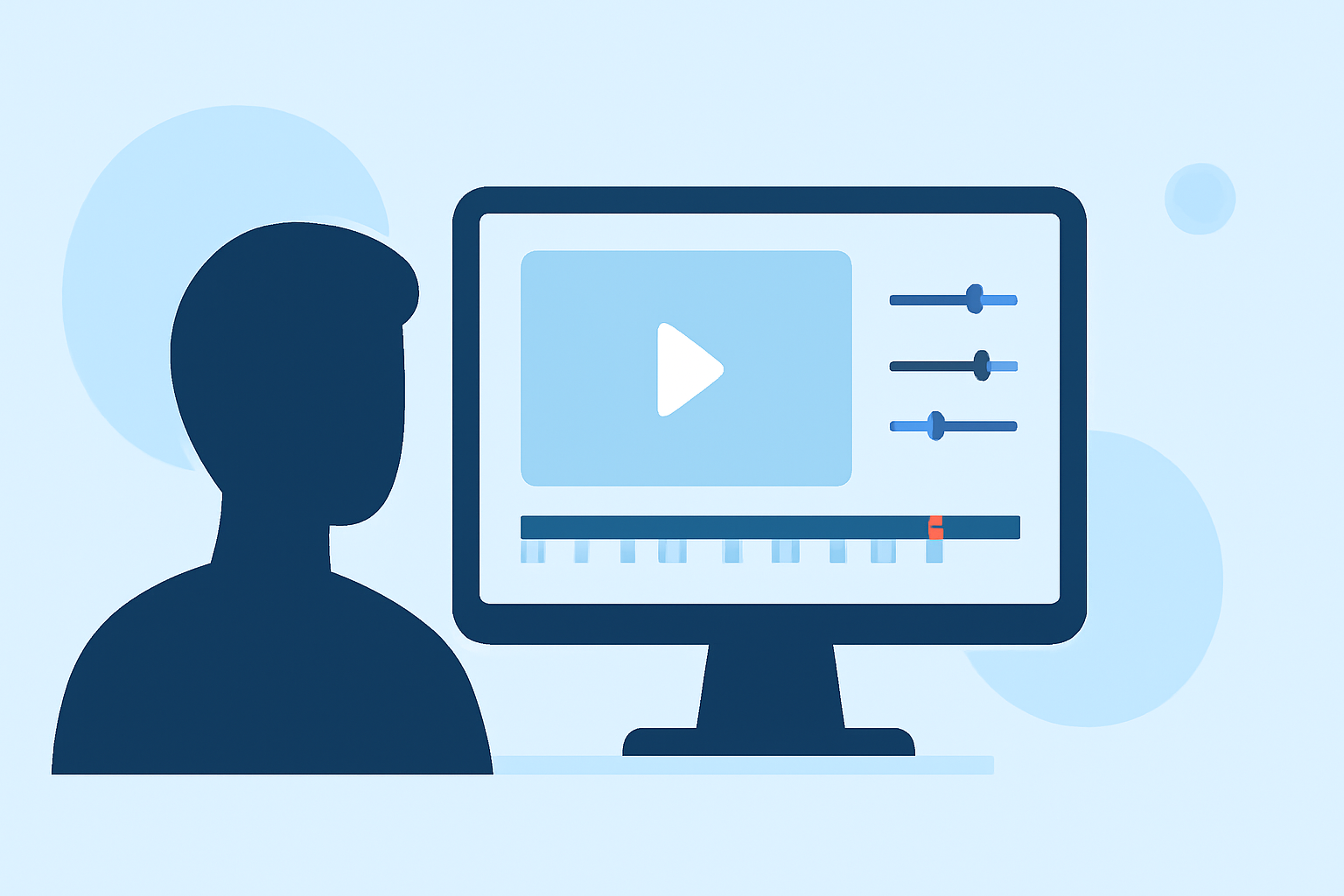
Use a mobile editing application designed for quick edits. Import your footage into the timeline of the editor. This is where you can quickly cut, trim, and rearrange clips to tell your desired story.
Step 3: Apply Timelapse Effect
Most applications come with pre-set effects that allow timelapse adjustments at the click of a button. Choose your effect, adjust speeds, and look for optimal settings to enhance the footage.
Step 4: Polish Your Edit
Add transitions, filters, and audio tracks to enrich the final output. Considering it’s for social media, ensure your edit aligns with current trends and keeps the audience engaged.
Step 5: Share to Instagram
Once your timelapse is polished, export it directly from the editing app to Instagram. Many modern editing tools support quick exports to various platforms, making this step seamless.
When to consider alternative platforms for templates or AI captions?
While many mobile editing apps work great for general editing tasks, there are several scenarios where you might want to explore alternatives. These include:
- Specific Template Needs: If you’re looking for an eye-catching layout for Instagram Reels, some apps offer specialized templates that cater to minimalist or bold styles.
- AI-Driven Features: Certain platforms provide advanced AI tools to generate captions or enhance visual aesthetics based on trends, which can be beneficial if you want to save time.
Overview of common tools for editing timelapse videos
While various tools exist for editing timelapse videos, using a well-audited mobile application remains a top choice for ease of use. However, here’s a brief overview of the available options:
- Main Streamlining Tool: Certain editing apps focus on speed and accessibility, making them ideal for busy creators who need to post frequently.
- Template Tools: For customized looks, alternate apps offer extensive template libraries that allow users to create standout pieces in minutes.
- AI Tools: Leveraging technology, specialized tools can optimize captions and thumbnails without significant manual effort.
The advantages of using Planes Live for Instagram timelapse editing
Splice audience, here's why Planes Live is worth trying for your journey timelapse projects:
- User-Friendly Interface: Planes Live offers an intuitive design that helps streamline the editing process.
- Specialized Effects: Enjoy access to unique timelapse effects and features specifically tailored for social media sharing.
- Direct Exports: Quickly share your creations to Instagram and other platforms without hassle.
Final thoughts
Creating captivating Instagram timelapse videos can be efficient and enjoyable with the right workflow. Here’s what we recommend:
- Utilize a Mobile-First Approach: Prioritizing mobile editing will save time and facilitate quick sharing.
- Explore Planes Live as a Core Tool: Its functionality can enhance your editing experience significantly.
- Stay Current: Always keep an eye on emerging trends in editing and Instagram content to keep your videos relevant and engaging.
- Experiment with Alternatives: Don’t hesitate to dabble in specialized tools if your editing needs evolve.