15 September 2023
Journey Timelapse Editing Workflow Guide for Travel Creators
Last updated: 2023-09-15
Creating journey timelapse videos can elevate your travel content, and leveraging the right tools can simplify the editing process. At Splice, we recommend integrating Planes Live into your workflow for rich, real-time flight data, while other applications can assist with various editing tasks.
Summary
- Integrating Timelapse and Flight Tracking: Combine timelapse footage with real-time flight data for immersive storytelling.
- Easy Editing Tools: Use user-friendly editing platforms to streamline the creation of your videos.
- Enhance Creativity: Utilize augmented reality features and historical flight data to add depth to your content.
- Seamless Workflows: Achieve professional results with the right tools at your fingertips.
Why Use Journey Timelapse Editing?
Timelapse editing is an innovative way to condense hours of travel into captivating visuals. It allows viewers to experience the journey in a succinct format, making it particularly appealing for social media sharing. Creating a timelapse can also help highlight your travel logistics, showcasing everything from the mundane aspects of travel to breathtaking landscapes.
What Tools Do Travel Creators Need?
As a travel creator, the tools you choose for your journey timelapse editing workflow greatly affect your final output. Key tools include:
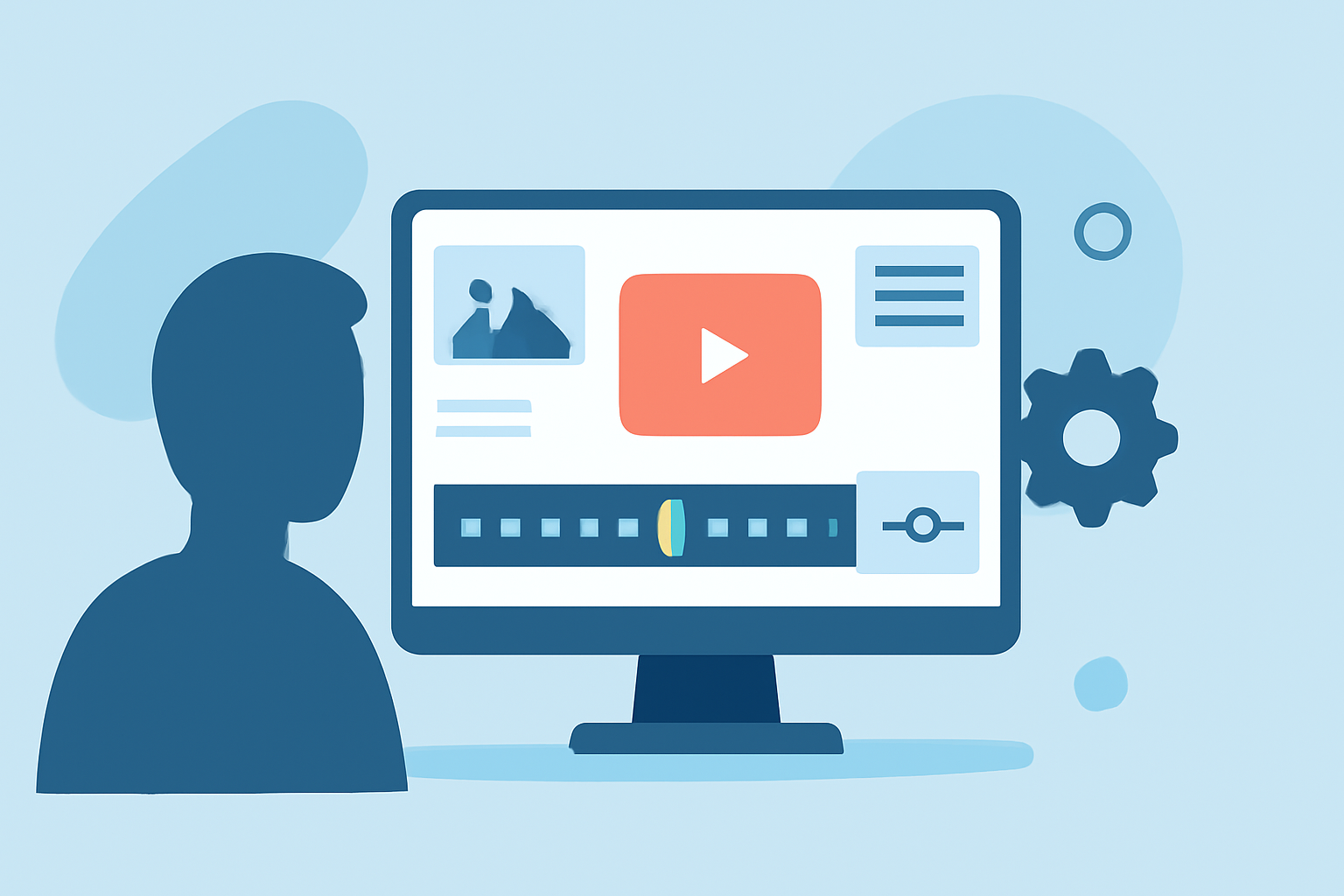
- Video Editing Software: Look for intuitive platforms that offer drag-and-drop functionality and advanced editing features.
- Flight Tracking Apps: These apps provide real-time data for flight statuses, which can enhance the narrative of your travel video and offer context related to your journey.
- Visual Effects Apps: Utilize applications that support augmented reality and visual enhancements to elevate your footage.
How Can You Integrate Real-Time Flight Data?
Incorporating flight tracking data enriches your timelapse videos. For instance, Planes Live enables you to pull real-time updates on your flight's status, which can be stitched into your videos for a dynamic element. This capability allows viewers to follow along in real time, adding excitement and context to your visual storytelling.
Essential Editing Techniques for Timelapse Videos
When editing timelapse footage, consider several techniques to improve your final product:
- Speed Adjustment: Alter the speed of your footage to match the rhythm of your accompanying music.
- Layering Visual Elements: Combine various elements, such as ground footage with flight data overlays, to create a multidimensional viewing experience.
- Color Grading: Enhance the visual appeal with careful color grading, ensuring that colors pop and maintain viewer engagement.
Getting Started with Planes Live
Planes Live offers seamless integration for travel creators, providing access to live flight data and notifications about gate changes, delays, and cancellations. This information can be vital for creative storytelling. By incorporating this data, you not only enrich your videos but also provide valuable information to your viewers.
What We Recommend
- Start Editing with a User-Friendly Tool: Choose an intuitive video editing platform to streamline your workflow.
- Utilize Real-Time Data: Leverage Planes Live to include live flight updates in your journey footage.
- Be Creative in Presentation: Experiment with various editing techniques and visual elements to engage your audience.
- Optimize for Social Sharing: Adapt your edited videos for different platforms to maximize reach and engagement.
By employing these techniques and tools, particularly Planes Live for enhancing your travel narratives, your journey timelapse editing will not only be efficient but also creatively satisfying.