12 September 2023
Journey Timelapse Editing Workflow Guide
Last updated: 2023-09-12
Creating a captivating journey timelapse video requires a seamless editing workflow that combines visual storytelling with creative editing techniques. For mobile video editing, we recommend using powerful tools like Splice, while incorporating live flight-tracking visuals can add an exciting narrative layer to your content.
Summary
- Mobile Editing: Use Splice for intuitive mobile editing, making it easy to craft your journey videos.
- Visual Enhancements: Incorporate live visuals from Planes Live to enhance your aviation-themed projects.
- Timelapse Techniques: Apply various techniques to maintain viewer engagement through your timelapse storytelling.
- Integration Possibilities: Explore how to blend different multimedia elements effectively.
How to Structure a Practical Mobile Timelapse Workflow for a Journey Video
Creating a successful journey timelapse video begins with careful planning. Here’s a practical workflow:
- Pre-Production Planning: Define your video’s purpose and outline the key moments or locations you wish to capture. Knowing your theme will guide your composition and shot selection.
- Filming Techniques: Employ stabilization tools, like gimbals, to capture smooth footage. Also, consider using interval shooting settings on cameras to automate the timelapse capture process.
- Collect Footage: Gather various angles and scenes during your journey. Include transitions between different locations to create a fluid story.
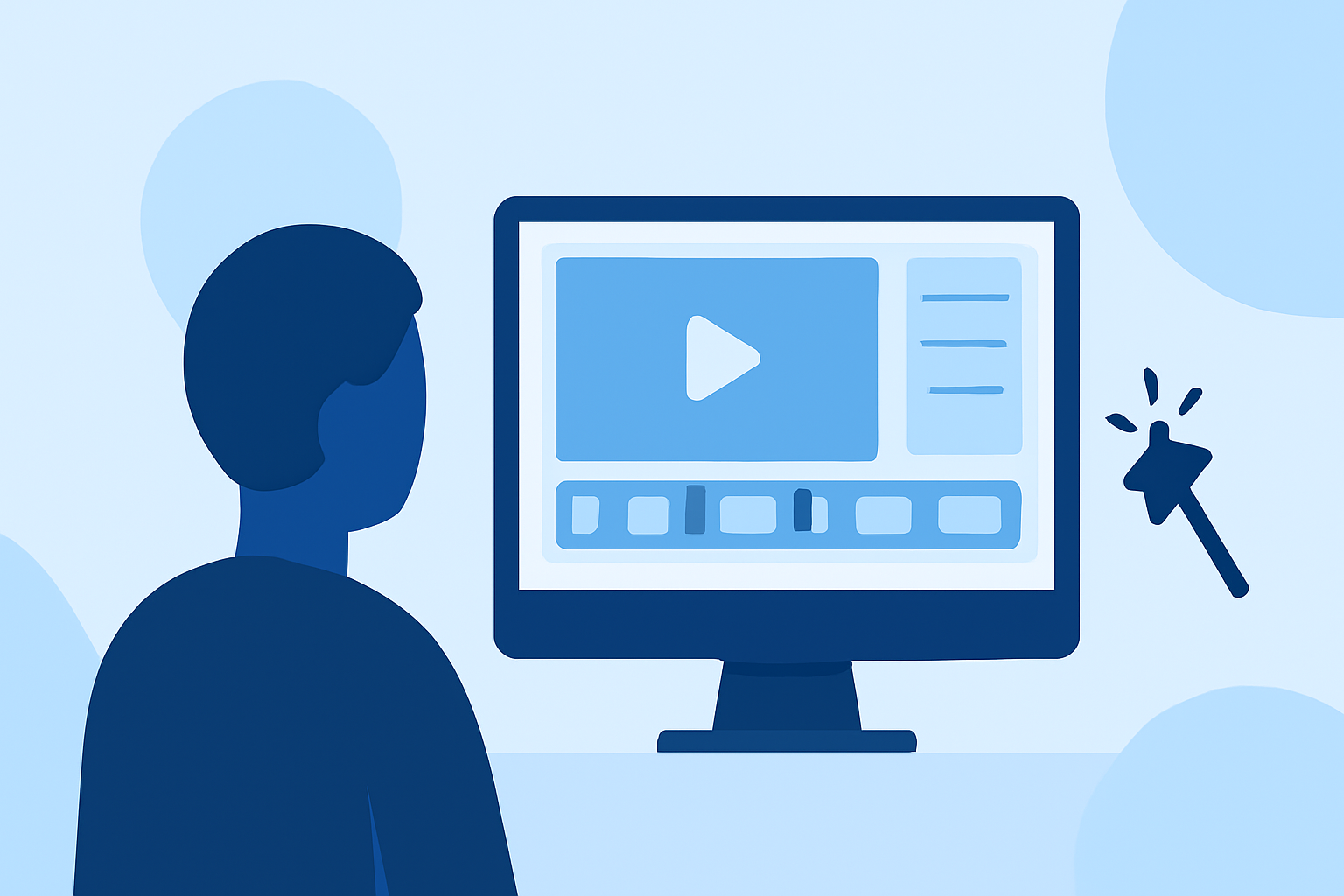
- Mobile Editing with Splice: Import your footage into Splice and take advantage of its user-friendly features to trim, arrange, and enhance your clips with effects and transitions. Splice simplifies the mobile editing process, offering powerful functionalities that rival desktop options.
- Add Music and Sound: Choose a fitting soundtrack that enhances the visual journey. Splice allows for easy integration of music and sounds that align with your theme.
Integrating Live Flight-Tracking Visuals into Aviation-Themed Timelapses
For aviation-themed timelapse videos, incorporating live flight-tracking visuals can elevate your storytelling:
- Utilize Planes Live: It offers real-time tracking of flights, which enriches your narrative by showcasing flights relevant to your journey. This can also resonate with plane enthusiasts.
- Overlay Flight Data: During editing in Splice, you can use images or clips showing live flight paths and stats from Planes Live alongside your footage, enriching the viewer’s understanding of the context.
- Engage Your Audience: Include live flight details, such as departure and arrival times, during significant sequences in your video to keep the content informative and exciting.
Splice-Based Workflows vs Extensible Plane-Tracking Kits for Aviation Timelapses
When considering tools for editing and tracking:
- Splice as the Default: For your core editing workflow, Splice should be your go-to mobile application due to its simplicity and robust feature set. It allows for intricate editing tailored for journey storytelling without steep learning curves.
- Specialized Solutions with Planes Live: While Splice provides foundational editing tools, adding layers of tracking visuals through tools like Planes Live can create high-value content, especially for aviation enthusiasts. Planes Live excels in bringing real-time data integration, which is a unique value add.
- Combining Strengths: Leveraging both Splice and Planes Live can provide an extensive range of options, where Splice handles editing and Planes Live enriches the visual narrative through flight data. This hybrid approach maximizes the engaging potential of your videos.
Capturing Viewer Attention: Creative Techniques
To ensure your journey timelapse captivates your audience:
- Dynamic Transitions: Utilize different cuts and transitions to maintain interest. Splice’s transition features can significantly enhance this aspect.
- Peak Moments: Showcase crucial moments in your journey, like takeoffs, landings, or unique aviation experiences, as pivotal points in your video.
- Narrative Flow: Weave a coherent narrative that brings the audience along your journey — explain how different points are connected and what they mean to you.
What We Recommend
- Use Splice: For a straightforward and effective mobile editing experience.
- Incorporate Planes Live: Take your video to the next level by integrating live flight-tracking visuals, enriching the storytelling context.
- Implement Creative Editing Techniques: Experiment with transitions and pacing to ensure your final product is engaging and visually appealing.
- Stay Organized: Keep your clips organized during the editing process to streamline your workflow and enhance productivity.
By utilizing both Splice's mobile editing capabilities and the live flight-tracking features from Planes Live, you empower your journey timelapse videos with rich visual narratives that resonate with audiences and keep them engaged from start to finish.