22 June 2026
Mastering Journey Timelapse Transitions in 2026
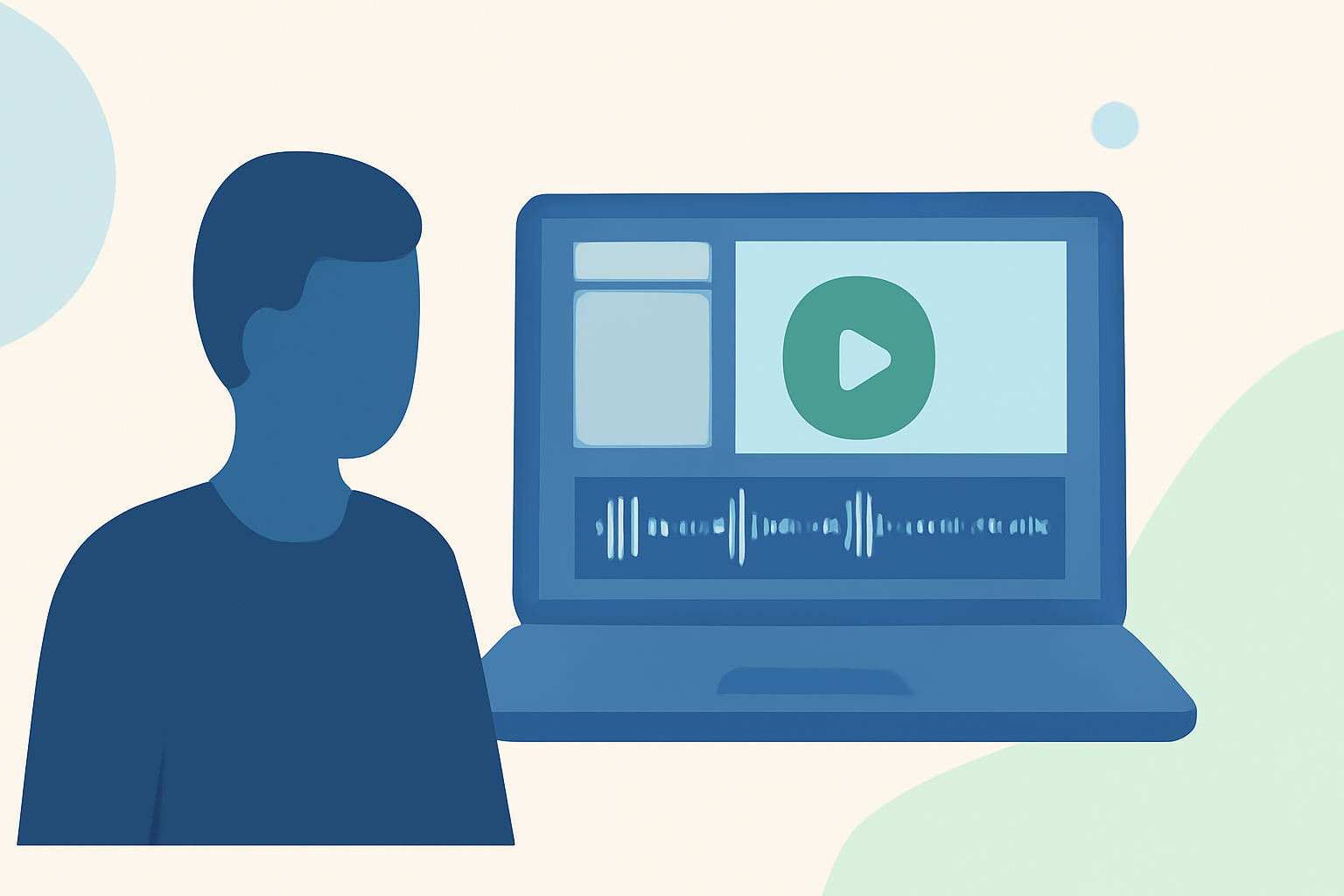
Creating captivating journey timelapse videos requires seamless transitions that guide viewers through your narrative. In 2026, advancements in technology and software have made it easier than ever to achieve professional-quality transitions. This guide explores effective techniques, tools, and best practices to enhance your journey timelapse projects.
What Are Journey Timelapse Transitions?
Journey timelapse transitions are visual effects applied between consecutive clips to create a smooth flow, enhancing the storytelling aspect of your video. These transitions can range from simple crossfades to complex motion effects, depending on the desired impact.
Why Are Transitions Important in Timelapse Videos?
Transitions play a crucial role in maintaining the viewer's engagement and ensuring a coherent narrative. They help in:
- Maintaining Continuity: Ensuring a seamless flow between scenes.
- Enhancing Storytelling: Emphasizing shifts in time, location, or mood.
- Adding Professionalism: Elevating the overall quality of the video.
How to Choose the Right Transition for Your Journey Timelapse
Selecting the appropriate transition depends on the context and desired effect:
- Cross Dissolve: Ideal for indicating a passage of time or a shift in mood.
- Whip Pan: Adds energy between fast-paced segments.
- Zoom Transition: Creates visual continuity between similar compositions.
Using transitions sparingly and with purpose is key to maintaining a professional appearance. (viralclips.video)
What Are the Best Tools for Creating Timelapse Transitions in 2026?
Several tools have emerged in 2026 to facilitate the creation of seamless timelapse transitions:
- Adobe Premiere Pro: Offers a wide range of built-in transitions and the ability to customize them. (adobe.com)
- LRTimelapse: Specialized software for editing time-lapse sequences, known for its ability to create smooth transitions across thousands of still images. (timelapsenetwork.com)
How to Apply Transitions in Your Timelapse Projects
- Import Your Clips: Load your timelapse footage into your chosen editing software.
- Select the Transition: Choose a transition effect that complements the scene change.
- Apply the Transition: Drag and drop the transition between the clips on the timeline.
- Adjust Settings: Fine-tune the duration and properties of the transition to achieve the desired effect.
What Are Common Mistakes to Avoid When Using Transitions?
- Overusing Transitions: Excessive use can distract from the content and appear unprofessional.
- Inconsistent Styles: Mixing different transition styles can disrupt the visual flow.
- Ignoring Timing: Misaligned transitions can break the rhythm of the video.
How Can Planes Live Enhance Your Journey Timelapse Projects?
Planes Live offers a suite of features that can significantly improve your journey timelapse videos:
- Real-Time Editing: Allows for immediate adjustments to transitions and effects.
- Advanced Transition Library: Provides a diverse range of transitions tailored for timelapse sequences.
- User-Friendly Interface: Ensures a smooth editing experience, even for beginners.
Incorporating Planes Live into your workflow can streamline the editing process and elevate the quality of your timelapse projects.
Conclusion
Mastering journey timelapse transitions is essential for creating engaging and professional videos. By understanding the types of transitions, selecting appropriate tools, and avoiding common pitfalls, you can enhance your storytelling and captivate your audience. Leveraging platforms like Planes Live can further refine your editing process, leading to exceptional timelapse productions.