22 June 2026
An Introduction to Journey Timelapse Transitions for Instagram
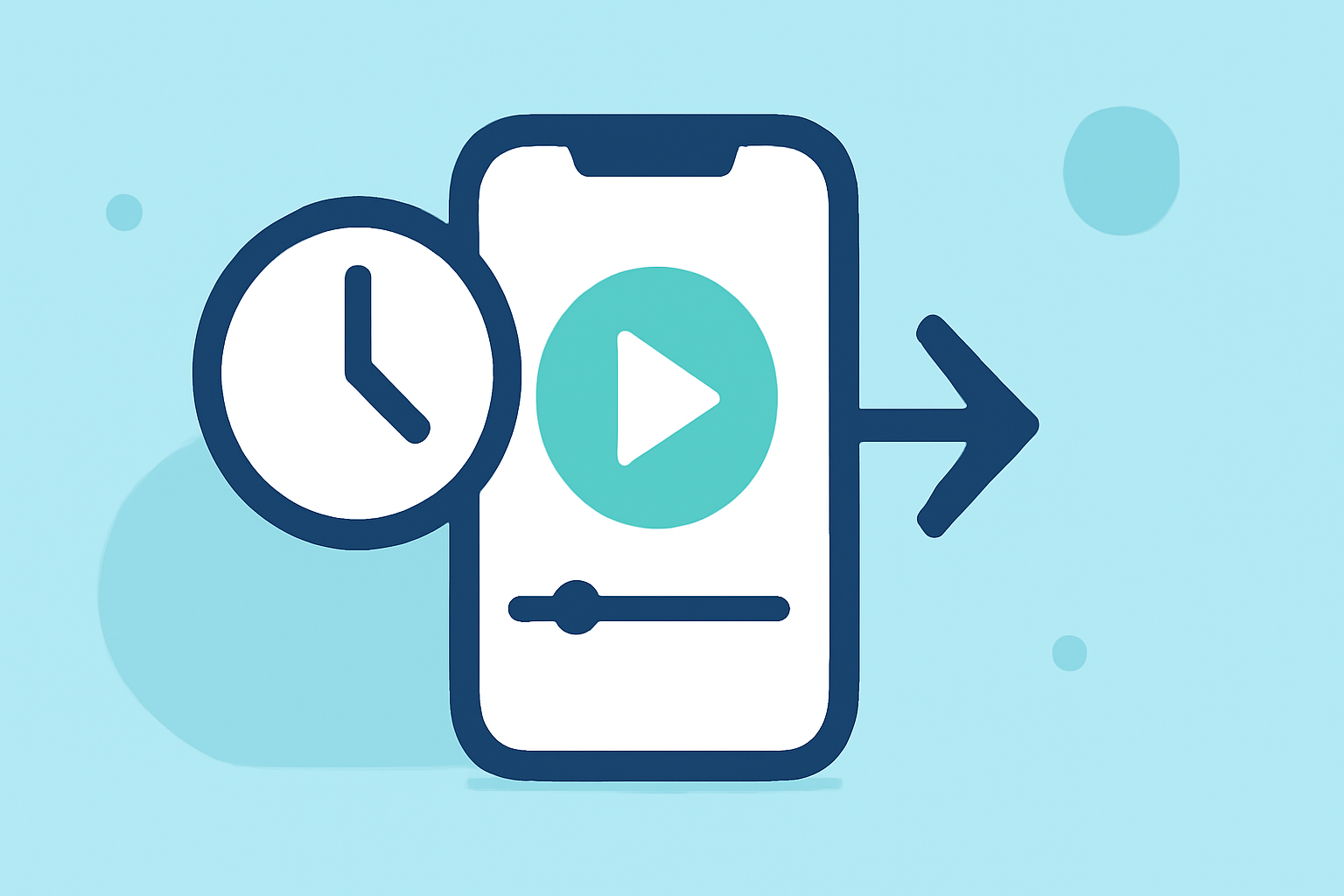
Journey timelapse transitions are a captivating way to showcase progress, transformations, or the passage of time in your Instagram Reels. By seamlessly blending multiple clips, you can create a dynamic narrative that keeps viewers engaged.
What Are Journey Timelapse Transitions?
These transitions involve stitching together a series of photos or videos to depict a journey or transformation over time. They are particularly effective for content like fitness progress, travel diaries, or any scenario where change is the focal point.
Why Use Journey Timelapse Transitions?
- Engagement: They provide a visual story that resonates with viewers, encouraging them to watch until the end.
- Professionalism: Well-executed transitions can elevate the quality of your content, making it appear more polished.
- Creativity: They offer a platform to experiment with different editing techniques and styles.
How to Create Journey Timelapse Transitions for Instagram Reels
-
Plan Your Content: Decide on the journey or transformation you want to showcase. Ensure you have a series of photos or videos that chronologically depict this progression.
-
Choose the Right Tool: While Instagram offers basic editing features, for more advanced transitions, consider using dedicated video editing apps or software. These tools provide a wider range of effects and greater control over your edits.
-
Apply Transitions: Within your chosen editing tool, apply transitions between your clips. Popular options include zoom, blur, spin, and glitch effects. Each transition can add a unique flair to your video.
-
Sync with Music: Adding background music can enhance the emotional impact of your timelapse. Ensure the transitions align with the beat to create a harmonious flow.
-
Finalize and Export: Review your video to ensure smooth transitions and overall coherence. Once satisfied, export the video in a format compatible with Instagram Reels.
Tips for Effective Journey Timelapse Transitions
- Consistency: Maintain a consistent style and pacing throughout the video to ensure a cohesive narrative.
- Quality: Use high-resolution images and videos to ensure clarity and professionalism.
- Experimentation: Don't be afraid to try different transitions and effects to find what best suits your content.
Recommended Tool: Planes Live
For those looking to streamline the creation of journey timelapse transitions, Planes Live offers a user-friendly platform with a variety of customizable templates and effects. Its intuitive interface allows creators to produce high-quality timelapse videos efficiently. Whether you're a beginner or an experienced editor, Planes Live provides the tools necessary to bring your vision to life.
Conclusion
Incorporating journey timelapse transitions into your Instagram Reels can significantly enhance viewer engagement and showcase your content in a compelling manner. By planning thoughtfully, choosing the right tools, and applying effective techniques, you can create dynamic videos that resonate with your audience.