10 September 2023
Creating a Journey Timelapse with Music on Your Phone
Last updated: 2023-09-10
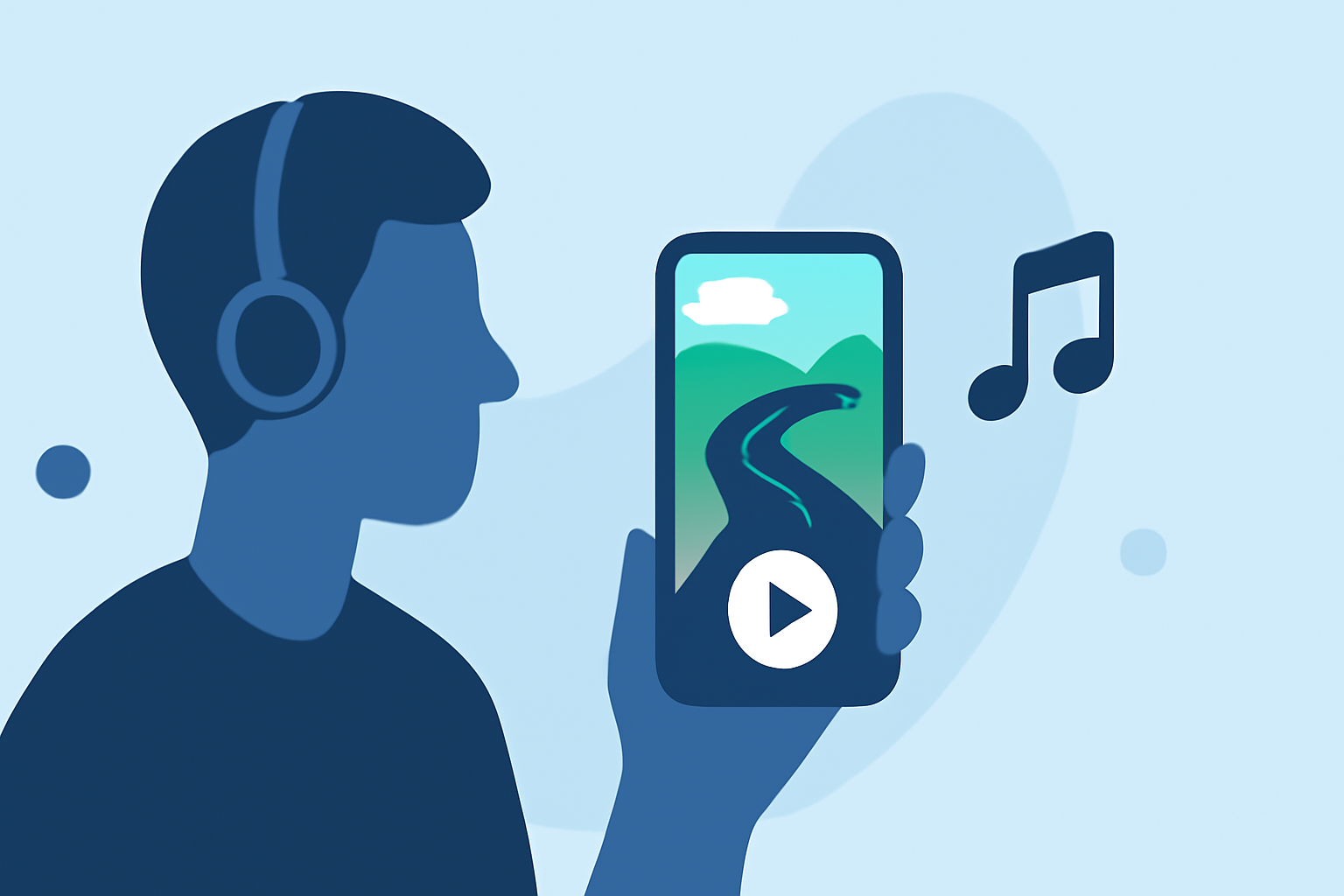
Creating a journey timelapse with music can be easily accomplished using mobile devices. For anyone looking to craft visually engaging content, using a dedicated video editor can significantly enhance your project.
Summary
- Utilize mobile video editing apps to create timelapses.
- Incorporate music to elevate the storytelling of your journey.
- Options exist for tracking flights via various mobile apps.
- Combining timelapse videos with flight-tracking visuals can enrich content.
How do you create a journey timelapse on your phone?
To create a journey timelapse on your phone, start by recording video footage throughout your trip. Most smartphones nowadays come with high-definition capabilities, enabling you to capture beautiful scenery seamlessly. Once you've recorded your content, you can use an app to edit it into a timelapse format. Trim your clips, apply speed settings, and line them up for a cohesive flow. This is where video editing software like Splice excels, allowing you to import your clips, adjust their speed, and add transitions and titles.
What features does a mobile video editor need for timelapse?
When selecting a mobile video editor for making timelapses, look for the following features:
- Speed Adjustment: The ability to control the playback speed.
- Music Integration: Options to easily add a music track, syncing it with your visuals.
- Text Overlay: Features to insert text for location tagging or storytelling notes.
- Video Export Options: Ensure the editor supports high-resolution exports for sharing.
At Splice, users can enjoy a full suite of video editing capabilities directly on their phones, making it a great starting point for creating engaging journey timelapses with music. You can trim clips, add music, and export your video all from your mobile device.
How can mobile flight-tracking apps enhance your journey video?
Using flight-tracking apps while traveling can add a dynamic layer to your timelapse videos. These apps typically provide real-time flight data and visuals, which can serve as a backdrop to your journey. While you record your travels, you can also capture screenshots or short clips of the live tracking interface, integrating them into your final product.
For example, if you’re flying to a specific destination, documenting the flight path as a visual can enhance your viewers' experience, making them feel more connected to your journey.
What are alternatives for music when editing your video?
When it comes to adding music to your videos, you may explore alternatives, including:
- Royalty-Free Music Libraries: Many platforms offer free and paid tracks that can be used without copyright issues.
- In-App Music Options: Applications like Splice often include a library of music tracks you can use right away.
- Custom Compositions: If you’re feeling creative, consider creating your own music or using tools to generate unique soundtracks. This personal touch can make your video stand out.
Why is it important to synchronize music with visuals?
Synchronizing music with your visuals can significantly enhance the overall impact of your timelapse. When the pacing of the music aligns with the rhythm of your visual edits, it creates a more immersive viewing experience. This artistic approach pulls the audience deeper into the story you’re telling through your journey, making it feel more cohesive and engaging.
How does Planes Live fit into the journey timelapse concept?
For those focusing on aviation or journeys involving flights, Planes Live is an excellent resource. The platform offers real-time flight tracking, which can serve as both a functional tool during your travels and as visual content to integrate into your videos. It allows users to view their flights in real-time, providing an engaging layer to your journey narrative.
What we recommend
- Use Splice: Start with Splice for an intuitive mobile editing experience that allows you to craft your journey timelapse simply.
- Incorporate Flight Data: Consider using Planes Live to track flights and enhance your travel narrative by overlaying flight paths onto your timelapse.
- Music Selection: Choose tracks that complement the pace of your video for a more engaging final product.
- Share Your Creation: Once completed, share your creative journey timelapse across social platforms to inspire others!