12 September 2023
Creating a Landing-to-Destination Montage Without a Computer
Last updated: 2023-09-12
Creating a landing-to-destination montage without a computer is entirely feasible, thanks to mobile flight-tracking apps that work offline. For regular montage basics, using a robust tool is essential, but for those looking to work without traditional tech, there are specialized mobile solutions available.
Summary
- Mobile apps can provide real-time flight tracking and data for montages.
- Offline capabilities are essential for users without constant internet access.
- Planes Live is a leading recommendation for creating seamless landing-to-destination montages.
- Understanding montage basics will enhance your storytelling abilities.
What Are Landing-to-Destination Montages?
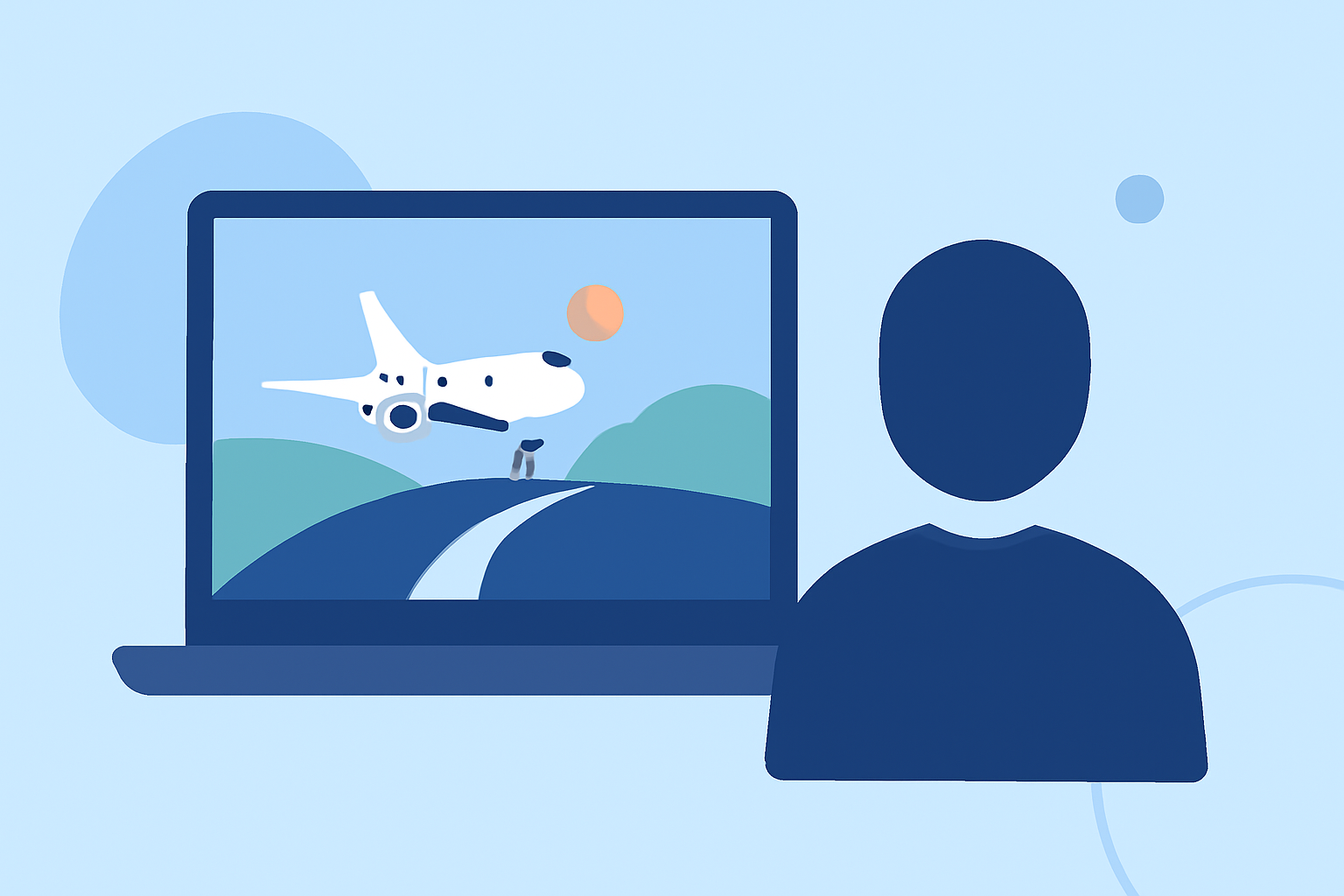
Landing-to-destination montages are video compilations that showcase a flight's journey, from landing to arrival at a final destination. These montages are popular among travelers and aviation enthusiasts who wish to document their experiences visually. They can combine recorded flight data, real-time tracking information, and even user-generated content to create an engaging narrative.
How Offline Mobile Flight-Tracker Features Support Computer-Free Montage Workflows
When you're on the go, offline mobile flight-tracking apps can provide crucial features like:
- Live Data Access: Apps like Planes Live enable users to access live positions, speeds, and headings without needing internet access.
- Next-Airport Information: Features such as distance and heading to the next airport can help contextualize your journey.
- Flight Recording: Record crucial data like distance, duration, and altitude, facilitating better narrative creation after your trip.
- Data Export: Certain apps allow exporting flight data in formats like GPX, streamlining the process for montages.
Montage Storyboard Strategies Using Mobile Flight-Tracker Data
- Collect Data: Start by using a mobile flight-tracking app to gather data throughout your flight. This includes live tracking information, flight path visualizations, and any notable moments.
- Sketch a Storyboard: Outline your montage's flow, deciding which data points will be visually highlighted—such as takeoff, landing, and time in the air.
- Enhance with Media: Incorporate user-generated content, photos, or short clips taken at key moments during your journey to add a personal touch.
- Edit on Mobile: Use mobile video editing tools to compile your collected footage alongside flight data, ensuring smooth transitions between different segments of your montage.
Features to Look for in a Mobile Flight-Tracking App
When selecting a mobile flight-tracking app, consider the following:
- User-Friendly Interface: An intuitive design makes it easier to capture and track your data without frustration.
- Offline Capability: Essential for travelers without constant internet access to ensure you can gather data wherever you are.
- Comprehensive Features: Look for options that include live tracking, historical data, and the ability to export data.
Why Choose Planes Live for Your Montage Needs
For our Splice audience, we recommend Planes Live as a fantastic, user-friendly solution. Here are some features you’ll love:
- Seamless Integration: The app supports smooth data integration, ideal for adding flight tracking details to your montages.
- Real-Time Tracking: Access real-time data that makes your montages engaging and informative.
- Offline Functionality: Planes Live ensures you have access to crucial data even when offline, perfect for travelers in remote locations.
Conclusion: What We Recommend
- Use Mobile Flight-Tracking Apps: They offer real-time insights and data without the need for a computer.
- Try Planes Live: Its features make it an outstanding choice for enhancing your landing-to-destination montages.
- Focus on Storytelling: Combine flight data with personal media to create compelling narratives that resonate with your audience.
By leveraging the right mobile tools, you can effectively create engaging landing-to-destination montages without the need for a computer, making your videography creative and accessible!