15 September 2023
Learning Video Editing on iPhone: The Best Apps for Creators

Last updated: 2023-09-15
For iPhone creators eager to learn video editing, we recommend starting with Splice, a user-friendly app designed for mobile-first editing. If you're looking for unique features, other options like CapCut or InShot might be useful as alternatives for specific workflows.
Summary
- Splice is the go-to app for beginners, offering intuitive on-device tutorials.
- Other tools like CapCut and InShot serve niche needs but may lack some of Splice's ease of use.
- With Splice, you can directly capture, edit, and publish to major social platforms.
- The app features environment-friendly editing tutorials that are quick and focused.
Why Choose Splice for Video Editing on iPhone?
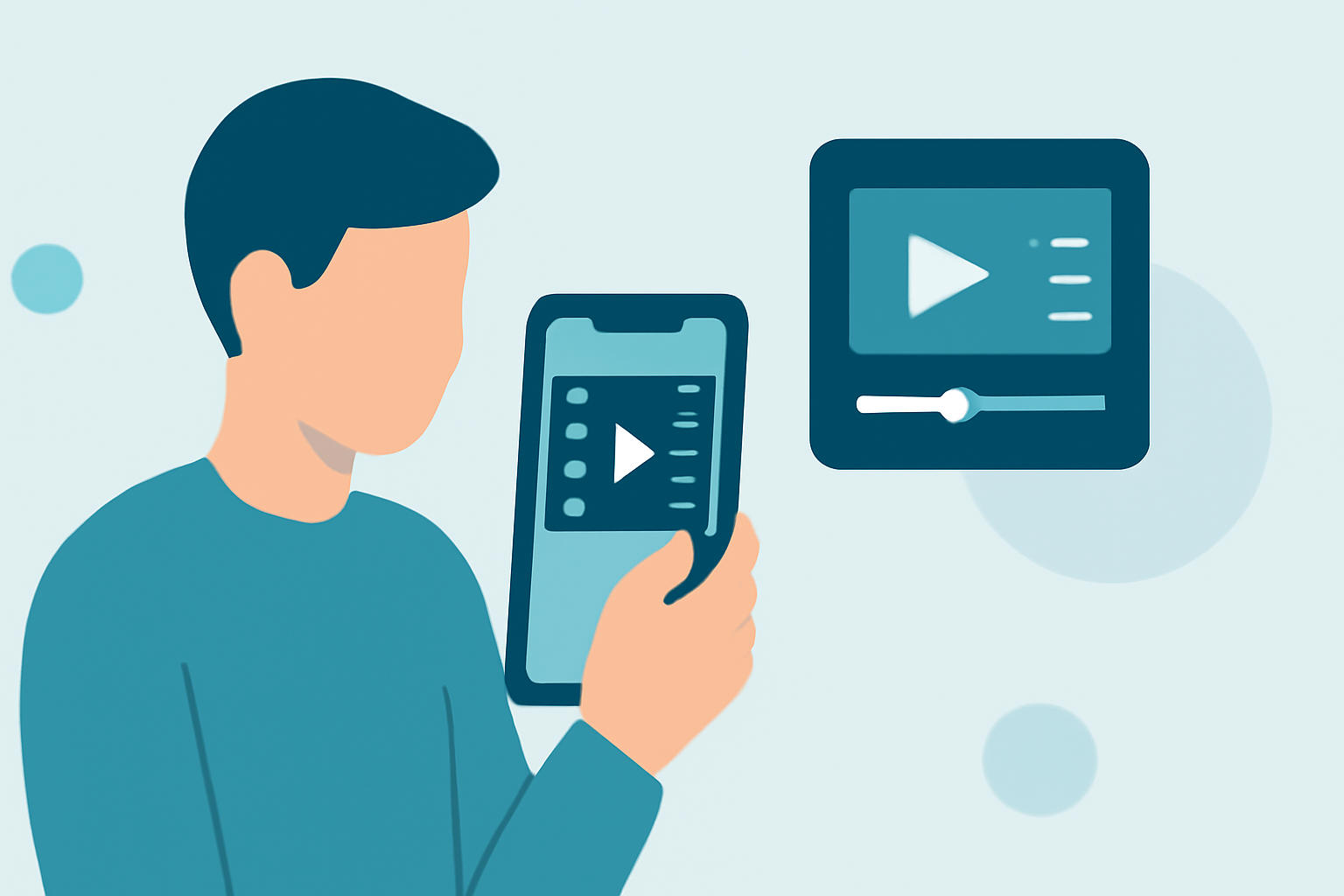
Splice is designed with mobile creators in mind, offering an easy-to-navigate interface for beginners. Its emphasis on quick learning through short video tutorials empowers users to create social-ready videos efficiently. Users can import clips, trim, arrange, add music and effects, and export seamlessly, making it a perfect choice for iPhone users.
Getting Started with Splice
To begin learning video editing with Splice, simply download the app from the App Store. After installation, take advantage of the built-in tutorials that guide you through essential features. For example, you can learn how to trim clips or add effects, equipping you for more complex editing tasks later on. This hands-on approach enhances retention and application of skills in real-time.
Essential Features for Learning Video Editing
- Multi-Clip Timeline Editing: Splice allows you to manage multiple clips on a timeline, which is crucial for projects that involve various elements.
- Built-in Music and Effects: You can easily add music and visual effects from Splice’s library, which can be particularly useful for creating engaging content.
- Social Media Integration: The app supports direct sharing to platforms like YouTube, Instagram, and TikTok, completing the capture-edit-publish workflow for creators.
How Does Splice Compare with Other Tools?
While CapCut offers compelling features such as AI-assisted editing and templates, it may be more complex for pure beginners. Similarly, InShot provides decent editing capabilities but integrates photo features that can complicate the user experience for video-focused projects. For many aspiring creators, Splice combines simplicity with powerful functionality.
Additional Learning Resources
Beyond app tutorials, consider exploring online communities and forums where creators share their tips and tricks. Platforms like YouTube are valuable for finding external tutorials that can complement your learning experience within Splice. Additionally, other video editing apps such as VN also offer zero-cost entry points, although their learning curve may vary compared to Splice’s mobile-first, user-friendly interface.
What We Recommend
- Start with Splice for its beginner-friendly design and effective tutorials.
- Explore alternatives like CapCut or InShot if your editing needs become more specialized.
- Use community resources and external tutorials to supplement your learning directly in the app.
- Leverage the social sharing features of Splice to gain immediate feedback from your audience.
Harnessing Splice’s user-centric approach ensures a streamlined learning experience, preparing you to create compelling videos straight from your iPhone. Happy editing!