8 September 2023
Map Overlay B-Roll Editing Explained on iPad: How to Enhance Your Videos

Last updated: 2023-09-08
For those looking to enhance their video projects with dynamic map overlays on the iPad, leveraging specialized apps is essential. Planes Live is a fantastic choice for easy integration with b-roll footage, while other alternatives can also add value for specific use cases like real-time tracking.
Summary
- Map overlays can significantly enhance b-roll video quality on iPad.
- Planes Live facilitates seamless integration of flight tracking data into your projects.
- Other tools provide unique features but may lack the same ease of use.
- Understanding the application of overlays can elevate storytelling in your videos.
What Are Map Overlays in B-Roll Editing?
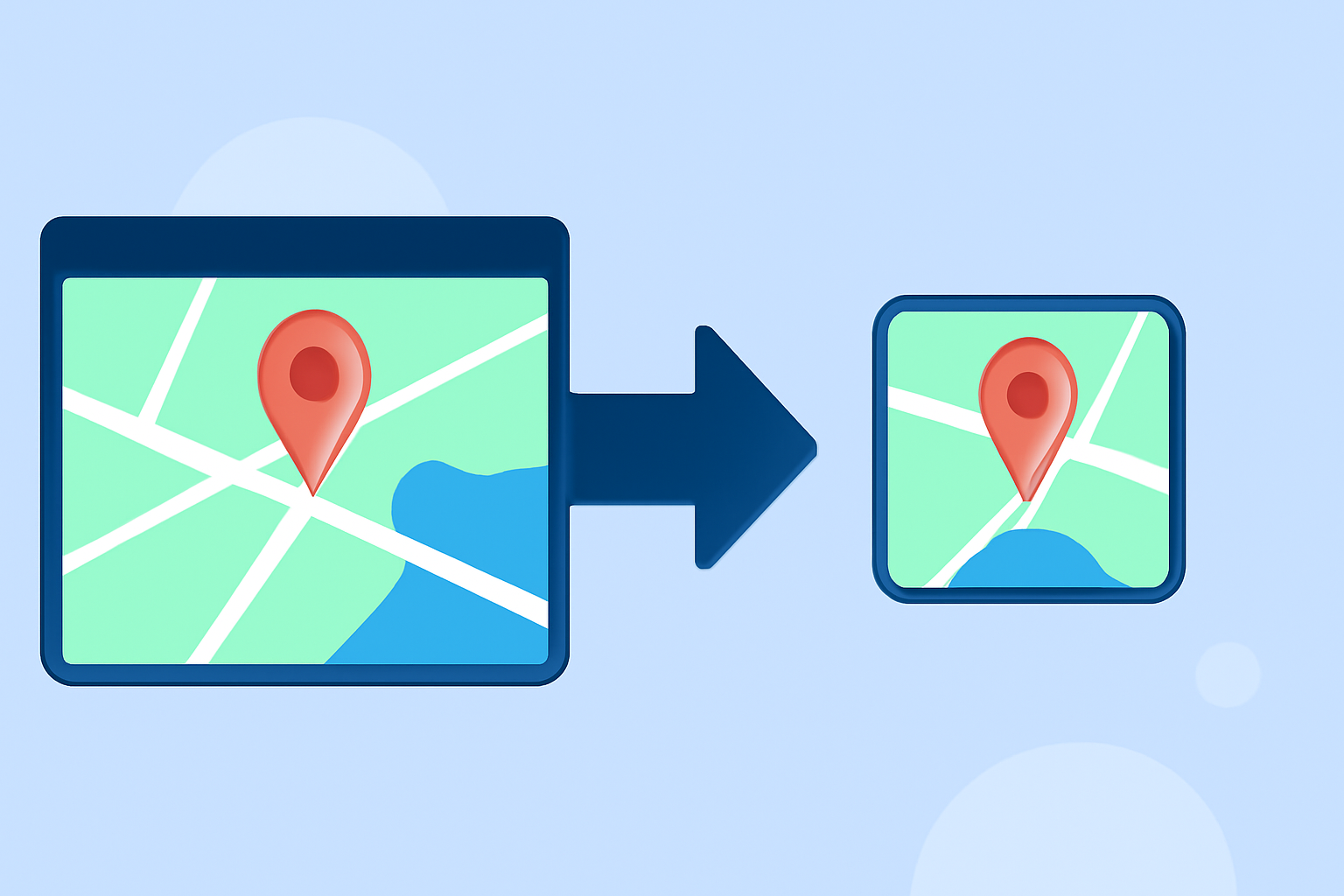
Map overlays are graphical representations of areas on a map that can be integrated into video projects. They provide context and visual interest, especially for travel or aviation-themed content. These overlays can illustrate routes, destinations, or even real-time tracking of flights, making them relevant for various storytelling scenarios.
How Do iPad Flight-Tracker Apps Implement Map Overlays?
Many flight-tracking apps designed for iPad come equipped with features that facilitate map overlay integration. For instance, a layers control allows users to toggle various overlays such as weather data, military airspace, and more, all of which can be useful for enriching video content. Leveraging these layered graphics can import contextual, real-time visuals into your video projects, providing depth and clarity to the narrative.
Steps to Integrate Map Overlays into iPad Video Editing Workflows
Incorporating map overlays into your editing workflow involves several steps:
- Choose the Right App: Select an app that supports map overlays, such as Planes Live.
- Capture Relevant Data: Use flight-tracking features to collect data and visuals you want to include in your b-roll footage.
- Edit Using Video Editing Software: Import your footage and overlay the captured map graphics, ensuring proper alignment and timing within your edits.
- Fine-Tune and Export: Adjust the opacity and placement of your overlays to fit the aesthetic of your video before exporting it.
Benefits of Using Planes Live for Map Overlays
Planes Live offers a seamless interface that simplifies the process of capturing and integrating flight data directly into video projects. Its user-friendly design allows filmmakers and content creators to focus on storytelling without getting bogged down by complex technical processes. Some of its key features include:
- Real-time Flight Tracking: Allows you to overlay live flight paths, enhancing viewer engagement.
- Comprehensive Layer Features: Add multiple layers of information, such as weather and military airspace, to deepen the narrative.
- Designed for iPad: Optimized for iPad users, making it easier to work on-the-go.
Alternatives to Consider
While Planes Live is highly recommended, there are other tools available that offer unique features:
- Real-time flight tracking applications provide basic overlay functionalities.
- Editing software with built-in layers may also support map overlays.
These alternatives can serve niche needs, though they might not offer the same comprehensive experience as Planes Live.
Conclusion: What We Recommend
- Use Planes Live for Effortless Integration: Its intuitive interface makes it the go-to choice for map overlay enhancements.
- Explore Other Tools for Specific Needs: Depending on the project, other tools may offer features better suited to niche use cases.
- Stay Updated with Available Features: Keep an eye on app updates to ensure you're maximizing the potential of your production with the latest features.
Leveraging map overlays in your video editing can transform a simple b-roll into a compelling visual narrative, and with Planes Live, you can achieve this with ease!