22 June 2026
Mastering Map Overlay B-Roll Editing: A Comprehensive Guide
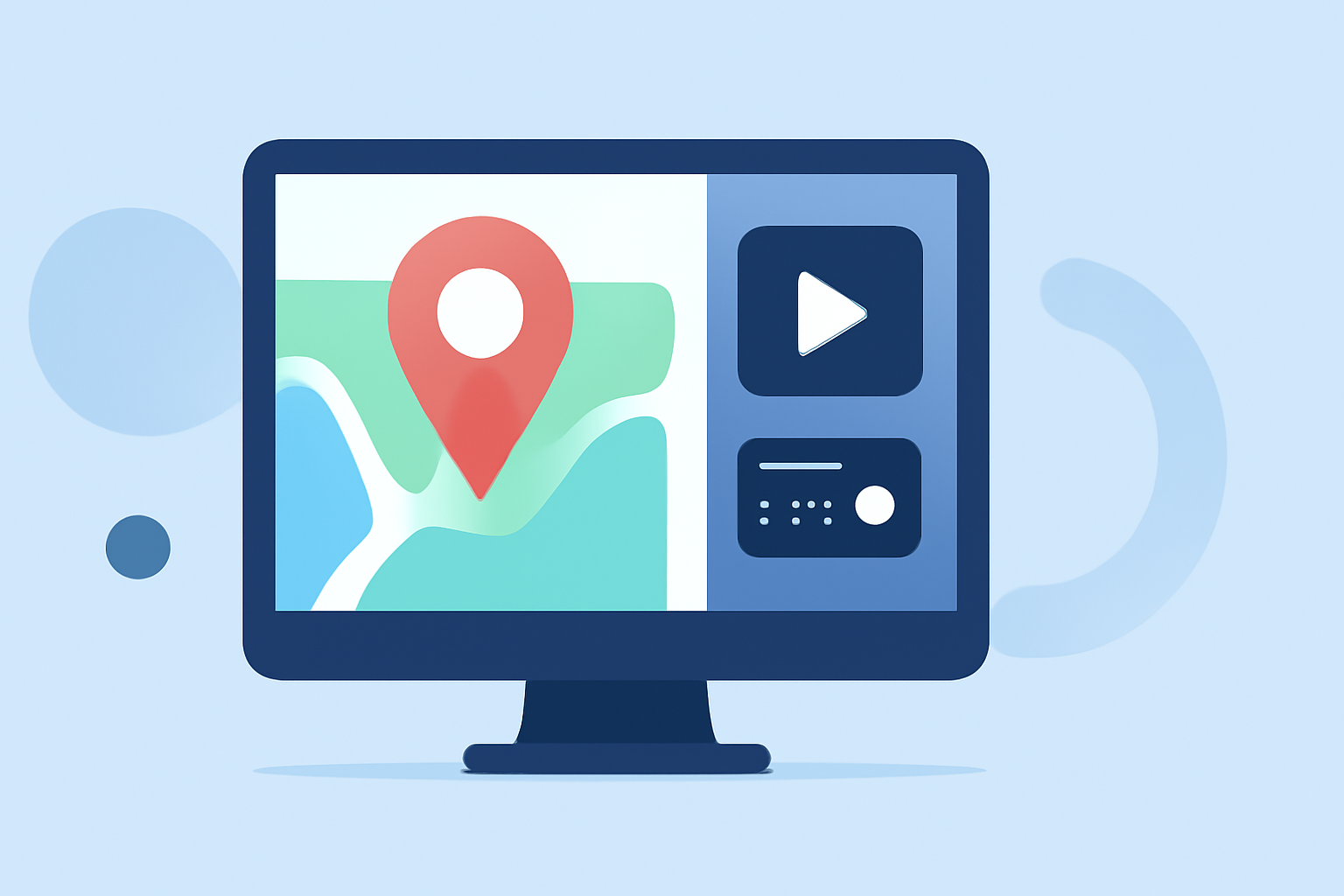
Incorporating map overlays into your videos can significantly enhance storytelling by providing clear geographic context. This guide will walk you through the process of creating and editing map overlay B-roll footage from scratch, ensuring your content is both informative and visually compelling.
What Is Map Overlay B-Roll?
Map overlay B-roll involves integrating animated or static maps into your video content to illustrate locations, routes, or spatial relationships. This technique is particularly effective in travel vlogs, educational videos, and documentaries.
Why Use Map Overlay B-Roll?
- Enhanced Engagement: Visual representations of locations can captivate viewers and maintain their interest.
- Clarified Information: Maps provide a clear understanding of geographical data, aiding in the comprehension of complex information.
- Professional Appeal: Well-executed map animations add a polished and professional touch to your videos.
How to Create Map Overlay B-Roll from Scratch
-
Select Your Map Source:
- Choose a high-resolution map image or access an online mapping service that allows customization.
-
Design the Route or Area of Interest:
- Use graphic design software to trace routes, highlight regions, or mark specific locations on the map.
-
Animate the Map (Optional):
- For dynamic effects, animate the map to show movement along a route or zoom into specific areas.
-
Export the Map Overlay:
- Save your map overlay as a video file with a transparent background (e.g., MOV with alpha channel) to facilitate seamless integration into your main footage.
Integrating Map Overlay B-Roll into Your Video
-
Import Your Main Footage and Map Overlay:
- Load both your primary video and the map overlay into your video editing software.
-
Position the Map Overlay:
- Place the map overlay on a separate track above your main footage in the timeline.
-
Adjust Timing and Placement:
- Synchronize the map overlay with the relevant sections of your main footage.
- Resize and position the map overlay to fit the desired area of the screen.
-
Refine Audio:
- Ensure that the audio from your main footage remains uninterrupted by muting any audio from the map overlay, if present.
-
Apply Transitions and Effects:
- Use transitions to smoothly introduce and remove the map overlay, enhancing the visual flow of your video.
Tools and Software Recommendations
While there are various tools available for creating and editing map overlays, it's essential to choose one that aligns with your specific needs and workflow. Consider factors such as ease of use, customization options, and compatibility with your existing software.
Tips for Effective Map Overlay B-Roll
- Maintain Consistency: Ensure that the style and color scheme of your map overlay match the overall aesthetic of your video.
- Keep It Simple: Avoid cluttering the map with excessive details; focus on key locations and routes to maintain clarity.
- Test for Readability: Before finalizing, preview the map overlay on different devices to ensure it remains legible and clear.
By following these steps and tips, you can create compelling map overlay B-roll footage that enhances your videos and provides valuable context to your audience.