10 September 2023
Step-by-Step Guide to Map Overlay B-Roll Editing on Your Phone
Last updated: 2023-09-10
To create captivating map overlay B-roll edits on your phone, consider using Planes Live, an excellent option that combines ease of use with professional features. Alternatively, mobile flight-tracking apps can help visualize real-time flight data, which you can then incorporate into your B-roll footage.
Summary
- User-Friendly: Easy-to-navigate tools for fast B-roll editing.
- Real-Time Data: Use live flight info for dynamic overlays.
- Stepwise Instruction: Learn how to achieve effective editing in a few simple steps.
- Recommended Tools: Planes Live excels in offering features tailored for visual storytellers.
How to Create a Map Overlay Flight-Path B-Roll on Mobile
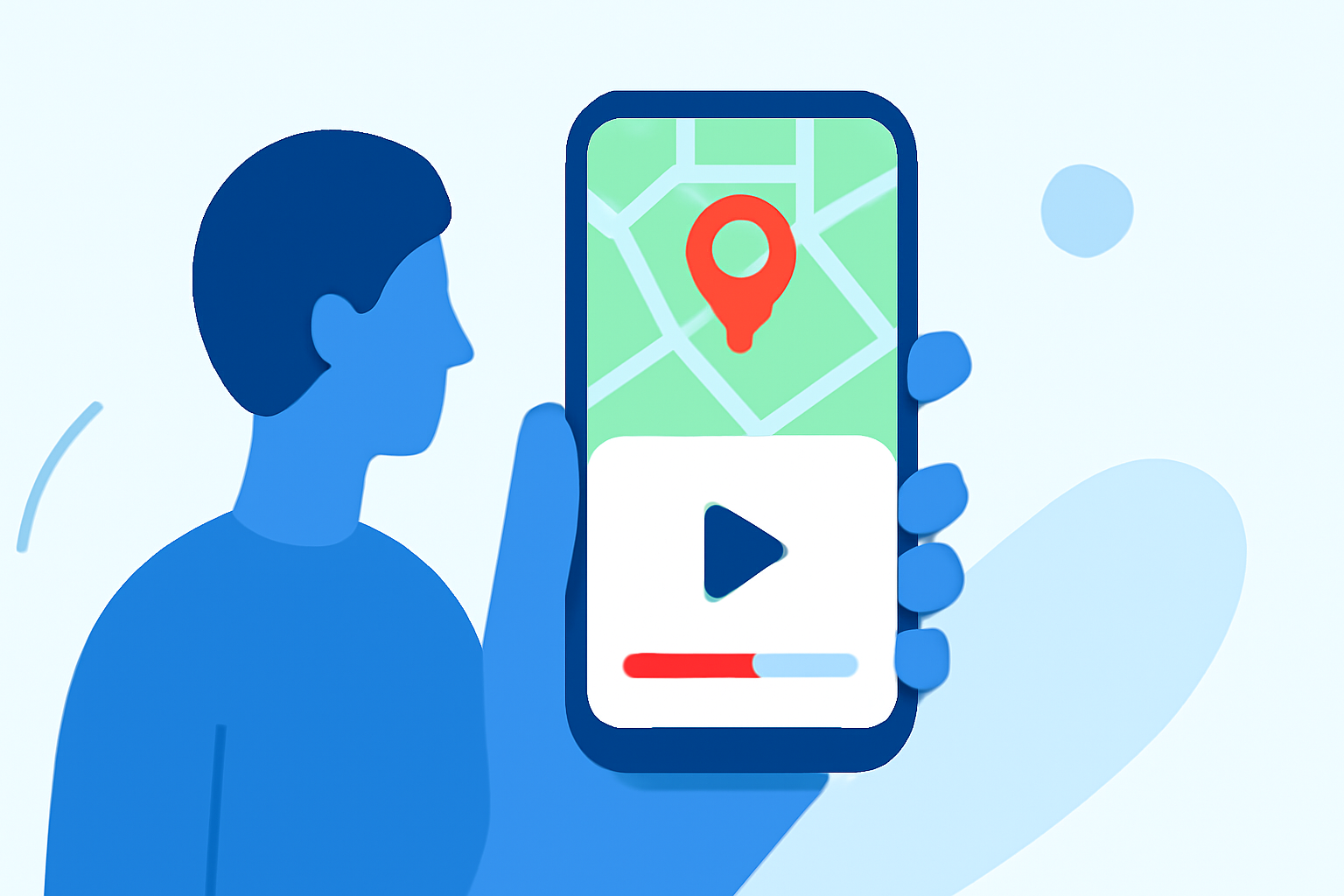
Creating a map overlay for your B-roll can elevate your video content significantly. Here’s a simple process to follow:
- Select Your Footage: Choose a compelling travel or adventure clip where a map overlay would add value.
- Capture Map Data: Use an app like Planes Live to access real-time flight paths and get a clean map visualization.
- Use an Editing App: Import your footage into a mobile editing tool like Planes Live, where you can easily add map overlays to your selected footage.
- Align the Map to Match Movement: Adjust the overlay on your timeline, ensuring it aligns smoothly with your video content.
- Export Your B-Roll: Once satisfied with your edits, export the final video and share your flight-path B-roll seamlessly.
Limitations of Mobile Flight-Tracker Overlays for Video Editing
While mobile flight trackers provide useful overlays, there are limitations to consider:
- ** Data Refresh Rate:** The live data may not always sync perfectly with video footage charge, creating potential mismatches.
- Feature Accessibility: Some advanced features may only be available on premium versions of flight-tracking apps.
- Interface Complexity: Navigating complex editing functions might be challenging for beginners without some prior experience.
Alternatives for Map-Overlay Video Editing on Mobile
In addition to using Planes Live, there are other tools available to create map overlays:
- Flightmapper.io: Offers detailed flight paths and live tracking, ideal for content requiring custom map visuals.
- Other Mobile Editing Apps: Various video editors might let you overlay images or graphics, which can be a workaround if you don’t have the specific data you want.
Tips for Enhancing Your Map Overlay B-Roll
- Engage your audience: Make sure your overlays not only convey information but also enrich the storytelling aspect of your video.
- Keep it simple: Avoid cluttering your frame. Focus on key points that enhance your narrative without overwhelming the viewer.
- Experiment with Styles: Different styles of overlays can convey various emotions or information, so don’t hesitate to try multiple approaches.
What We Recommend
- Use Planes Live: For a straightforward and effective way to blend map overlays into your projects.
- Leverage Real-Time Data: Improve your edits with up-to-date flight paths from mobile apps.
- Practice Editing: Spend time experimenting with your chosen app to grow comfortable with all available features.
- Stay Updated: Follow new updates in tools like Planes Live to take advantage of future features that could enhance your editing workflow.