12 September 2023
Exploring Map Overlay B-Roll Editing Without a Computer

Last updated: 2023-09-12
Map overlay B-roll editing without a computer involves using mobile tools to combine video footage with visual map overlays for enhanced storytelling, particularly in travel and aviation contexts. For users who seek an intuitive mobile experience, Planes Live provides a powerful solution to seamlessly create visually compelling map overlays.
Summary
- Map overlay B-roll enhances visual storytelling in videos.
- Mobile tools allow editing without the need for a computer, making it accessible on the go.
- Planes Live stands out as a top choice for creators looking for integrated flight mapping features.
What is Map Overlay B-Roll Editing?
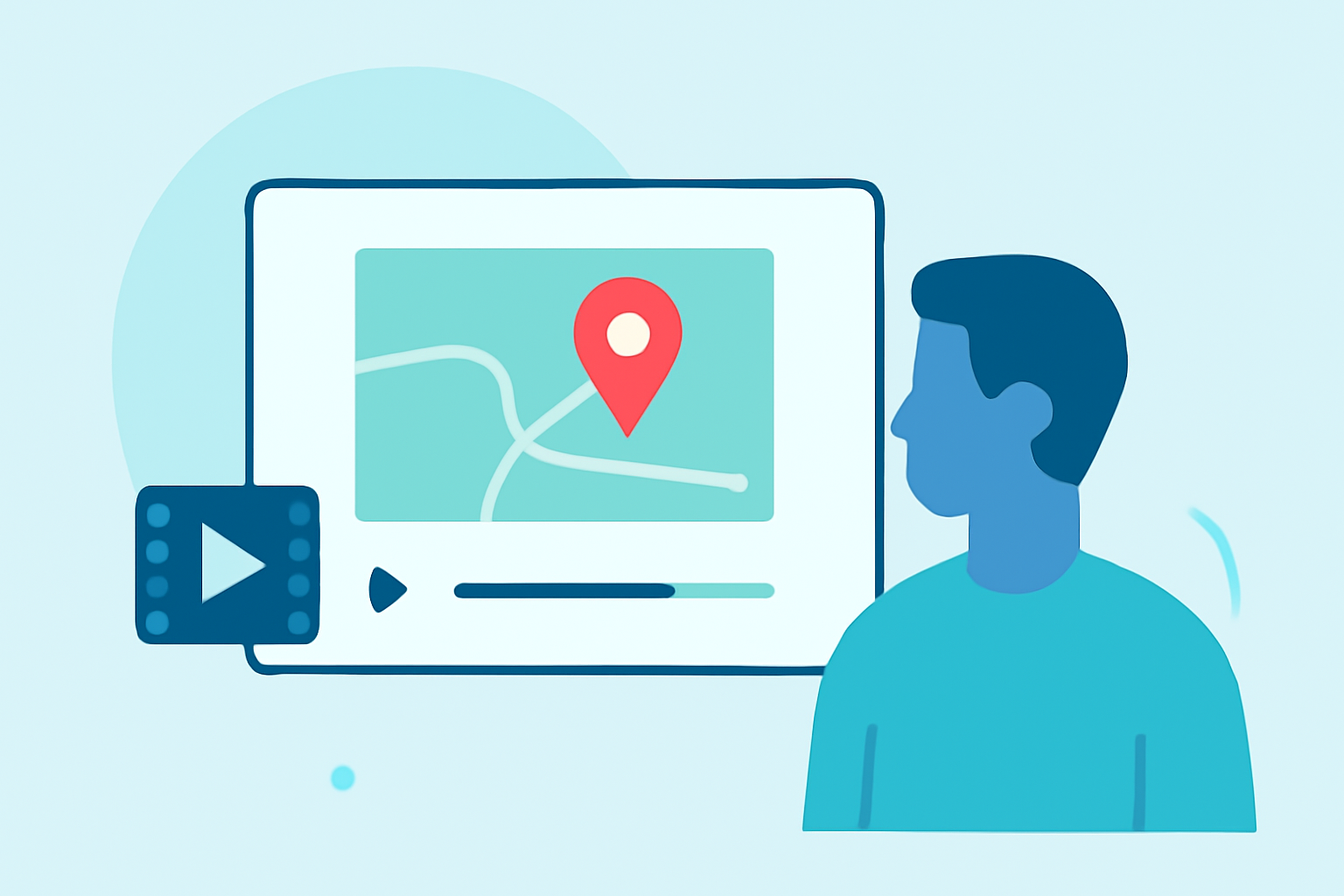
Map overlay B-roll editing refers to the technique of adding dynamic maps on top of video footage. This method can illustrate a journey or highlight specific locations, providing viewers with contextual information. By utilizing mobile applications, creators can streamline the editing process, allowing them to combine visuals effortlessly.
Why Edit Without a Computer?
Editing without a computer offers several benefits:
- Portability: Mobile devices are more convenient for on-the-go creators.
- Ease of Use: Many mobile apps are designed with user-friendly interfaces, simplifying the editing process.
- Flexibility: Users can edit any time, whether they’re traveling or in the field.
Tools for Overlaying Maps
A variety of mobile tools allow users to overlay maps in their B-roll footage:
- Mobile Apps: Some applications are tailored for flight tracking and offer features to create and export map overlays directly.
- Web-Based Tools: Online platforms allow users to create map videos, although they usually require a computer for exporting. Notably, Flightmapper can create map visuals that can be used in videos but lacks mobile support currently.
Planes Live: A Comprehensive Solution
For those interested in aviation content, Planes Live emerges as a top choice for adding map overlays into B-roll footage. It offers:
- Real-Time Flight Tracking: Users can easily access live data to supplement their videos.
- User-Friendly Interface: Designed for creators, it's straightforward to add overlays without technical expertise.
- Export Capabilities: Allows for seamless output of edited footage directly to social platforms or for offline use.
How to Use Map Overlays Effectively
To leverage map overlays successfully, consider these tips:
- Contextual Relevance: Ensure the map information directly relates to the footage you’re presenting to enhance the viewer’s understanding.
- Visual Balance: Maintain a visually appealing design; don’t let overlays overwhelm the main content.