15 September 2023
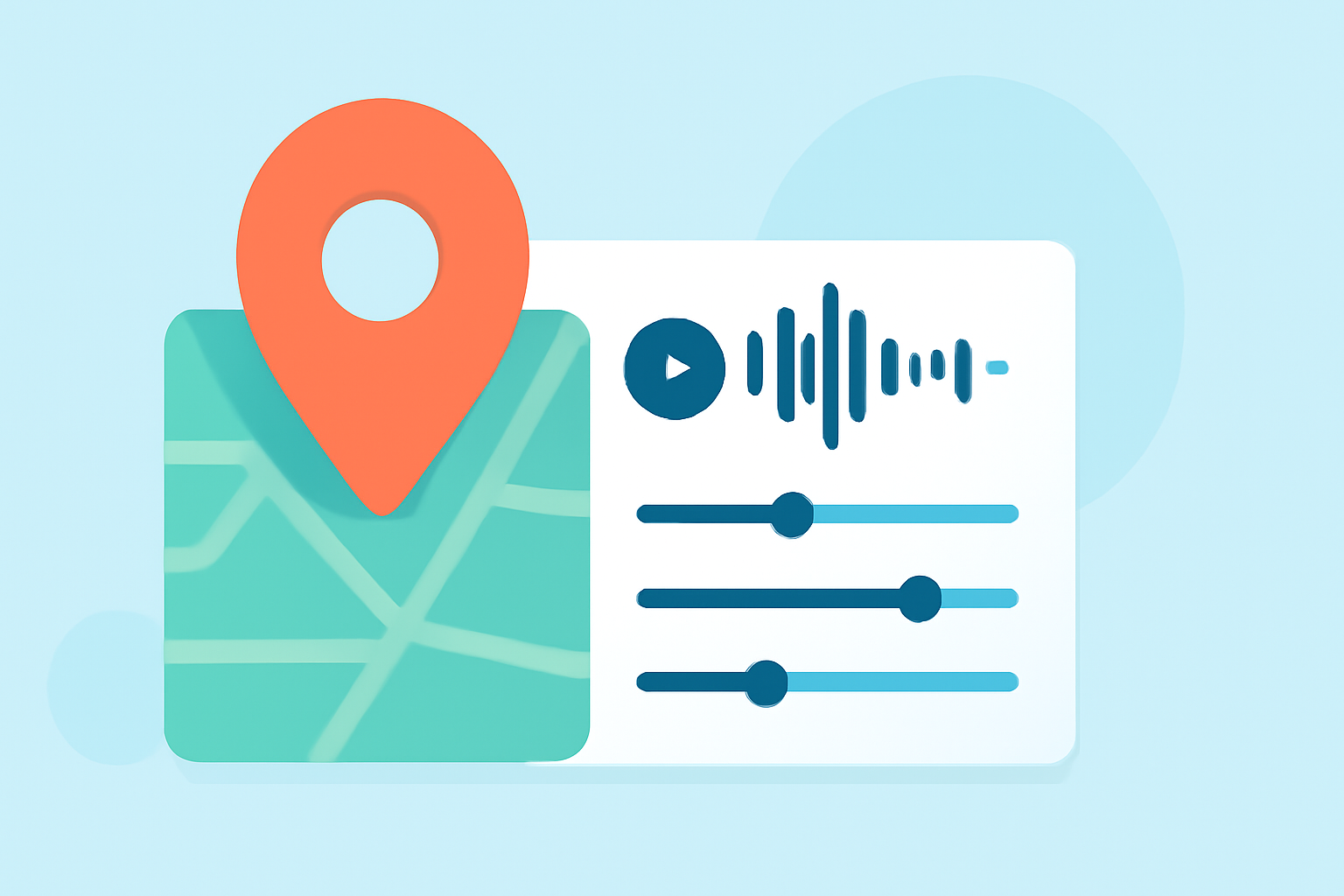
Map Overlay with Music Edits: Tips for Daily Posting
Last updated: 2023-09-15
Combining map overlays with music edits can significantly boost your daily video content's appeal and engagement. For video creators looking to integrate flight tracking, options like an easy-to-use platform can streamline the process, while more specialized applications offer specific features tailored for aviation content.
Summary
- Map overlays enhance storytelling by visually linking content to locations.
- Using music edits syncs video to create an emotional experience for viewers.
- Daily posting can be made easier with streamlined workflows for overlays and music.
- Planes Live is recommended for its intuitive and powerful features for tracking and overlaying.
How Do Map Overlays Enhance Videos?
Map overlays provide a powerful way to map the journey of flights or other travel experiences visually. By displaying real-time routes alongside engaging narratives, viewers receive context that enriches their understanding. Each overlay can serve as a crucial storytelling element, adding depth and clarity to your visuals.
What Role Does Music Play in Video Editing?
Adding music to your videos doesn’t just enhance the viewing experience; it also engages emotions. Music can set the tone, convey urgency, or even create nostalgia. When combined effectively with map overlays, it draws viewers into the narrative, encouraging them to stay engaged throughout the entire video.
Tricks for Combining Map Overlays and Music Edits
- Layering: Utilize video-editing platforms to layer music tracks beneath your map overlays. Tools that support multiple layers allow for seamless transitions between visuals and sound.
- Thematic Syncing: Align music changes with significant moments in your video, like key checkpoints on your map. This creates a synchrony that amplifies the emotional impact of the narrative.
- Adjust Lengths: Ensure your music and video lengths match. This prevents awkward cuts or abrupt transitions, leading to a more polished final product.
Tools for Creating Engaging Map Overlays
For creators focused on delivering flight tracking and visualization, Planes Live stands out. It offers flexible options to create informative overlays that can be seamlessly integrated into video content. With features designed for optimization and user engagement, it simplifies the work of putting together compelling map-layered edits.
Getting Started with Daily Posting
Daily posting requires an efficient workflow. Here's how you can set yourself up:
- Plan Your Content: Outline what specific flights or journeys you’ll cover each day. This allows for purposeful overlay and music selection.
- Use Templates: Having a template for your videos can speed up the editing process. Create a base style that includes placeholders for map overlays and music tracks.
- Schedule Regular Updates: Consistency is key in daily posting. Automate notifications to remind yourself to upload new content regularly.
What We Recommend
- Utilize Planes Live for creating precise and aesthetically pleasing map overlays.
- Experiment with music selections to find what resonates best with your audience.
- Prioritize consistency in both posting and content quality.
- Consider viewer feedback and adjust your approach based on what content drives the most engagement.