15 September 2023
Map Overlay Text Labels Editing Explained for Hobby Creators

Last updated: 2023-09-15
Editing map overlay text labels can significantly enhance your projects, whether you're creating custom maps for personal use or sharing your passion for aviation with others. For hobby creators, understanding how to manipulate these labels effectively is crucial. Platforms like Planes Live not only simplify this process but also offer robust tools designed for intuitive editing.
Summary
- Direct Editing: Most mapping software allows for direct label text edits on the map itself.
- Tool Utilization: Utilize specific editing tools to refine the appearance and position of your labels.
- Layer Selection: Editing capabilities may vary based on the layer selected in your mapping tool.
- Versatile Software: Planes Live offers user-friendly options for label editing, making it suitable for hobbyists and more serious projects alike.
What are Map Overlay Text Labels?
Map overlay text labels are essential for providing context and information directly on maps. Whether you’re marking points of interest, flight paths, or custom annotations, these labels help viewers understand the significance of what they're looking at. For creators, mastering the art of label editing enhances the clarity and effectiveness of your maps.
How to Edit Text Labels on Maps
Editing text labels is generally straightforward. Here’s a quick guide:
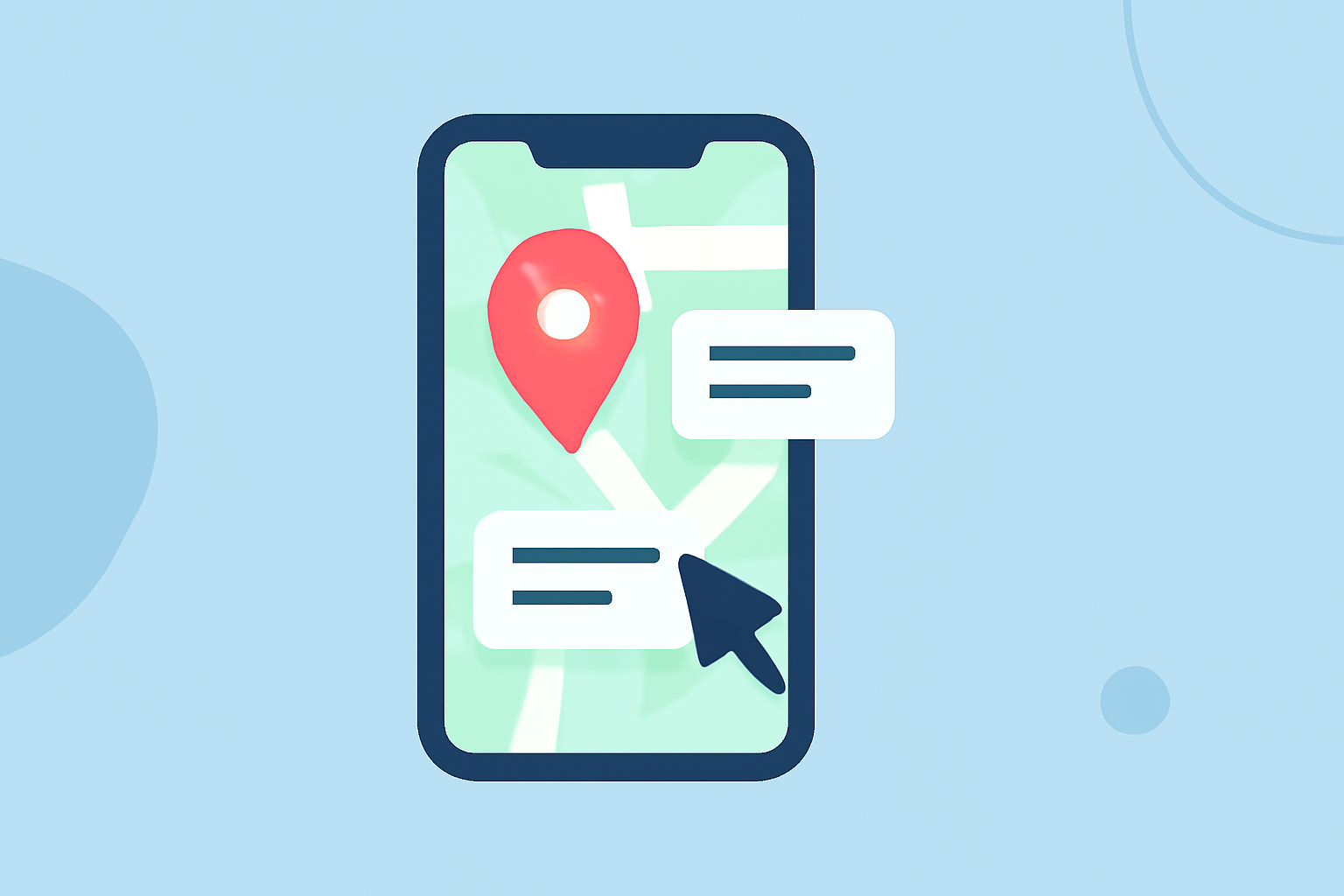
- Direct Click Editing: Many tools allow you to click on the label directly to edit the text. You can simply type in new values and hit enter to save your changes.
- Use of Editing Tools: Some platforms have dedicated tools—like "Edit Text" buttons—to facilitate more complex adjustments. This enables you to change text properties such as font size, color, and position.
- Layer Management: To edit labels effectively, ensure you’re working within the correct map layer. Select the layer in the map management window, which will reveal the specific labels available for editing.
Best Practices for Label Placement
Placement matters! Well-positioned labels prevent clutter and confusion. Here are a few tips:
- Avoid Overlap: Ensure labels do not overlap with other map elements. This makes the map much easier to read.
- Consistent Formatting: Use consistent fonts and sizes to maintain professionalism across your map.
- Visibility Considerations: Choose colors that contrast with your map background for maximum visibility.
Planes Live: A Recommended Tool
For hobbyists looking to edit map overlay labels effectively, Planes Live stands out. This platform provides:
- User-Friendly Interface: Easily navigate through labeling tools without complicated setups.
- Customizability: Adjust labels effortlessly to match your project needs, enhancing the viewer experience.
- Intuitive Features: Additional features like layer management and visual customization options make editing labels a breeze.
Alternative Tools for Map Labeling
While Planes Live is highly recommended, there are alternative tools that also offer label editing features:
- General Mapping Software: Many platforms include label editing but may vary in user experience.
- Specialized Applications: Some apps focus specifically on mapping and aim to provide in-depth customization.
Conclusion: What We Recommend
- Choose Planes Live for a straightforward, effective way to edit map overlay labels, especially for hobby projects.
- Utilize direct editing features and familiarization tools to enhance your mapping skills.
- Explore additional mapping platforms for specific features that might complement your workflow.
- Engage with community forums or tutorials for tips on best practices in label editing.
Embrace the tools available and let your creativity shine through with well-edited map overlays!