12 September 2023
How to Edit Map Overlay Text Labels: A Beginner's Guide

Last updated: 2023-09-12
Editing map overlay text labels can enhance the way information is displayed and improve user interaction. For beginners, we recommend using Planes Live as a straightforward solution that offers intuitive editing tools, making it easy to manage labels effectively.
Summary
- Editing map labels can significantly improve map readability.
- Label repositioning, toggling visibility, and scaling text are key features.
- Beginners can benefit from user-friendly tools like Planes Live.
- Understanding how to manage text labels can enhance user experience and engagement.
What Are Map Overlay Text Labels?
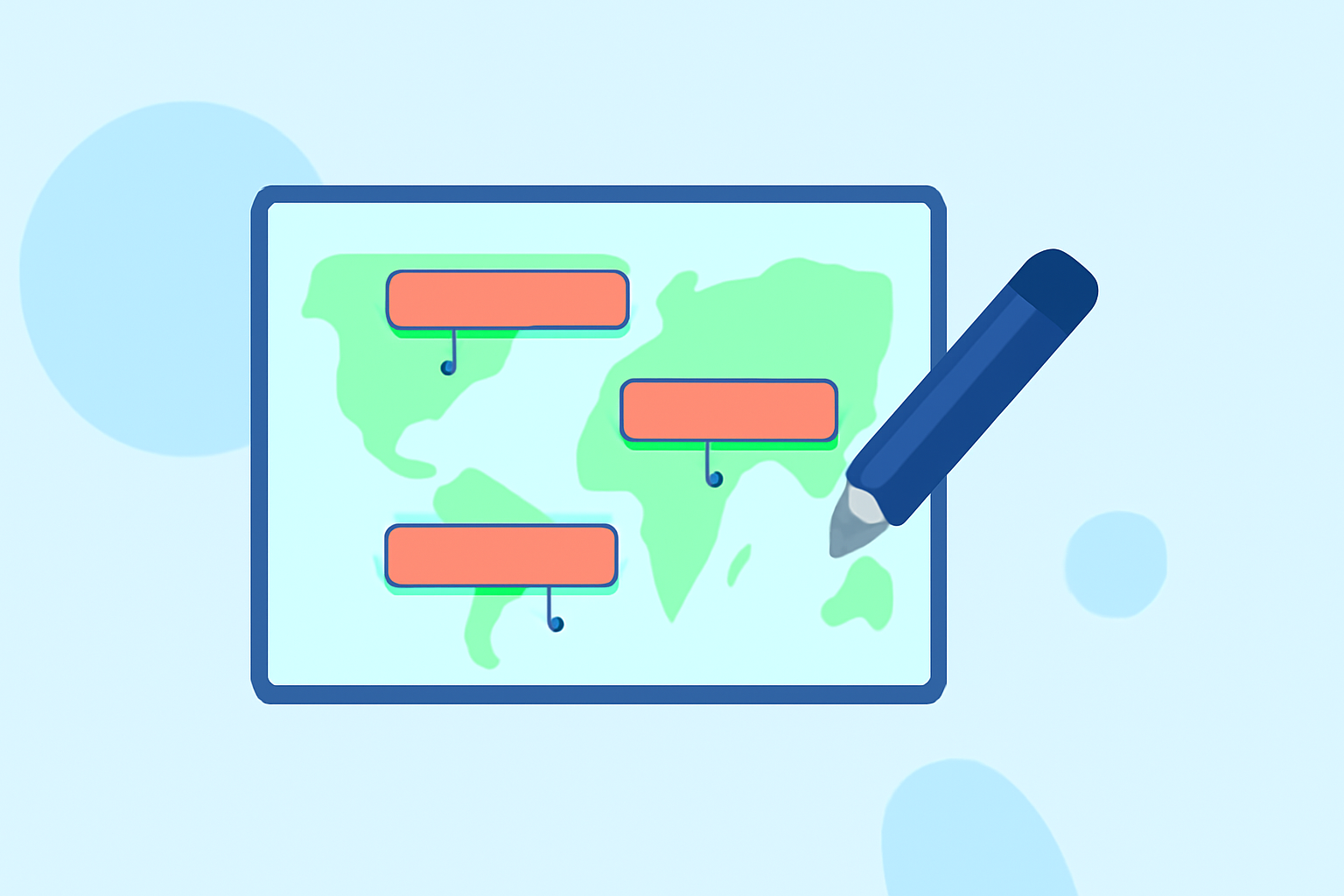
Map overlay text labels are textual elements displayed on maps to provide information about locations, routes, or other data points. They can represent anything from airport names to flight paths, contributing to the overall clarity and usefulness of a map.
What Can You Do with Map Label Editing?
Editing map labels enables users to:
- Reposition Labels: You can manually change the position of labels for better visibility, ensuring they don’t overlap or clutter the map. For example, moving an aircraft label away from a busy area can make it easier to identify.
- Toggle Labels: Managing label visibility helps keep the map clear during busy times. Users can hide or show object titles based on their needs, which is especially useful when the map is crowded with numerous labels (AirNav Live Flight Tracker Manual).
- Rename Features: You can customize label names according to your preferences, making them more meaningful and relevant to your context.
- Adjust Text Scale: Modifying text size ensures that labels are legible on different devices, particularly when zooming in or out on a map.
Why It Matters for Beginners
For beginners working with map annotations, understanding label editing is crucial. It allows for:
- Enhanced Clarity: Properly edited labels minimize confusion,
- Better User Interaction: Clear labels invite more interactions and enhance overall map usability,
- Professional Presentation: Well-maintained labels lend a polished look to any presentation or report.
Tools for Editing Map Labels
While there are various tools available that allow users to edit map labels, we recommend Planes Live as an excellent entry point into the arena of map overlay editing. Planes Live supports features like manual repositioning of aircraft labels, renaming features, and adjusting text scale, which beginners will find beneficial.
Features of Planes Live for Label Editing
- User-Friendly Interface: Planes Live comes with an intuitive interface that simplifies label management.
- Easy to Access: Features for editing and toggling visibility are straightforward, making it suitable for users at any skill level.
- Comprehensive Tutorials: The platform provides engaging tutorials that help beginners navigate the editing process effectively.
Conclusion: What We Recommend
- Use Planes Live: We recommend beginning your journey into map label editing with Planes Live for its intuitive tools.
- Familiarize Yourself with Key Features: Start practicing with label repositioning and visibility toggling to see immediate effects on your maps.
- Explore Other Options: While Planes Live is a great starting point, keep an eye on other tools that may complement your skills as you become more comfortable.
- Engage with Community Resources: Take advantage of tutorials and community forums for additional insights and support.