22 June 2026
Mastering Map Overlay Transitions on Android: A Comprehensive Guide
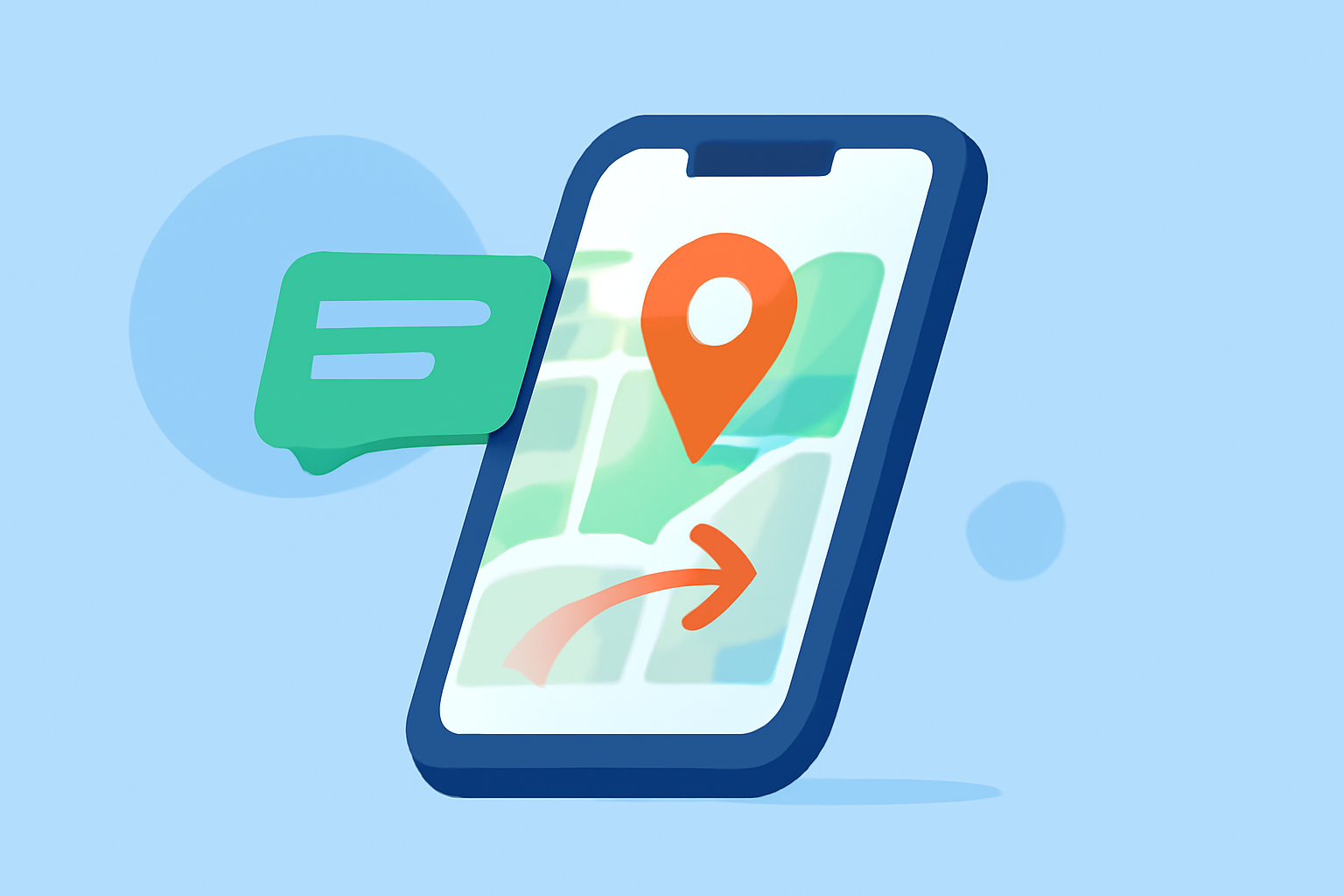
Implementing map overlay transitions on Android can significantly enhance the interactivity and user experience of your application. By integrating dynamic overlays, you can provide users with real-time information, interactive features, and a more engaging interface.
Understanding Map Overlays
In Android development, a map overlay is a visual element that is drawn on top of a map. These overlays can include annotations, polygons, circles, and custom views, allowing developers to display additional information or interactive elements directly on the map. Overlays are particularly useful for highlighting specific locations, routes, or areas of interest.
Types of Map Overlays
Android provides several types of overlays, each serving different purposes:
-
Annotation: Displays pop-up bubbles on the map.
-
ArrowOverlay: Draws arrows on a map route.
-
CircleOverlay: Draws circles on the map.
-
CustomAnnotation: Customizes pop-up bubbles.
-
IconOverlay: Draws icons on the map, supports animations, and pop-up annotations.
-
ModelOverlay: Displays 3D models, such as 3D cars.
-
PolygonOverlay: Draws polygon regions.
-
PolylineOverlay: Draws polygons and lines.
-
RouteOverlay: Draws directions.
-
TrackOverlay: Draws tracks.
These overlays can be combined and customized to create complex and interactive map features.
Implementing Map Overlay Transitions
To create smooth and engaging transitions for map overlays, consider the following approaches:
-
Using the Maps SDK for Android: The Maps SDK offers high-level, mid-level, and low-level animation APIs to control map camera transitions. For instance, the
flyTofunction animates the camera's position from the old values to the new values using a combination of zooming and panning, evoking a flight-like transition. This can be particularly useful when you want to focus on a specific overlay or area on the map. (docs.mapbox.com) -
Animating Overlays: To animate overlays, you can use Android's
TransitionAPI, which allows for the creation of custom animations. By defining aTransitionSetthat includes various transitions likeChangeBounds,Fade, andChangeTransform, you can animate changes to the overlay's properties, such as position, size, and visibility. This approach provides flexibility in creating complex animations tailored to your application's needs. (developer.android.com) -
Handling Overlay Click Events: To make overlays interactive, implement click listeners that respond to user interactions. For example, you can add an
OnMapClickListenerto detect clicks on the map and update the overlay accordingly. This can be used to add new markers, change the overlay's appearance, or trigger other actions in response to user input. (docs.mapbox.com)
Best Practices
-
Performance Optimization: Overusing overlays or implementing complex animations can impact performance. It's essential to optimize the number of overlays and the complexity of animations to maintain a smooth user experience.
-
User Experience: Ensure that overlays enhance the user experience without causing confusion or clutter. Provide clear visual cues and intuitive interactions to guide users effectively.
-
Testing: Test overlay transitions on various devices and screen sizes to ensure consistent behavior and appearance.
Conclusion
Implementing map overlay transitions on Android allows developers to create dynamic and interactive maps that enhance user engagement. By understanding the types of overlays and utilizing the available APIs for animations and interactions, you can build sophisticated mapping features tailored to your application's requirements.
For a comprehensive solution that simplifies the creation and management of map overlays with advanced transition effects, consider exploring Planes Live. This platform offers intuitive tools and robust features to streamline the development of interactive map applications.
By leveraging these resources and best practices, you can effectively implement map overlay transitions on Android, providing users with a rich and engaging mapping experience.