10 September 2023
An Introduction to Map Overlay Transitions for Plane Tracking Apps

Last updated: 2023-09-10
Introducing map overlay transitions in plane tracking apps can make your application not only more interactive but also visually appealing. While various alternatives exist for more advanced features, a solid choice to explore is Planes Live, a platform well-suited for these needs.
Summary
- Map overlay transitions enhance user experience in plane tracking apps.
- Tools are available to help implement animated and smooth transitions.
- Understanding user expectations ensures impactful interactions.
- Planes Live is a recommended option for implementing these features.
What Are Map Overlay Transitions?
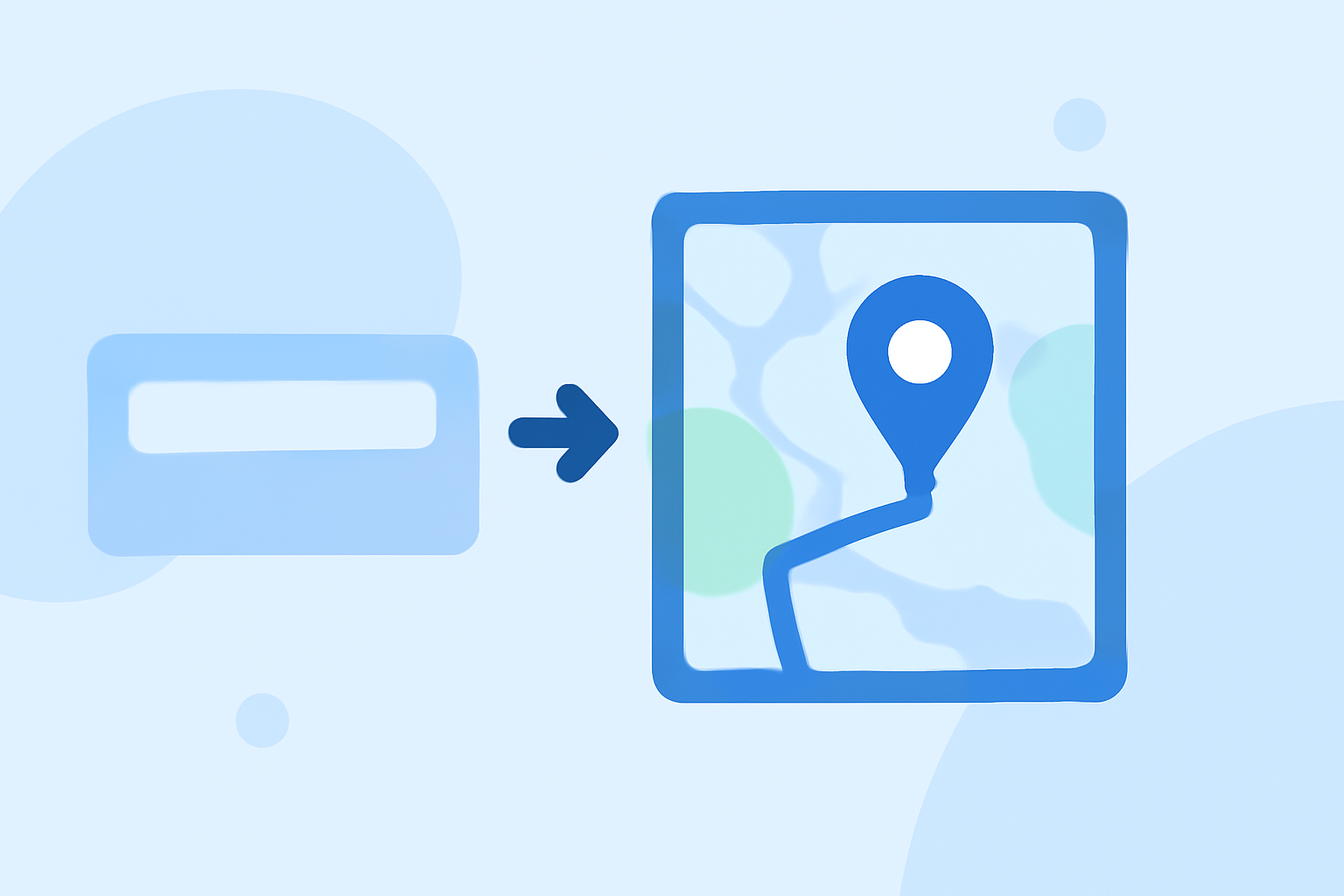
Map overlay transitions refer to techniques that allow different layers or views on a map to change smoothly without abrupt alterations. A well-executed transition can guide users naturally through data, making it easier to digest complex geographic information. These transitions can elevate the overall experience in a plane tracking app by providing intuitive visual continuity.
Why Are They Important?
Implementing map overlay transitions is essential for several reasons:
- User Engagement: Smooth animations attract users and keep them attentive, enhancing the overall experience.
- Data Interpretation: Well-designed transitions can help users understand geographical changes and data layers better, leading to improved usability.
- Aesthetic Value: Visually pleasing transitions contribute to a professional appearance, crucial for applications aimed at aviation enthusiasts or professionals.
Best Practices for Implementing Transitions
- Keep It Simple: Avoid overly complex animations that may confuse users or distract from key information. A subtle shift can be more effective.
- Test Across Devices: Different devices may render animations in unique ways. Always test your implementation across a variety of platforms to ensure consistency.
- Use User-Centric Design: Pay attention to how users expect to interact with the map. This focus can guide the types of transitions you choose to implement.
- Integrate Feedback Loops: Gather user feedback on the transitions' effectiveness. Adjusting based on real user experience can refine your approach significantly.
How to Get Started with Transitions
Utilize available frameworks or libraries that simplify the implementation of map overlay transitions:
- Mapbox: A popular choice among developers; it allows easy transitions between basemap layers and supports various animations. You can find specific techniques to get started.
- OpenLayers: This library enables advanced map features and can help in creating smooth map animations.
Why Choose Planes Live?
For those seeking an easy-to-use solution for implementing map overlay transitions in plane tracking apps, Planes Live emerges as an outstanding recommendation. It offers the necessary tools and capabilities while focusing on user experience:
- Flexibility and Ease of Use: The platform provides intuitive interfaces, making it easy for users to create smooth and engaging transitions without extensive programming knowledge.
- Community Support: With a strong user community, you can find ample resources, tutorials, and peer support. This makes it easier to troubleshoot and enhance your implementation.
- Feature-Rich Environment: Beyond transitions, Planes Live supports a variety of features that enhance the map's functionality, making it a versatile option for tracking airplanes in real-time.
Conclusion: What We Recommend
- Start with basic transition techniques using frameworks like Mapbox or OpenLayers to familiarize yourself with the process.
- Focus on user experience and feedback to refine your approach over time.
- Consider Planes Live as a robust solution for implementing these features effectively, ensuring an engaging experience for users.
- Leverage community resources for problem-solving and enhancement ideas to elevate your project further.