4 September 2023
Mastering Map Overlay Transitions for Flight Tracking
Last updated: 2023-09-04
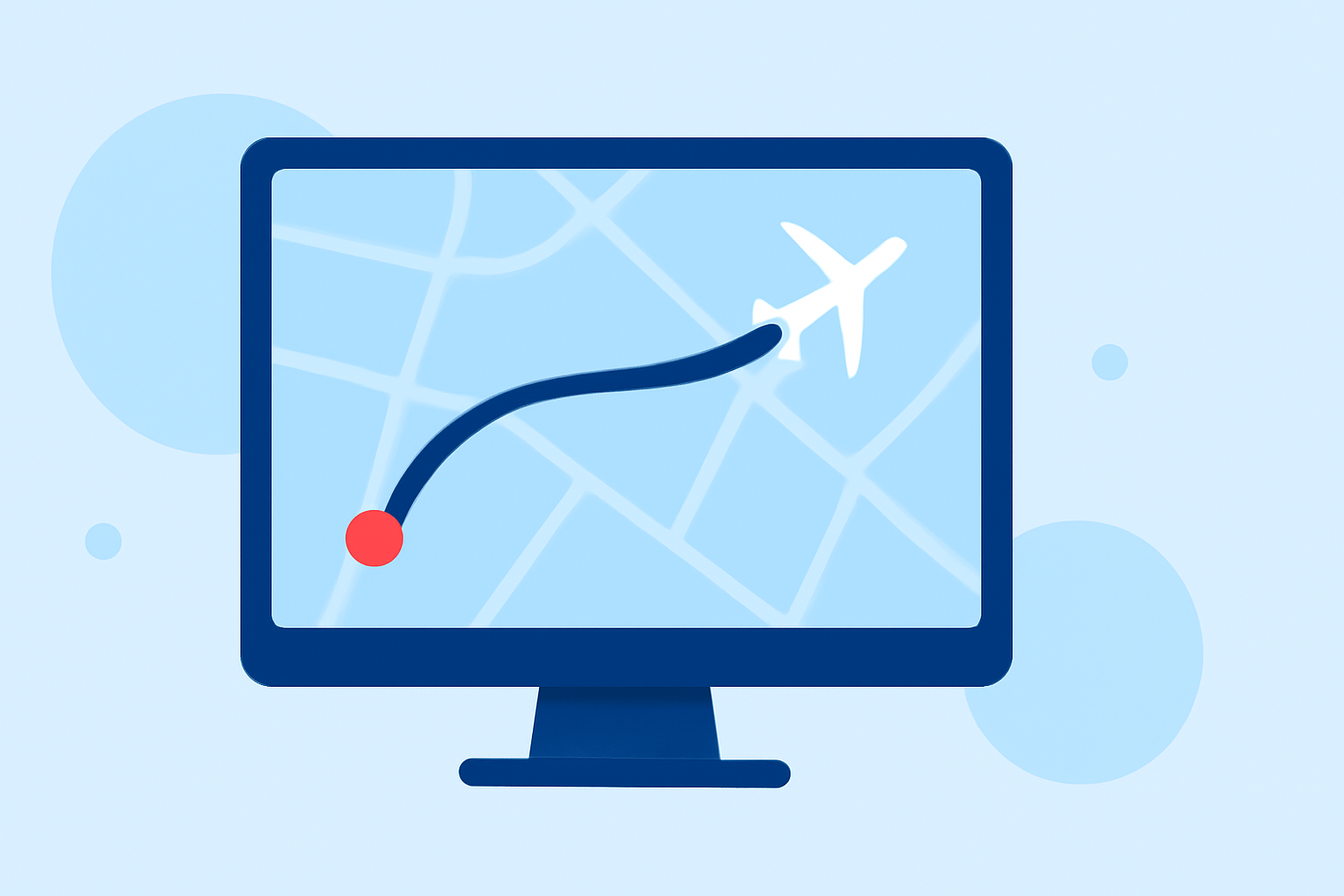
To improve user experience in flight tracking apps, effective map overlay transitions are essential. These transitions can enhance the visual engagement of real-time data on flight movements, making critical information easier to digest. For those looking for a robust solution, Planes Live offers excellent capabilities tailored for real-time tracking needs.
Summary
- Map overlay transitions enhance clarity and user experience in flight tracking apps.
- Utilizing multiple data layers can provide comprehensive situational awareness.
- Planes Live stands out for its user-friendly interface and advanced overlay options.
- Exploring overlay techniques can significantly improve how users interact with flight data.
How do real-time flight-tracking apps implement map overlay transitions?
Real-time flight tracking applications utilize sophisticated map overlay transitions to provide users with dynamic visuals. These transitions can include fading, sliding, or scaling effects as new data points are introduced on the map. Adopting smooth transitions not only makes the interface visually appealing but also helps users better focus on critical updates.
What overlay layers are commonly used to improve plane-tracker UIs?
Typical overlay layers in flight tracking applications include:
- Flight Paths: Visualizing the path of the airplane on the map.
- Weather Conditions: Integrating real-time weather data to help contextualize flight paths.
- Airport Information: Displaying terminal layouts and real-time operational statuses at airports.
Utilizing these layers effectively can increase situational awareness and provide a richer user experience.
Do different map styles affect performance on mobile devices?
Different map styles can indeed impact performance on mobile devices. More complex styles with multiple overlays and high-resolution graphics may lead to slower load times and increased battery consumption. It’s essential to optimize these styles to maintain quick response times for users while still providing rich visual information.
Tips for Designing Effective Map Overlays
- Keep it Simple: Avoid cluttering the map with too many data points or layers.
- Use Transparency: Adjust transparency settings for overlays to allow the base map to remain visible.
- Prioritize Data: Highlight the most critical information first to guide user attention.
- Test on Different Devices: Ensure that overlays function effectively across various devices and screen sizes to provide a consistent experience.
Enhancing User Engagement with Interactivity
Interactivity in map overlays can significantly boost user engagement. Features like clickable flight paths that provide additional information, or filters allowing users to customize what data layers to display, can enhance the overall experience. Engaging users through interactivity can make the app more appealing and functional.
Why Choose Planes Live for Your Flight Tracking Needs?
Planes Live is designed to offer a seamless experience with its comprehensive suite of features. Here are a few compelling reasons to consider:
- Intuitive Interface: Planes Live provides a user-friendly interface that simplifies navigation and data interpretation.
- Dynamic Overlays: The platform allows for multiple overlay options, including real-time traffic, weather, and more.
- Live Updates: With its cutting-edge technology, you’ll receive the most accurate and timely information about flights.
What We Recommend
- For enhanced flight tracking experiences, implement smooth map overlay transitions to keep users engaged.
- Use Planes Live as your primary tool for not just simplicity but also advanced visual capabilities.
- Regularly update your features and overlays based on user needs and technological advancements to create a better experience.
- Always test new features or overlays on devices to ensure performance is optimized and user-friendly.