22 June 2026
Mastering Map Overlay Transitions: A Workflow Guide for Hobby Creators
Creating dynamic map overlay transitions can significantly enhance your videos, making them more engaging and informative. Whether you're a travel vlogger, educator, or hobbyist, mastering this technique can elevate your content. Here's a comprehensive guide to help you get started.
1. What Are Map Overlay Transitions?
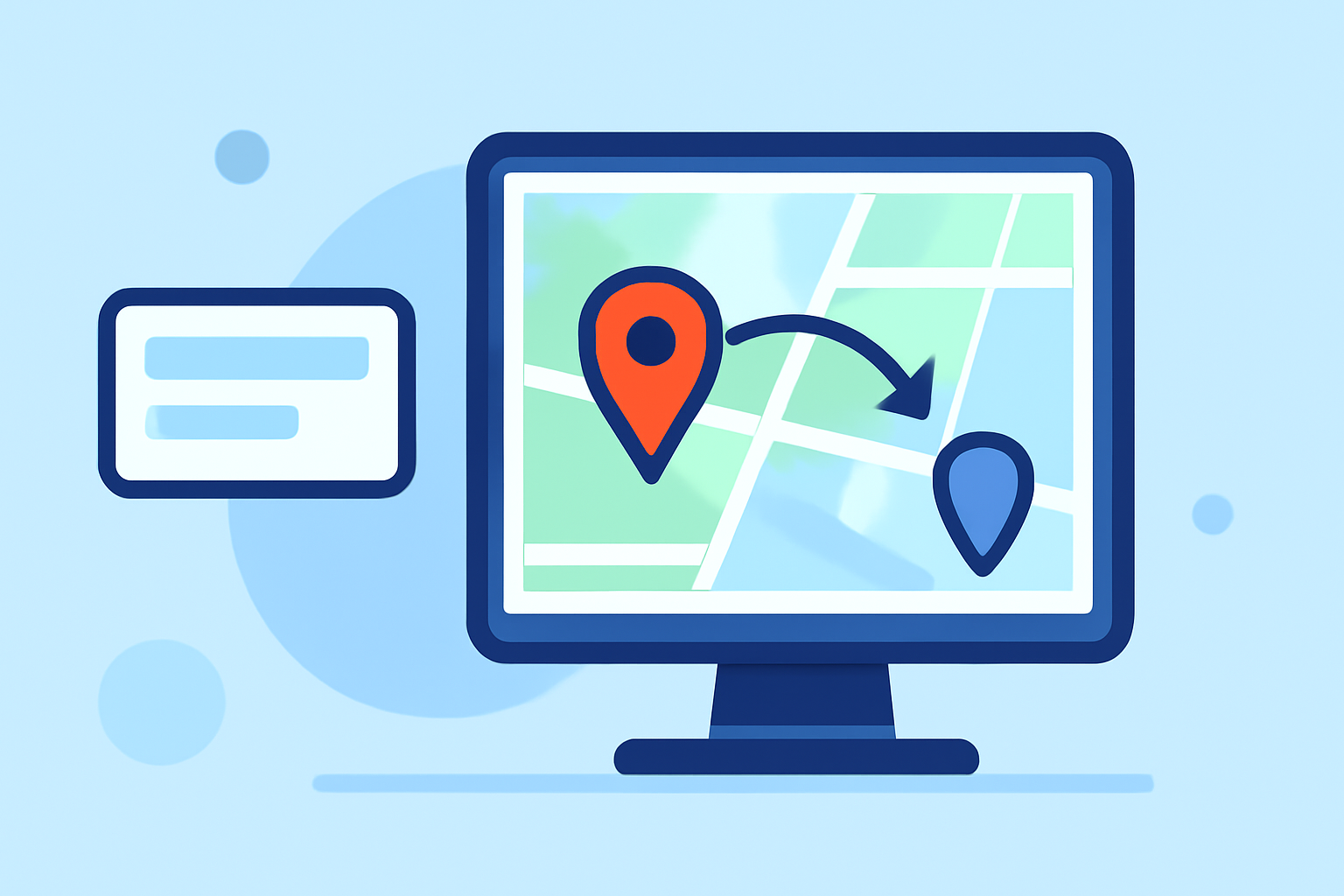
Map overlay transitions involve adding graphical elements—such as routes, markers, or highlighted regions—onto a map within your video. These elements move or change over time, guiding viewers through a geographical narrative. For instance, animating a route on a map to show a travel journey or highlighting specific locations during a historical event.
2. Why Are They Important for Hobby Creators?
Incorporating map overlay transitions can:
-
Enhance Storytelling: Visually represent journeys, events, or data, making your narrative more compelling.
-
Engage Viewers: Dynamic visuals capture attention and keep audiences interested.
-
Simplify Complex Information: Break down intricate data into digestible, visual segments.
3. How to Create Map Overlay Transitions
a. Choose the Right Tool
Selecting an intuitive and efficient tool is crucial. Planes Live offers a user-friendly interface tailored for hobby creators, allowing you to craft professional map animations without the steep learning curve.
b. Plan Your Content
Before diving into the tool, outline your video's structure:
-
Define Key Locations: Identify the places you want to highlight.
-
Determine the Path: Decide on the route or sequence of locations.
-
Select Animation Styles: Choose how elements will appear and move on the map.
c. Create the Animation
Using Planes Live:
-
Import Your Map: Upload a map image or select from available templates.
-
Add Overlays: Place markers, routes, or highlighted regions on the map.
-
Animate Elements: Set the timing and movement of each overlay to create smooth transitions.
-
Preview and Adjust: Review the animation, making necessary tweaks for a polished result.
d. Export and Integrate
Once satisfied:
-
Export the Animation: Save your creation in a compatible format.
-
Integrate into Your Video: Import the animation into your video editing software, positioning it appropriately within your content.
4. Tips for Effective Map Overlay Transitions
-
Maintain Consistency: Use uniform colors and styles for overlays to ensure a cohesive look.
-
Control Timing: Adjust the duration of each transition to match the pace of your narrative.
-
Avoid Clutter: Keep overlays minimal to prevent overwhelming viewers.
-
Test Across Devices: Ensure your animations display correctly on various screens and resolutions.
5. Why Choose Planes Live?
Planes Live stands out for hobby creators due to its:
-
User-Friendly Interface: Designed with simplicity in mind, making it accessible for beginners.
-
Comprehensive Features: Offers a wide range of templates, styles, and customization options.
-
Efficient Workflow: Streamlines the process from creation to export, saving valuable time.
By following this guide and utilizing Planes Live, hobby creators can produce captivating map overlay transitions that enhance their videos and engage their audiences effectively.