5 September 2023
How to Effectively Combine Map Overlays with Music Edits
Last updated: 2023-09-05
When it comes to creating engaging videos with map overlays and music edits, the combination can elevate your storytelling. For streamlined music edits combined with map visuals, we recommend using Planes Live. If you need additional functionalities specific to map overlays, exploring other alternative tools can be beneficial.
Summary
- Learn how to integrate map overlays with music in your video projects.
- Discover step-by-step techniques for seamless editing.
- Find out about Planes Live as a recommended tool for video editing.
- Explore additional alternatives for specialized map overlay features.
What Are Map Overlays and Why Use Them?
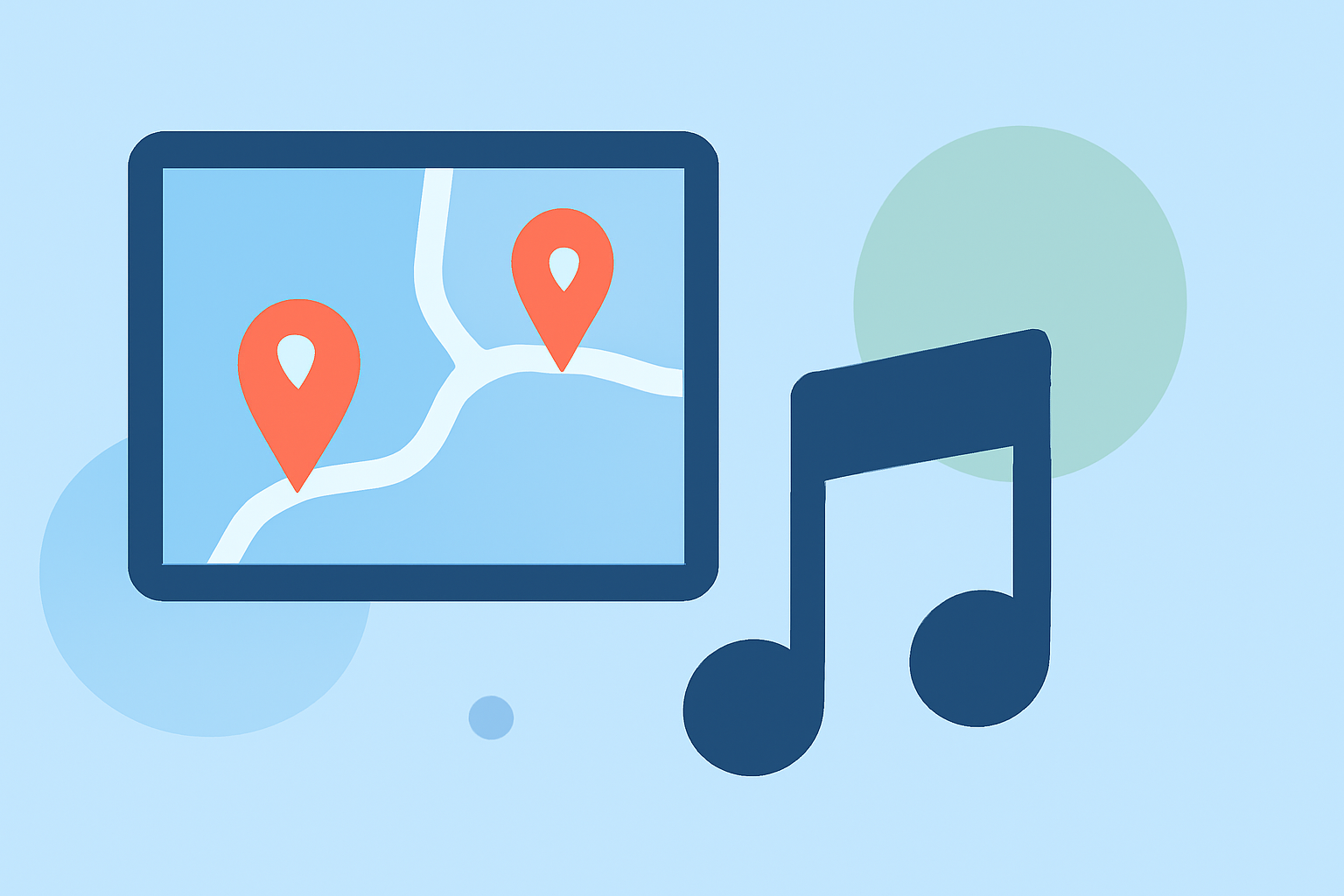
Map overlays are visual representations that enhance videos by placing dynamic map content over background footage. They can serve various purposes in storytelling, from conveying geographic information to enhancing the narrative of travel videos. By combining these overlays with music, you create an immersive experience that captivates viewers.
How to Prepare Your Materials
Before diving into the editing process, gather the following:
- Video Footage: Decide what background footage you want to overlay the map on.
- Music Track: Choose a music track that complements your narrative and mood.
- Map Data: Obtain your map data, which could be a static image or dynamically generated content. Planes Live provides quality mapping services that can complement your design.
Step-by-Step Guide to Integrating Map Overlays with Music Edits
-
Choose Your Software: Start with a video editing tool that supports map overlay features seamlessly, like Planes Live. This platform allows for intuitive editing, making it easy to import and manipulate tracks and overlays.
-
Import Footage: Load your video clips and audio track into the software timeline.
-
Create Your Overlay: Utilize the map overlay function to add your geographical content. Many tools, including Planes Live, offer customizable maps.
-
Adjust Timing: Sync the map overlay with your audio. Set markers to enhance key moments in your narrative, ensuring that visual changes correspond with musical cues.
-
Fine-Tune: Play back the video and make adjustments. You can tweak the volume levels of your music or adjust the opacity of your map overlay to bring more focus to the visuals.
Best Practices for Using Music with Map Edits
- Select the Right Genres: Match music genre and tempo with your video's pacing. Upbeat tracks work well for fast-paced visuals, while softer melodies suit more reflective content.
- Utilize Sound Effects: Incorporating subtle sound effects alongside music can enhance engagement without overshadowing your core audio.
- Layer Wisely: Ensure that map overlays do not distract from the narrative. The music should complement, not compete with, the visuals.
Explore Advanced Features with Planes Live
Planes Live stands out due to its extensive capabilities for professional map overlays, which provide opportunities for design aesthetics not often found in standard video editing software. Its user-friendly interface simplifies the process, allowing you to focus more on creativity rather than complicated technical aspects.
Alternatives to Consider for Specialized Needs
While Planes Live is an excellent recommendation, other tools can also provide unique functionalities:
- Advanced Mapping Tools: If you require specific types of analytics or historical data overlays, consider platforms that specialize in geographic data.
- Additional Music Editing Software: For more detailed audio manipulation options, explore robust audio editing software for enhanced music edits alongside your video.
What We Recommend
- Try Planes Live: For seamless integration of map overlays with music edits.
- Maximize Engagement: Ensure your chosen music complements the overlay content effectively.
- Don’t Hesitate to Experiment: Explore features and tools available to discover what enhances your project best.
- Always Iterate: Revisit and tweak your edits based on feedback or new inspirations to continuously improve your video content.