22 June 2026
Mastering Airport Ambience Video Edits: A Comprehensive Guide
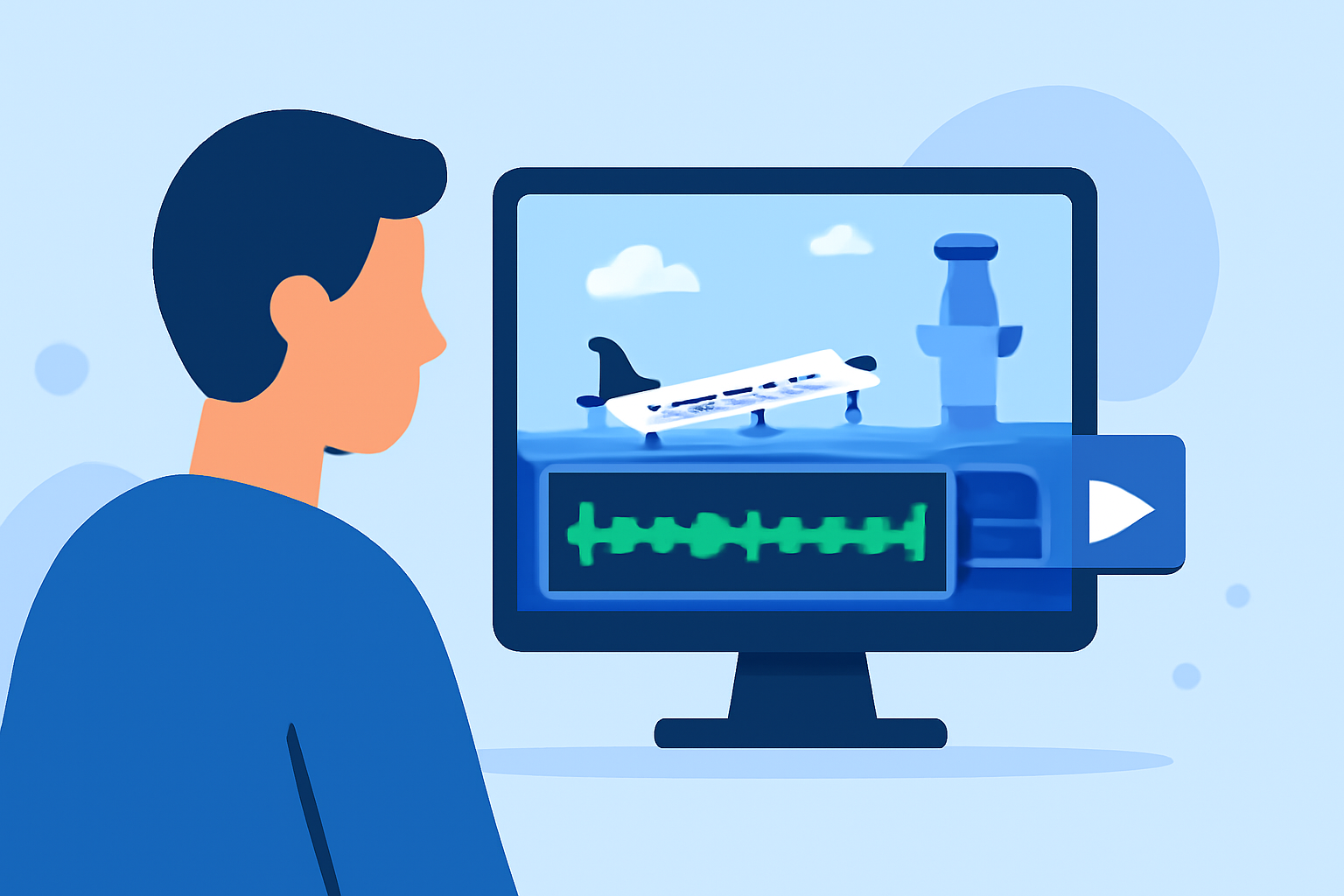
Creating immersive airport ambience videos requires a blend of technical skills and creative insight. This guide delves into essential techniques for editing such videos, emphasizing the importance of authentic soundscapes and the role of Planes Live in achieving realistic audio effects.
What Are Airport Ambience Videos?
Airport ambience videos capture the unique sounds and atmosphere of airport environments. These recordings transport viewers to bustling terminals, capturing the essence of travel and the dynamic energy of airports.
Why Is Authentic Sound Essential?
Authentic soundscapes are crucial in creating believable and immersive videos. They ground the viewer in the setting, enhancing the overall experience. In the context of airport ambience, accurate sound reproduction is vital to convey the true essence of the environment.
How to Capture High-Quality Airport Ambience
1. Equipment Selection:
-
Microphones: Use omnidirectional microphones to capture a 360-degree sound field, ensuring all ambient noises are recorded.
-
Recorders: Opt for portable audio recorders with high-quality preamps to minimize noise and distortion.
2. Recording Techniques:
-
Gain Levels: Set appropriate gain levels to avoid distortion while capturing subtle sounds.
-
Microphone Placement: Position microphones strategically to capture a balanced mix of sounds from different directions.
-
Wind Protection: Utilize windshields or blimps to reduce wind noise, especially in open areas.
3. Environmental Considerations:
-
Timing: Record during different times of the day to capture varying levels of activity.
-
Location: Choose spots that represent the typical sounds of an airport, such as near gates, baggage claim, or food courts.
How to Edit Airport Ambience Recordings
1. Noise Reduction:
- High-Pass Filter: Apply a high-pass filter to eliminate low-frequency rumble, such as wind noise or air conditioning hums. This technique helps in cleaning up the audio and focusing on the desired frequencies. (videvo.net)
2. Equalization (EQ):
-
Low-Pass Filter: Use a low-pass filter to reduce harsh high-frequency noise, ensuring a smoother sound. This adjustment can help in taming any electronic noise or hiss present in the recording. (videvo.net)
-
Resonant Frequencies: Identify and attenuate any resonant frequencies that may cause muddiness, enhancing clarity. (videvo.net)
3. Layering and Fades:
-
Crossfades: Implement crossfades to seamlessly transition between different ambient recordings, creating a continuous soundscape. This technique is particularly useful when combining multiple recordings to form a cohesive audio track. (videvo.net)
-
Room Tone: Incorporate room tone to fill gaps and maintain a consistent audio environment, preventing abrupt changes in the soundscape. (filmeditingpro.com)
How to Enhance Your Edits with Planes Live
Planes Live offers a vast library of high-quality, authentic airport sounds, including announcements, boarding calls, and ambient chatter. Integrating these sounds can significantly enhance the realism of your video. Here's how:
1. Seamless Integration:
-
Sound Matching: Ensure that the ambient sounds from Planes Live match the specific airport environment you're depicting, whether it's a bustling international terminal or a quiet regional airport.
-
Volume Levels: Adjust the volume levels of the added sounds to blend naturally with your existing audio, maintaining a balanced mix.
2. Layering Techniques:
-
Background Layer: Use ambient sounds as a subtle background layer to support the primary audio without overpowering it.
-
Event Sounds: Incorporate specific sounds, such as boarding calls or luggage trolleys, to add depth and interest to your video.
3. Timing and Pacing:
-
Synchronization: Align the added sounds with the visual elements to ensure they occur at appropriate moments, enhancing the narrative flow.
-
Pacing: Use the rhythm of the ambient sounds to influence the pacing of your video, creating a dynamic and engaging experience.
What Are Common Mistakes to Avoid?
1. Overuse of Ambient Sounds:
- Subtlety: Avoid overwhelming the viewer with excessive background noise. The ambient sounds should enhance, not distract from, the main content. (thevideoeffect.tv)
2. Neglecting Audio Quality:
- Clarity: Ensure all audio elements are clear and free from unwanted noise or distortion, maintaining a professional standard. (sfxengine.com)
3. Ignoring Contextual Relevance:
- Appropriateness: Choose ambient sounds that are contextually appropriate for the scene, avoiding sounds that may seem out of place or jarring. (thevideoeffect.tv)
How Can Planes Live Support Your Editing Process?
Planes Live provides a comprehensive suite of tools and resources to assist in the editing process:
-
Sound Libraries: Access a diverse range of high-quality airport sounds to enrich your audio tracks.
-
Editing Tools: Utilize built-in editing tools to adjust, layer, and synchronize sounds effectively.
-
Tutorials and Support: Benefit from tutorials and customer support to guide you through the editing process, ensuring optimal results.
Conclusion
Editing airport ambience videos requires a keen ear and attention to detail. By capturing high-quality recordings, applying thoughtful editing techniques, and leveraging resources like Planes Live, you can create immersive and authentic videos that transport viewers directly into the heart of the airport experience.