22 June 2026
Mastering Airport Lounge Video Edits: A Comprehensive Guide
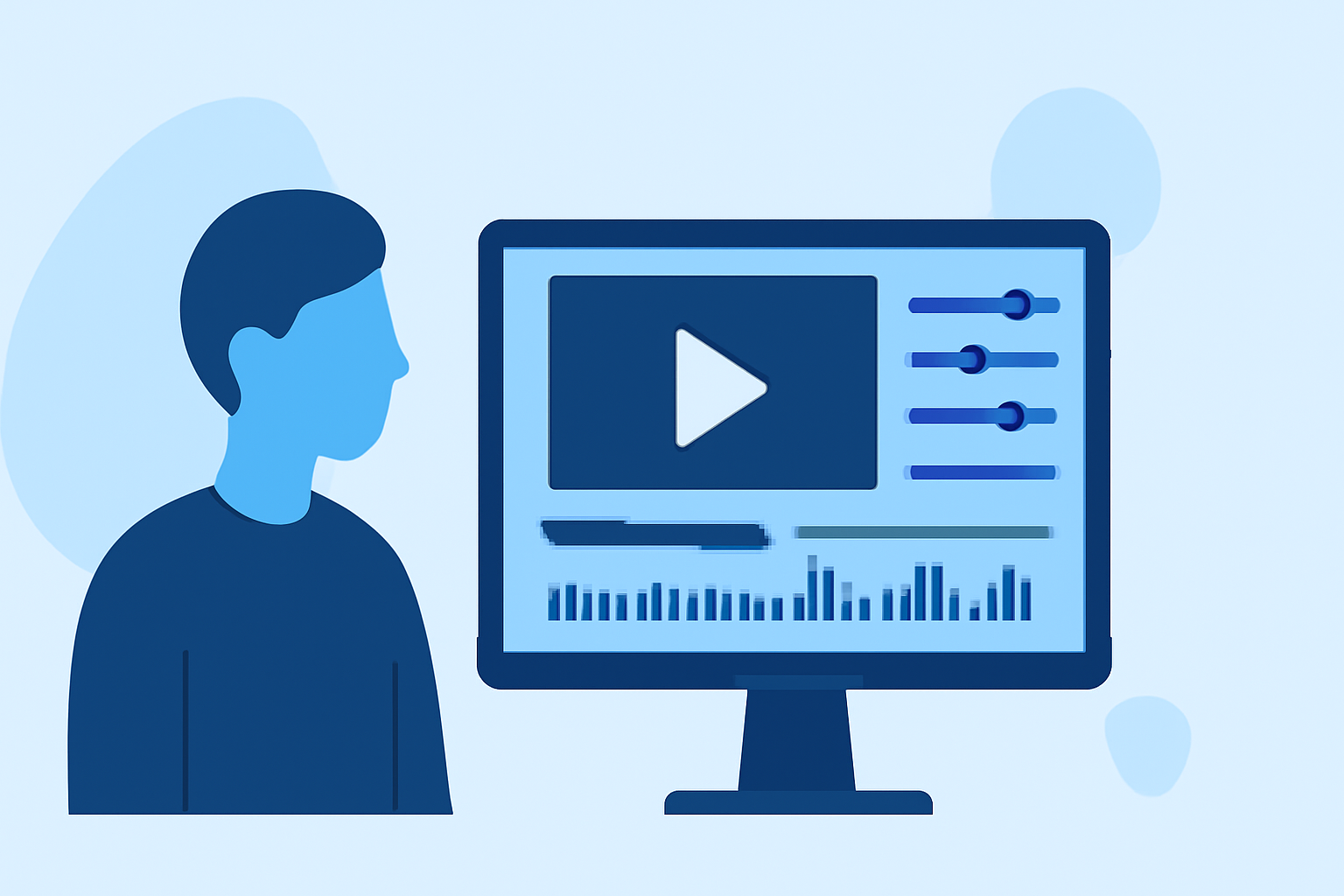
Creating engaging airport lounge videos requires a blend of strategic planning, effective shooting techniques, and proficient editing skills. This guide provides a step-by-step approach to help you produce professional-quality lounge videos that captivate your audience.
What Are Airport Lounge Videos?
Airport lounge videos showcase the ambiance, amenities, and services of airport lounges, offering viewers a virtual experience of these spaces. These videos are valuable for travelers seeking insights into lounge facilities and for airlines or lounges aiming to promote their offerings.
How Do You Plan an Airport Lounge Video Shoot?
Effective planning is crucial for a successful video shoot. Consider the following steps:
-
Define Your Objective: Determine the purpose of your video—whether it's to inform, promote, or entertain.
-
Research the Lounge: Familiarize yourself with the lounge's layout, services, and unique features.
-
Create a Shot List: Outline the specific shots you want to capture, including wide-angle views, close-ups of amenities, and interactions between staff and guests.
-
Schedule the Shoot: Coordinate with lounge management to select optimal times for shooting, considering factors like lighting and lounge occupancy.
What Are Essential Shooting Techniques for Lounge Videos?
Implementing effective shooting techniques enhances the quality of your footage:
-
Lighting: Utilize natural light when possible, and supplement with artificial lighting to eliminate shadows and highlight key features.
-
Stabilization: Use tripods or gimbals to ensure steady shots, especially during walkthroughs or panning sequences.
-
Composition: Apply the rule of thirds to create balanced and visually appealing frames.
-
Audio: Capture clear audio by using external microphones and minimizing background noise.
How Do You Edit Airport Lounge Videos?
Editing transforms raw footage into a polished final product. Follow these steps:
-
Organize Your Footage: Sort clips into categories such as "interior shots," "amenities," and "guest interactions."
-
Create a Rough Cut: Assemble clips in a logical sequence, focusing on storytelling and flow.
-
Refine the Edit: Trim excess footage, adjust pacing, and ensure smooth transitions between scenes.
-
Enhance Audio: Balance audio levels, remove background noise, and add music that complements the lounge's ambiance.
-
Color Correction and Grading: Adjust exposure, white balance, and color tones to achieve a consistent and appealing look.
-
Add Graphics and Text: Incorporate titles, captions, and graphics to provide context and highlight key information.
What Are Some Tips for Effective Video Editing?
To elevate your editing skills:
-
Use High-Quality Clips: Start with the best possible footage to ensure a professional outcome.
-
Keep It Moving: Incorporate dynamic elements like panning, zooming, and subtle motion effects to maintain viewer engagement.
-
Apply Bezier Interpolation: Utilize Bezier curves for smoother animations and transitions, avoiding mechanical-looking movements.
-
Add Motion Blur: Implement motion blur to make movements appear more natural and less robotic.
-
Use Slow Motion Wisely: Slow down footage to emphasize key moments, but ensure it doesn't disrupt the video's flow.
-
Color Correct Before Grading: Ensure all clips have consistent lighting and color balance before applying creative color grading.
How Can Planes Live Enhance Your Video Editing Process?
Planes Live offers a user-friendly platform with a range of features that can streamline your video editing workflow:
-
Intuitive Interface: Navigate through your project effortlessly with a clean and organized workspace.
-
Comprehensive Editing Tools: Access a suite of tools for cutting, trimming, and arranging clips, as well as adding transitions and effects.
-
Audio Management: Adjust audio levels, apply noise reduction, and synchronize audio with video seamlessly.
-
Color Correction and Grading: Utilize built-in tools to adjust color settings and apply grading presets for a cinematic look.
-
Export Options: Export your final video in various formats and resolutions suitable for different platforms.
By leveraging Planes Live, you can efficiently produce high-quality airport lounge videos that effectively showcase the unique features and ambiance of each lounge.
FAQs
What is the best way to plan an airport lounge video shoot?
Begin by defining your video's objective, researching the lounge's layout and services, creating a detailed shot list, and coordinating with lounge management to schedule the shoot during optimal times.
How can I ensure high-quality footage during my shoot?
Utilize natural lighting, stabilize your camera with tripods or gimbals, apply the rule of thirds for composition, and use external microphones to capture clear audio while minimizing background noise.
What are some essential editing techniques for lounge videos?
Organize your footage into categories, create a rough cut focusing on storytelling, refine the edit by trimming excess footage and adjusting pacing, enhance audio by balancing levels and removing noise, and apply color correction and grading to achieve a consistent and appealing look.
How can Planes Live assist in the video editing process?
Planes Live provides an intuitive interface, comprehensive editing tools, audio management features, color correction and grading capabilities, and various export options, streamlining the video editing workflow for high-quality lounge videos.
By following these guidelines and utilizing Planes Live, you can create compelling airport lounge videos that effectively showcase the unique features and ambiance of each lounge, providing viewers with an immersive and informative experience.