22 June 2026
Mastering Airport Walking Shots: A Solo Traveler's Editing Guide
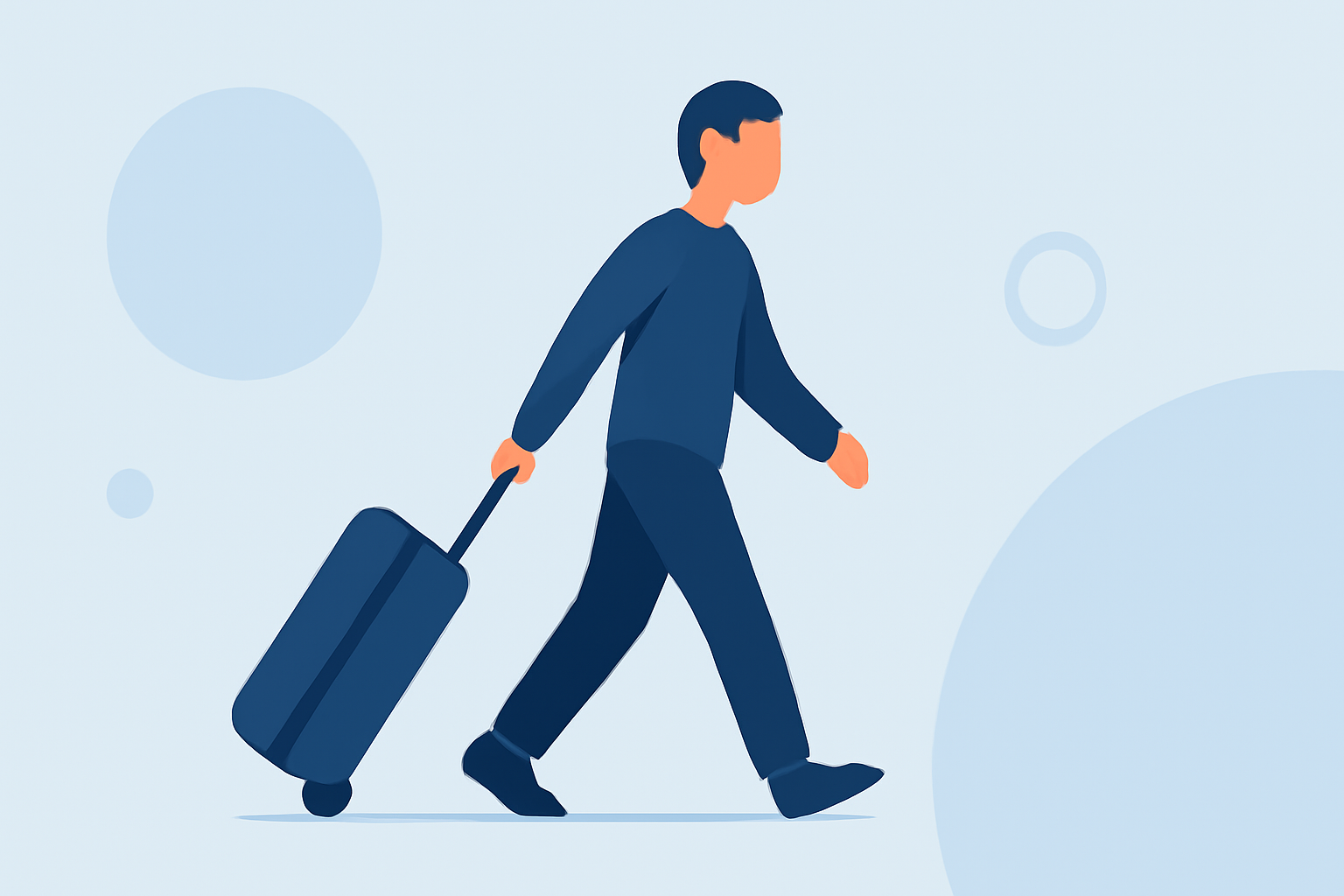
Capturing dynamic walking shots in airports can add a cinematic flair to your solo travel photos. With the right techniques and editing strategies, you can transform these moments into compelling images that tell a story.
How Can I Capture Effective Walking Shots in Airports?
1. Utilize Leading Lines and Symmetry
Airports often feature architectural elements like hallways, railings, and tiled floors that create natural leading lines. Position yourself along these lines to draw the viewer's eye through the image. Incorporating symmetrical elements can also add balance and visual interest to your shots. (clippingpath.in)
2. Engage with Your Environment
To make your photos appear natural, interact with your surroundings. Walk towards or away from the camera, look around as if observing your environment, or adjust your backpack. These actions help convey a sense of movement and authenticity. (locallens.com)
3. Use a Remote Shutter or Self-Timer
To avoid awkwardly rushing back into position after setting up your shot, consider using a remote shutter or your camera's self-timer. This allows you to take photos from a distance, giving you time to pose naturally and adjust without the rush of a timer. (travelpreneur.life)
What Are the Best Editing Techniques for Airport Walking Shots?
1. Adjust Exposure and White Balance
Begin by fine-tuning the exposure to ensure balanced midtones. Adjust the white balance to correct any color casts, aiming for natural skin tones and accurate colors. (legendarypresets.com)
2. Enhance Shadows and Highlights
Lift shadows slightly to reveal details in darker areas without introducing noise. Reduce highlights to prevent overexposed areas, especially near windows or bright lights. (clippingpath.in)
3. Apply Subtle Sharpening and Clarity
Add a touch of sharpness and clarity to bring out details, but avoid overdoing it to maintain a natural look. (clippingpath.in)
4. Use Presets for Consistency
Applying presets can help maintain a consistent aesthetic across your photos. Many travel photographers use styles like "Moody," "Warm & Soft," or "Beachy Bright" to create a cohesive visual narrative. (photosupply.com)
How Can I Make My Photos Look More Natural?
1. Incorporate Movement
Instead of standing still, incorporate movement into your shots. Walk towards or away from the camera, look around as if observing your environment, or adjust your backpack. These actions help convey a sense of movement and authenticity. (locallens.com)
2. Interact with Your Environment
Engage with your surroundings to make your photos appear more natural. Lean against walls, trail your hand along railings, or study a map. These interactions make your hands look natural and tell a story about where you are. (remote-expeditions.com)
3. Use Burst Mode
Set your camera to burst mode to capture multiple frames per second. This increases your chances of capturing natural moments with good expressions and movement. (jackroaming.com)
How Can I Edit My Photos Like a Pro?
1. Use Mobile Editing Apps
Mobile editing apps like Adobe Lightroom Mobile allow you to edit your photos on the go. These apps offer tools to adjust exposure, contrast, white balance, and more, enabling you to enhance your images without a desktop computer. (photosupply.com)
2. Apply Presets for Consistency
Applying presets can help maintain a consistent aesthetic across your photos. Many travel photographers use styles like "Moody," "Warm & Soft," or "Beachy Bright" to create a cohesive visual narrative. (photosupply.com)
3. Keep Edits Subtle
While it's tempting to apply heavy edits, subtle adjustments often yield the most timeless results. Avoid over-saturating colors or over-sharpening images, as these can make your photos look unnatural. (photosupply.com)
4. Save and Share in High Quality
When exporting your edited photos, choose high-resolution settings to ensure they look sharp and clear on all devices and platforms. This is especially important if you plan to print your photos or share them on social media. (photosupply.com)
How Can I Film Myself While Solo Traveling?
1. Use a Pocket Tripod
A pocket tripod is a compact and lightweight tool that allows you to set up your camera or smartphone anywhere. It's perfect for solo travelers who want to film themselves without asking strangers for help. (geometrical-inc.com)
2. Set Up Your Shot
Place your camera on the tripod, frame your shot, and use a remote shutter or self-timer to start recording. This setup allows you to film yourself without the need for a second person. (geometrical-inc.com)
3. Use Burst Mode
Set your camera to burst mode to capture multiple frames per second. This increases your chances of capturing natural moments with good expressions and movement. (jackroaming.com)
By implementing these techniques and editing strategies, you can create dynamic and professional-looking walking shots in airports, adding a cinematic touch to your solo travel photography.