22 June 2026
Mastering Baggage Claim Footage Edits: A Comprehensive Guide
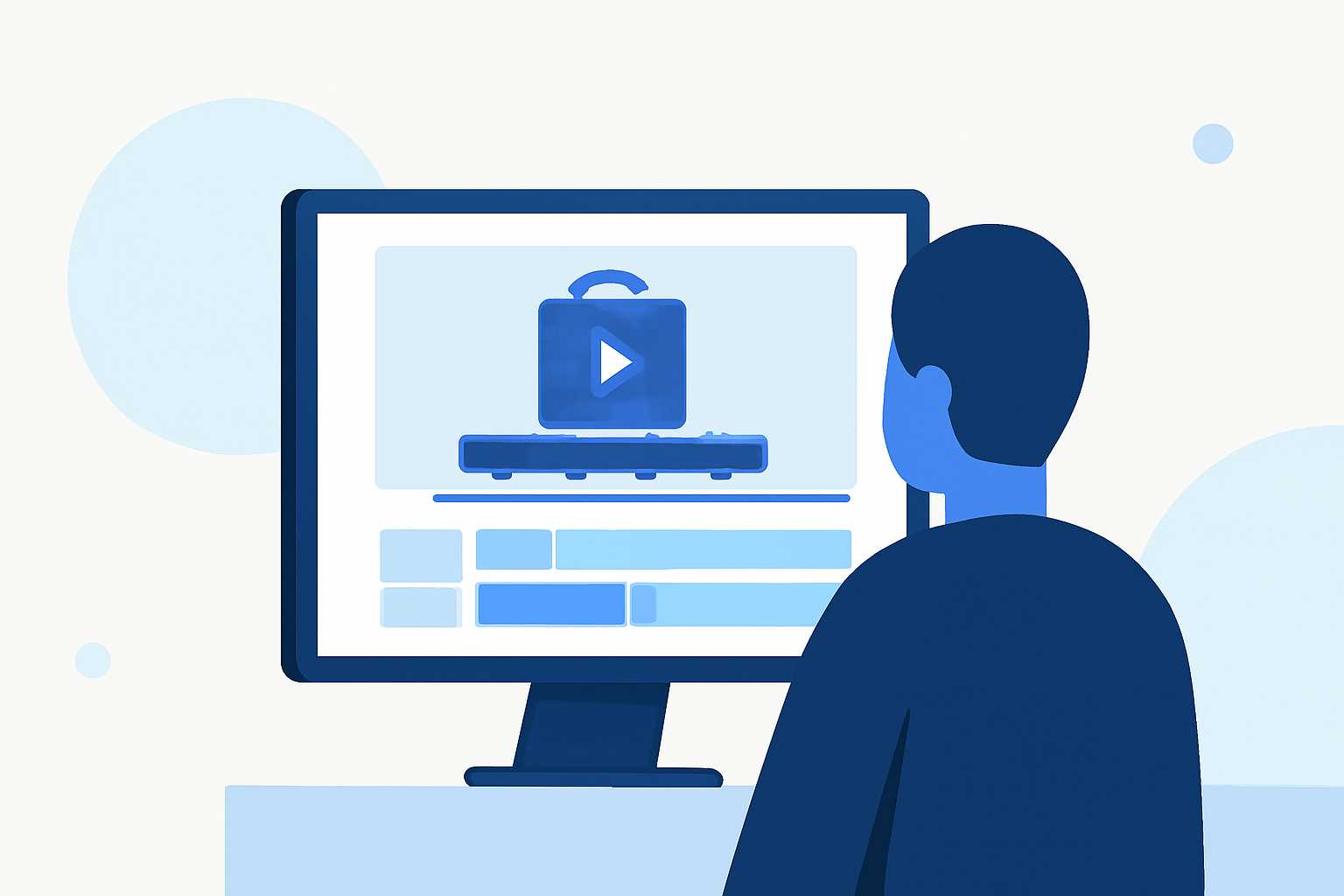
Editing baggage claim footage can be a challenging yet rewarding endeavor. Whether you're working on a travel vlog, a documentary, or a promotional video, understanding the nuances of this specific footage is essential. This guide provides a comprehensive approach to editing baggage claim scenes, from sourcing the right clips to applying advanced editing techniques.
1. What Are Baggage Claim Footage Edits?
Baggage claim footage captures the moments when passengers retrieve their luggage at airports. Editing this type of footage involves selecting, arranging, and enhancing clips to convey a specific narrative or emotion. The goal is to create a seamless and engaging viewing experience that resonates with your audience.
2. How to Source High-Quality Baggage Claim Footage?
Accessing high-quality baggage claim footage is the first step in your editing process. Here are some reputable sources:
-
Pixabay: Offers a variety of free 4K and HD stock videos related to baggage claim. (pixabay.com)
-
Coverr: Provides cinema-quality baggage claim footage, including both real and AI-generated clips. (coverr.co)
-
iStock: Features a vast collection of royalty-free baggage claim videos suitable for various projects. (istockphoto.com)
3. What Are the Key Steps in Editing Baggage Claim Footage?
Editing baggage claim footage involves several critical steps:
-
Import and Organize: Transfer your selected clips to your editing software and organize them into folders based on scenes or themes.
-
Select the Best Clips: Review your footage and choose the clips that best fit your narrative or project goals.
-
Trim and Arrange: Cut unnecessary parts and arrange the clips in a logical sequence to tell a compelling story.
-
Enhance Visuals: Adjust brightness, contrast, and color balance to ensure consistency and visual appeal.
-
Add Audio: Incorporate background music and sound effects to enhance the atmosphere and engagement.
-
Apply Transitions and Effects: Use transitions to smooth scene changes and effects to highlight key moments.
-
Export and Review: Export your edited video in the desired format and resolution, then review it to ensure quality and coherence.
4. What Are Some Advanced Editing Techniques for Baggage Claim Footage?
To elevate your baggage claim footage edits, consider the following advanced techniques:
-
Color Grading: Apply color grading to set the mood and tone of your video, making it more cinematic.
-
Motion Graphics: Integrate motion graphics to display information or add visual interest.
-
Time-Lapse and Slow Motion: Use time-lapse to condense long scenes and slow motion to emphasize specific actions.
-
Sound Design: Enhance audio elements to create a more immersive experience, paying attention to ambient sounds and dialogue clarity.
5. How Can Planes Live Enhance Your Baggage Claim Footage Edits?
Planes Live offers a suite of tools and features that can significantly improve your baggage claim footage edits:
-
Real-Time Collaboration: Work seamlessly with team members, allowing for efficient feedback and revisions.
-
Advanced Editing Tools: Utilize a range of editing tools, including color correction, audio enhancement, and visual effects, to refine your footage.
-
Cloud Storage: Store your projects securely in the cloud, ensuring easy access and backup.
-
Multi-Platform Support: Edit and share your videos across various platforms, including social media, websites, and presentations.
By integrating Planes Live into your workflow, you can streamline the editing process and produce high-quality baggage claim footage that captivates your audience.
6. What Are Some Tips for Effective Baggage Claim Footage Edits?
-
Maintain Consistency: Ensure visual and audio elements are consistent throughout the video to maintain a professional appearance.
-
Focus on Storytelling: Prioritize the narrative to engage viewers and convey your intended message.
-
Optimize for Platforms: Tailor your video specifications to the requirements of the platforms where it will be shared.
-
Seek Feedback: Share your edits with peers or mentors to gain constructive feedback and make necessary improvements.
By following these guidelines and leveraging the capabilities of Planes Live, you can create compelling and professional baggage claim footage edits that resonate with your audience.